
Vyond
Paid
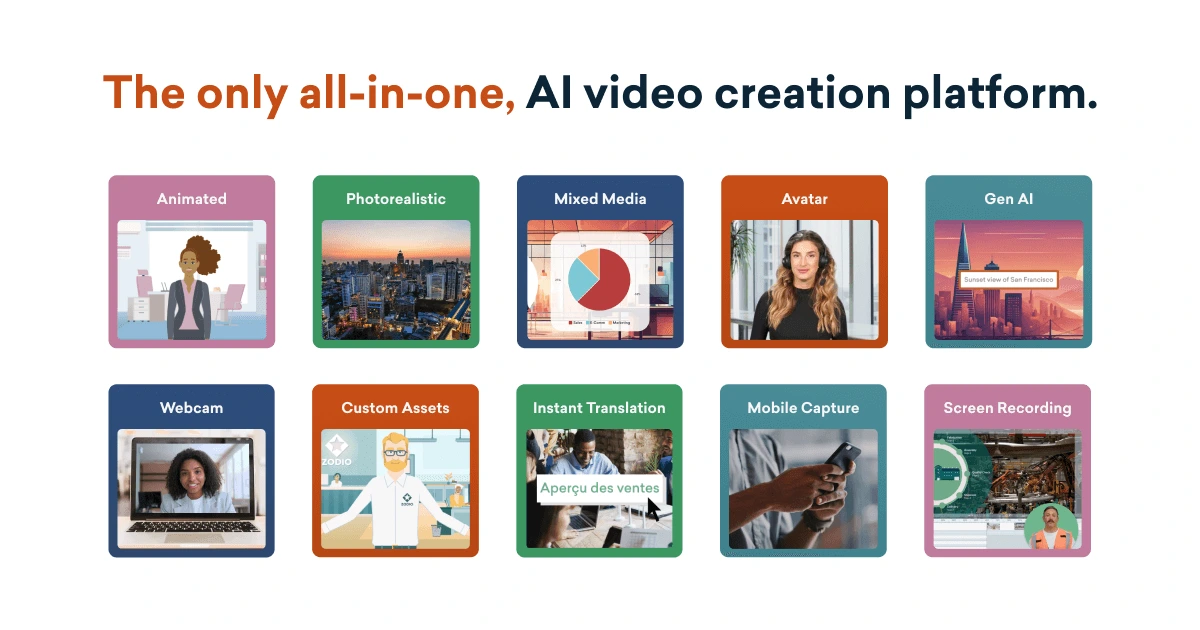
Create animated and live-action videos with AI avatars, text-to-video generation, and multilingual output for corporate training and marketing content.
About
Vyond is a cloud-based video creation platform for animated and live-action videos. It sits in video generation work.
You get two paths: Vyond Go makes videos from text prompts or documents in seconds, and Vyond Studio gives you full editing with templates, characters, and props.
The tool is built for speed over originality. You trade creative control for getting something presentable fast.
Open it if you need training or explainer videos without hiring animators. Skip it if you want hand-crafted or cinematic results.
Who Vyond is best for
It shows its value when you need volume, speed, and consistency.
- HR and L&D teams building training at scale: You make onboarding and compliance videos that all look like they came from the same place. Brand controls keep everything consistent.
- Corporate communications teams: You turn internal announcements into watchable video fast. No one needs animation skills to get started.
- Instructional designers: You build scenario-based training with characters who can slide, dance, or cry while speaking. Pose and expression controls add personality that templates alone cannot.
- Marketers needing quick explainer videos: You get product explainers and social clips without waiting on a video team. The drag-and-drop interface works for non-designers.
- Educators creating explainer videos without animation skills: You turn lessons into visual content without touching After Effects. The learning curve is gentle compared to professional tools.
- Teams needing multiple videos annually: You pay once and produce repeatedly. Annual pricing beats custom animation costs quickly.
- Organizations requiring security certifications: You get SOC 2 Type II, GDPR, and FedRAMP in process for enterprise compliance.
- Businesses prioritizing speed over creative uniqueness: You accept that videos may feel same-y. The template library limits artistic flexibility but removes blank-page delays.
Best things about Vyond
These parts still work after the novelty wears off.
- Fast video creation with templates: You pick a starting point, swap characters, and add narration. Presentable results come in under an hour.
- Vyond Go script-to-video AI: You type a topic and get a drafted script, scene breakdown, and narration in under a minute. Proofreading still required, but storyboard time drops sharply.
- Character animation control: You adjust poses, expressions, and actions frame by frame. Lip-sync to uploaded audio works better than competitors.
- Photo-to-Character generator: You turn actual headshots into avatars. No hunting for stock lookalikes for internal training.
How you use Vyond
The path depends on how much control you need.
- Open Vyond Go and type your topic, paste a document, or add a URL.
- Pick a tone and visual style, then let the AI generate a first draft.
- Open Vyond Studio to edit scenes, swap characters, and adjust timing.
- Export as MP4 or GIF when ready.
Why you should ignore it
The limits are real and costly.
- Expensive for individuals: You pay at least $99 monthly. Solo creators and small teams feel priced out quickly.
- AI credit system: You burn credits fast for AI features. Users call the setup punitive and money-grabbing.
- Template-based constraints: Your videos look like others made in Vyond. Creative flexibility stops where the asset library ends.
- Cloud-only dependency: You cannot work offline. Internet outages kill your workflow.
- No live footage or screen recording: You cannot mix animation with real video or record software demos.