
Visla
Freemium
Create, edit, and collaborate on professional videos using AI generation, avatars, voice cloning, and screen recording, with options to start from text, scripts, or existing media.
About
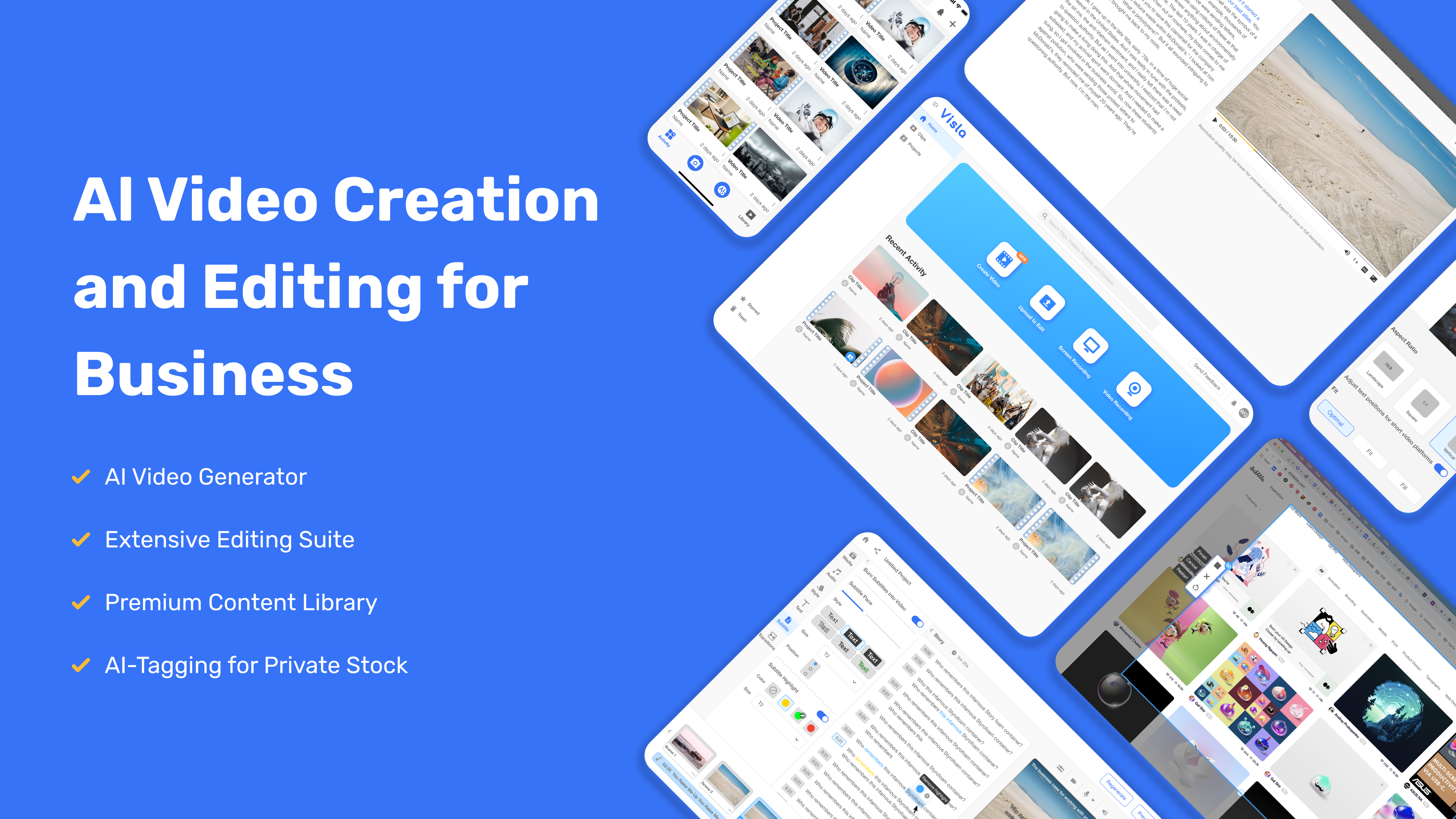
Visla is a video generation tool. It turns text, scripts, PDFs, PowerPoints, and recordings into draft videos you can edit scene by scene.
You upload what you have. The AI breaks it into scenes, adds stock footage, voiceover, and music. You swap out what does not fit.
It is built for business teams, not film editors. It works best when you need fast drafts, not perfect final cuts.
Open it if you need training videos or internal updates fast. Skip it if you want deep creative control or one-click perfection.
Who Visla is best for
It fits when your job looks like this.
- Marketing teams: You turn blog posts into social videos quickly. You still check the visuals before you post.
- Training and L&D teams: You make software tutorials and SOP guides from screen recordings. The AI captures clicks and adds text overlays.
- Sales teams: You need product demos without hiring a video editor. You trade polish for speed.
- Non-editors: You do not know traditional editing. You get a scene-based interface that feels like slides, not a timeline.
- Teams with documents: You have PDFs, PowerPoints, or scripts. You want video drafts, not blank projects.
- Teams needing approvals: You share workspaces and comment before anything goes live. Security compliance matters.
- Users testing AI video: You want to try the workflow before you pay for better tools. You tolerate limits to learn.
- Casual social creators: Your needs are simple. You do not mind generic stock footage.
Best things about Visla
These are the parts that stick after you use it.
- Multi-modal input: You drop in URLs, PDFs, PowerPoints, audio, or scripts. It all becomes a draft you can edit.
- Scene-based editor: You edit by scene, not by frame. You change text, swap footage, and adjust timing without touching a timeline.
- Screen Step Recorder: You record your screen and the AI captures clicks. It generates step-by-step guides with narration.
- Private B-Roll Library: You upload your own footage. The AI tags it and mixes it into drafts so you are not stuck with stock.
- Team workspaces: You share projects, comment with timestamps, and control versions. It fits how business teams actually work.
- Text-based editing: You edit the transcript and the video follows. You remove filler words and dead air without scrubbing through footage.
How you use Visla
The path is clear.
- Pick your input: paste a script, upload a PDF or PowerPoint, or record your screen.
- Set your scene structure, voice style, and aspect ratio before the AI generates.
- Review the draft scene by scene. Swap footage, fix subtitles, and adjust pacing.
- Add your logo, fonts, and colors from your brand kit.
- Share to your team workspace for comments and approval.
Why you should ignore it
Skip it when these limits matter.
- Unpredictable costs: You work in credits that do not roll over. A 2-minute video burns 4,200 credits before you add avatars or custom assets. You cannot forecast your bill.
- Technical failures: Videos stall at 82-85% completion. AI misreads prompts and shows wrong locations, clothing, or vehicles.
- Shallow editing: You cannot reframe for multiple aspect ratios automatically. Creative control stops at scene boundaries.
- English-only transcription: You cannot transcribe or caption in other languages, even though voiceovers claim multilingual support.
- Slow support: You wait hours for answers. Billing disputes get no refunds. Cancellation is harder than sign-up.