
VideoGen
Free
Generate marketing, e-commerce, and training videos using AI workflows with text-to-video, image-to-video, and script-based creation tools.
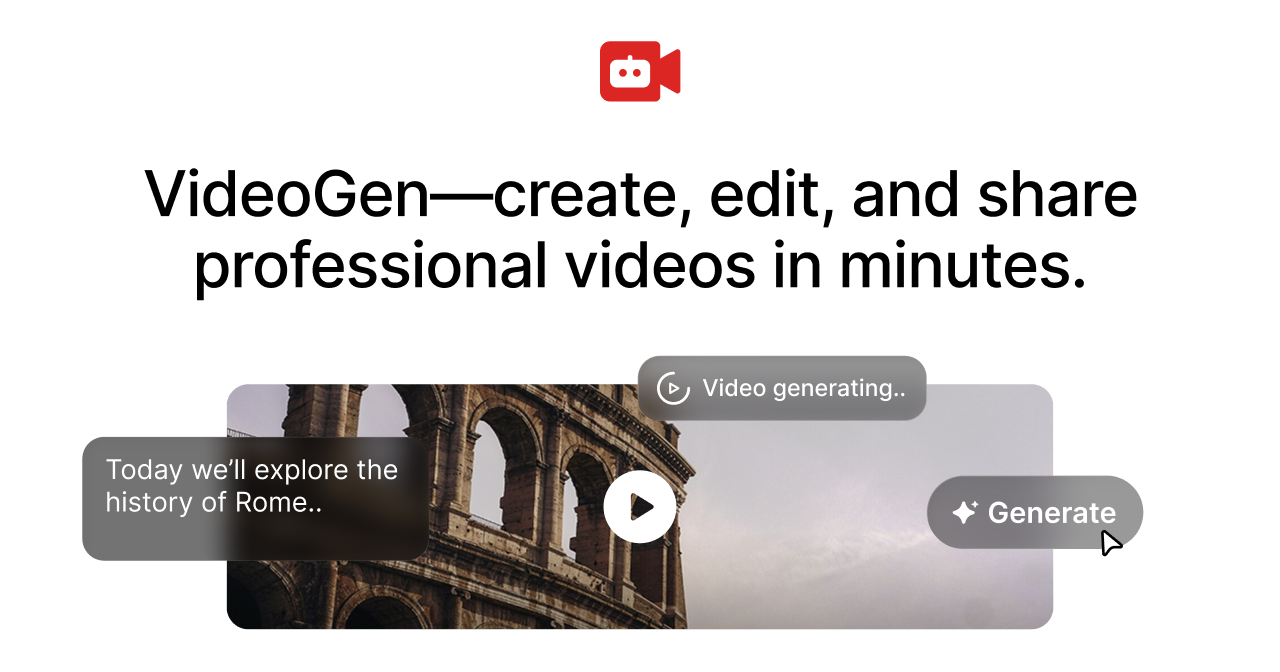
VideoGen is an AI video creation platform that turns scripts or articles into finished videos with stock footage, voiceover, captions, and music already assembled. You start with text. It returns a full draft. You edit from there or ship it.
About
This is video generation software for people who need volume. Marketing teams, L&D departments, and social media managers use it to skip the slow assembly work of traditional editing.
The workflow is script in, video out. You can also start from an article, a slide deck, or a simple prompt. The platform handles voice generation, caption timing, footage selection, and platform formatting in one pass.
VideoGen bundles multiple AI video models (Sora, Veo, Kling, and others) so you can switch if one generation misses. It also offers API and MCP access for teams that want to automate production pipelines.
Open it if you need fast first drafts at scale and can live with less polish. Skip it if you need frame-level control or custom brand animation.
Who VideoGen is best for
You get the most from it when volume and speed matter more than pixel-perfect finishing.
- Marketing teams producing frequent explainers and product ads: You get a structured draft fast. You still refine, but you skip the blank timeline.
- L&D teams shipping training clips at volume: You turn scripts into videos without booking studio time or editors.
- Social teams needing captions and platform-ready formats quickly: TikTok, YouTube Shorts, and Instagram Reels exports are built in.
- Companies wanting API or MCP automation around video generation: You wire VideoGen into your stack and generate from spreadsheets or databases.
- Solo creators publishing regularly who want to skip manual assembly: You get narration, visuals, and captions in one pass without opening an editor.
- Agencies building automated content pipelines: You build repeatable workflows with webhook support and async generation.
- Faceless YouTube creators: You get voice, footage, and structure without showing your face or learning complex software.
- Marketers repurposing articles into video: You paste a URL or text and get a draft optimized for social.
- Teams currently juggling multiple AI video subscriptions: You consolidate script, voice, footage, and editing tools under one credit pool.
- Users who can define clear acceptance criteria upfront and test rigorously: You model credit costs before you commit and reject drafts that miss the mark.
Best things about VideoGen
These are the parts that keep people coming back after the first try.
- Multiple AI video models in one workspace: You switch between Sora, Veo, Kling, and others without exporting files. One model handles people, another handles product shots. You pick what works.
- Generated projects stay editable: You are not locked into the first output. You can tweak pacing, swap clips, and refine narration without starting over.
- Fast script-to-video workflow with structured AI drafts: You paste a script and get a timeline with cuts timed to voiceover. The slow part disappears.
- 4M+ stock clips included with commercial licensing: You skip hunting across stock sites and worrying about usage rights.
- API with SDK and webhook support: You build real automation, not just browser-based one-offs. Generate thousands of videos from a spreadsheet.
- Credit-based pricing: You see exactly what each feature costs. No mystery minute bundles.
How you use VideoGen
The path from idea to export is short.
- Paste your script, article URL, or prompt into the generator.
- Select your format: landscape, square, or vertical for TikTok/Reels/Shorts.
- Pick a voice and visual style, or let the AI choose.
- Review the draft, swap any clips or adjust timing in the built-in editor.
- Export in 1080p or pay credits for 4K and premium AI video.
Why you should ignore it
Skip it when these limits block your work.
- Fine control weaker than traditional video editors: You cannot do frame-level cuts or complex motion graphics. The AI decides the structure.
- Visuals can look generic: You get the recognizable "AI commercial" look. Niche topics may return irrelevant or recycled footage.
- Credit pricing hard to estimate until you learn the rate card: Premium video and 4K exports burn credits fast. You need to model your real workload before committing.
- Voice depth solid but not best-in-class: You get clear narration, but audio-first creators may want dedicated voice tools.
- Self-serve plans lack priority support: You wait longer for help when things break.
- Not a replacement for high-end manual editing: You still need After Effects or Premiere for custom brand animation or broadcast polish.