
Video Transcription AI
Free
Upload videos or paste links to generate transcripts, subtitles, and summaries with speaker labels and timestamps, then export in multiple formats without signing up.
About
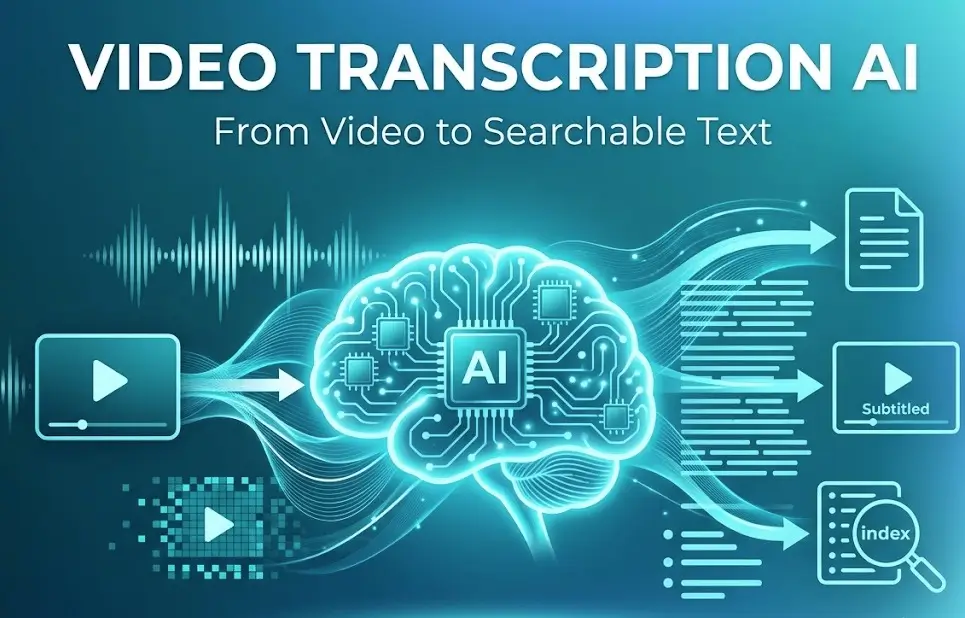
Video Transcription AI turns video and audio into text you can read, search, and share. You upload a file or paste a link from YouTube, TikTok, or Instagram. You get back a transcript with timestamps and speaker labels.
The tool sits in Transcription & Meeting Notes. It also makes subtitles, summaries, and translations. You can export as TXT, DOCX, PDF, SRT, VTT, or Markdown. No account is needed to start.
It is free. The vendor reports over 2 million users. You would open it for quick turnaround on audio content. You would skip it if you need enterprise controls or deep editing tools.
Open it if you need fast transcripts without signing up. Skip it if you need advanced editing or team permissions.
Who Video Transcription AI is best for
These are the people who get the most out of it.
- Individual creators: You make videos and need captions fast. You upload once and get files you can drop into any editor.
- Educators: You record lectures and want students to have notes. You get searchable text without typing it yourself.
- Researchers: You interview people and need verbatim records. Speaker labels help you track who said what.
- Marketers: You pull clips from social platforms and need quick quotes. Pasting a URL skips the download step.
- Accessibility-focused teams: You need SRT or VTT files for closed captions. The formats are ready to use.
- Multilingual projects: You need content in another language. The translation feature saves a separate tool.
- Quick-turnaround workflows: You have no time to set up accounts or learn software. You open the site and start.
- Students reviewing recorded classes: You want chapter breakdowns and key takeaways. The summary feature cuts review time.
Best things about Video Transcription AI
These are the parts you notice after using it a few times.
- No account required: You skip the signup friction. You get to the job in seconds.
- Direct URL pasting: You drop in a YouTube or TikTok link. You skip downloading and re-uploading.
- Speaker diarization: It tags different voices in the same recording. You follow conversations without guessing.
- One-click summarization: You get key takeaways and chapters. You scan long content fast.
- Multiple export formats: You pick the file type your next tool needs. You avoid conversion headaches.
- Free pricing: You do not hit a paywall mid-project. You budget nothing for transcription.
Why you should ignore it
These limits matter for some jobs.
- Enterprise security needs: You cannot set team permissions or audit logs. You lack the controls large orgs require.
- Deep audio editing: You cannot fine-tune timestamps or correct speakers in-app. You export and edit elsewhere.
- Private or sensitive content: You upload to a web service you do not control. You may need on-premise tools instead.
- Guaranteed accuracy: You still need to verify technical terms and names. It is a first pass, not a final draft.