
VEED
Freemium
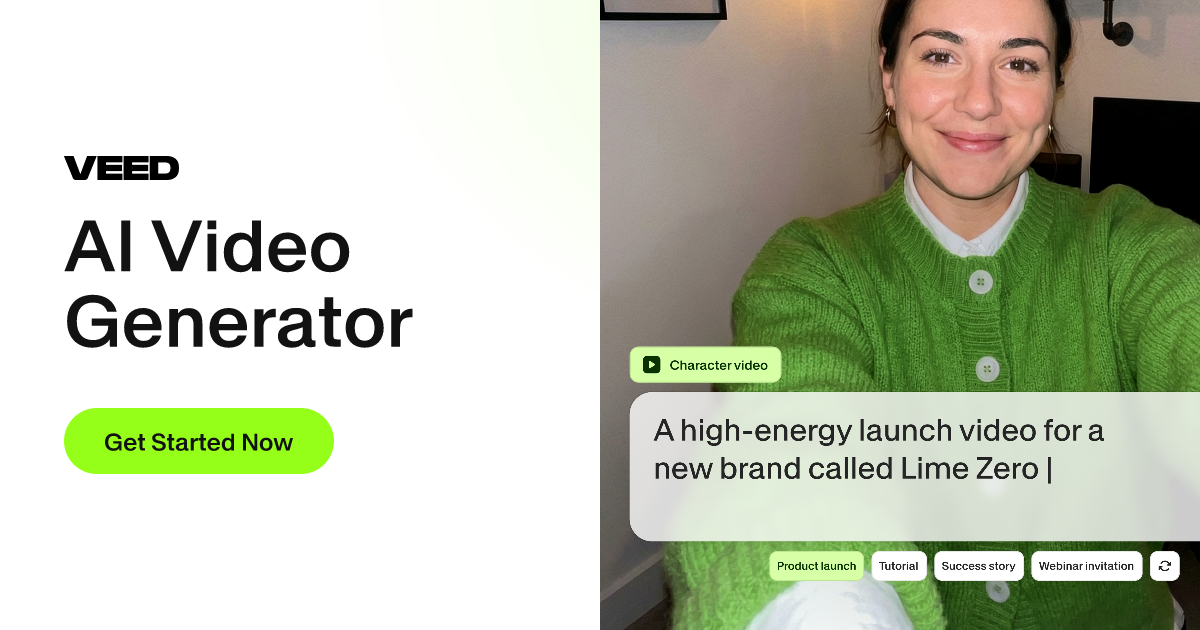
Generate videos from text, images, or clips using multiple AI models, then customize with captions, branding, and voiceovers in a browser-based editor.
About
VEED is a browser-based video editor that bundles recording, subtitles, and AI-assisted edits into one workflow. You work in your browser without installing anything.
It suits Video Generation work that starts from existing footage or needs quick polished output. You describe a video or upload what you have, then add captions, branding, and voiceovers before exporting.
You trade control for speed. The tool hands you shortcuts for repetitive tasks, then gets out of the way when you want to edit by hand.
Open it if you need fast subtitling and social formatting without learning professional software. Skip it if you need deep timeline control or flawless AI generation from scratch.
Who VEED is best for
It fits when you need to move from idea to posted video without touching hardware-heavy tools.
- Content creators managing multiple social platforms: You get platform presets for TikTok, YouTube, Instagram, and LinkedIn. One project exports in several ratios.
- Marketers needing quick ideation-to-edit workflow: You type a topic and get script ideas, titles, and voiceover options in the same window.
- Teams needing collaborative video editing: You share projects with URLs and collect feedback without passing files around.
- Educators making tutorials with screen recording: You capture screen and webcam together, then clean audio and add captions in one pass.
- Podcast and webinar editors prioritizing AI automation: You remove filler words, generate subtitles with speaker detection, and clone voices for quick turnaround.
- Users with low-spec machines needing cloud processing: Your laptop stays cool; rendering happens on VEED's servers.
- Casual creators and social media managers: You finish simple cuts and branded clips without tutorial diving.
- Organizations with training and internal comms needs: You make onboarding videos with consistent captions and avatars for global teams.
Best things about VEED
These stick with you after a few projects.
- Fast auto-subtitles with styling: It generates captions in seconds and lets you animate them. You keep using it because manual captioning kills momentum.
- Browser-based with no install: You open a link and start. You keep using it because machine switching costs nothing.
- AI voice cloning in 25+ languages: It narrates scripts when you cannot record. You keep using it for quick drafts and localization.
- Clean Audio and eye contact correction: It fixes noise and makes you look at the camera without re-recording. You keep using it because reshoots waste time.
- Magic Cut for filler words: It removes "ums" and silences in one click. You keep using it for tight interview edits.
- Team Brand Kits: It stores fonts, colors, and logos for consistent output. You keep using it when multiple people touch the same project.
Why you should ignore it
Skip it when these limits block your work.
- Slow performance on longer videos: You will face buffering and timeline lag once projects grow past short clips.
- AI credits cost extra: You pay for Pro, then pay again for avatar generation and heavy AI use. Budgets surprise you.
- Left panel hijacks your screen: You cannot resize or hide it; workspace shrinks on small laptops.
- AI output needs fixing: You cannot tweak B-roll crops or subtitle timing after AI runs; you restart instead.
- Billing disputes reported: You may struggle with cancellations and refunds based on user experiences.
- AI avatars locked to top tier: You need the most expensive plan for synthetic presenters, and quality lags behind specialized tools.