
VEED
Freemium
Generate, edit, and brand videos in a browser—type an idea to create talking-head avatars, add subtitles, translate to 100+ languages, and export for social platforms without leaving VEED.
About
VEED is a browser-based video editor with AI features built in. It works in your browser with nothing to install.
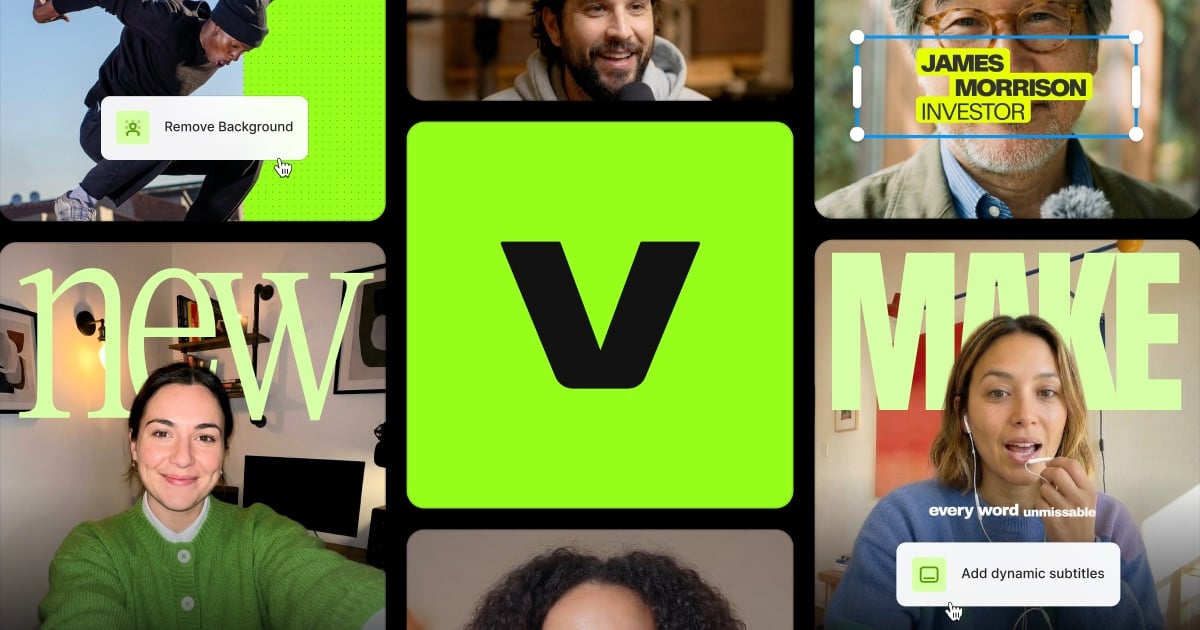
You upload a video or start from a script, and the AI adds subtitles, suggests B-roll, clones voices, or cleans up your audio. You edit on a timeline, export in social formats, and share.
It fits video generation and editing work where speed matters more than perfect control. You trade precision for getting something posted fast.
Open it if you need quick social clips with captions and cleanup. Skip it if you need deep editing control or flawless AI generation.
Who VEED is best for
It works best when your job looks like this.
- YouTubers wanting script and title generation: The AI spits out ideas, hooks, and full scripts. You pick one and move straight to editing.
- Marketers needing quick ideation-to-edit workflow: You go from a typed idea to a captioned clip in one tab. No exporting between tools.
- Teams needing collaborative video editing: Multiple editors work on projects in the browser. You share via URL and collect feedback without file transfers.
- Social media influencers needing quick captioned content: Auto-captions are accurate and fast. You style them to match your brand and post.
- Educators making tutorials with screen recording: Built-in screen and webcam recording captures both you and your screen. Clean Audio removes background noise in one click.
- Podcast and webinar editors prioritizing AI automation: Magic Cut removes filler words and silences. AI B-roll drops in visuals matched to your audio timing.
- Non-technical creators needing simple edits: The interface is clean and obvious. You learn it in an hour, not a week.
- Users with low-spec machines needing cloud processing: Heavy rendering happens on VEED's servers. Your laptop does not melt.
Best things about VEED
These are the parts you keep coming back to.
- Auto subtitles with speaker detection: It transcribes multiple voices and labels them. You fix the odd word instead of typing everything.
- AI eye contact correction: You read your script while recording. The AI makes your eyes look at the camera. No re-recording.
- Voice cloning in 25+ languages: You clone your voice once. The AI reads scripts in your voice with different accents.
- Clean Audio with Dolby tech: Background noise, hum, and echo disappear. Your audio sounds like you recorded in a studio.
- Platform-specific formatting: Pick TikTok, Reels, Shorts, or LinkedIn. The aspect ratio and safe zones adjust automatically.
Why you should ignore it
Skip it when these limits block your work.
- You need deep editing control: The timeline lacks drag-and-drop freedom. The left panel eats screen space and keeps reopening.
- You want flawless AI generation: AI credits cost extra beyond your plan. Avatar and voice features sometimes produce unusable results.
- You expect instant support: Free and basic users wait hours. Responses are vague when things break.
- You need to upload folders or bulk files: No folder upload exists. Multiple file uploads often stall or fail.
- You want to edit after AI processing: AI Agent outputs lock in place. You cannot tweak crops or subtitle timing without starting over.