
Undetectable AI
Freemium
Check if text or images are AI-generated, rewrite AI content to sound human, and improve writing through a web dashboard or browser extension.
About
Undetectable AI is a writing and copywriting tool that detects AI-generated text and rewrites it to sound more human. It offers detection tools, humanization features, and related writing aids for people who work with mixed AI and human content.
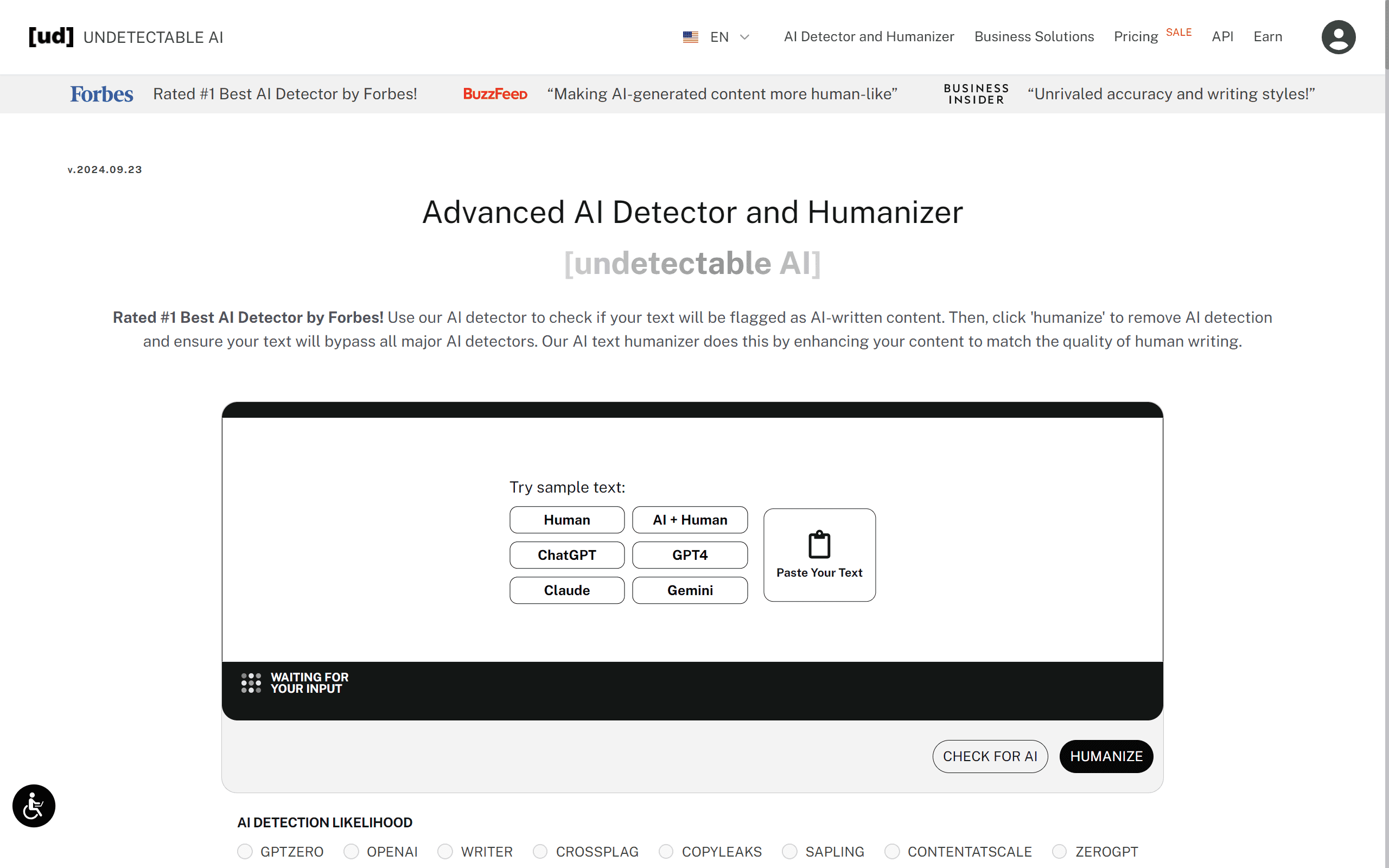
You paste text into a box, choose a writing style, and get a rewritten version. The built-in detector checks your result against multiple AI detection models before you copy it.
It works best for short, unformatted content where speed matters more than precision. It struggles with longer documents and advanced detectors.
Open it if you need quick humanization for casual content and will edit the result. Skip it if you need guaranteed bypass of academic detectors like Turnitin.
Who Undetectable AI is best for
The tool helps when your job fits these specific situations.
- Users needing humanization tools: You get a rewritten version of AI text in seconds. You still need to check it yourself.
- Anyone working with mixed AI and human content: You can spot which parts sound mechanical. Then you fix only those sections.
- Students new to AI writing assistance: The interface puts one big text box at the top. No learning curve.
- Budget-conscious users with light general content needs: Plans start at $9.99 per month for 10,000 words. API access comes on every plan.
- Chrome extension power users across multiple platforms: The extension works in Google Docs, Gmail, LinkedIn, ChatGPT, Claude, and Notion.
- Users who need quick humanization with built-in detection checking: You see estimated scores from GPTZero, Originality.ai, Copyleaks, and others before you copy.
- Casual users where Turnitin is not the primary concern: You get acceptable results for blog posts and emails. Academic submissions are risky.
- Multi-language needs though English performs best: It supports 50+ languages, but accuracy drops outside English.
Best things about Undetectable AI
These are the parts you notice after using it a few times.
- Integrated workflow from detection to refinement: You detect AI text and humanize it without switching tabs. That saves time.
- Side-by-side original vs. rewritten text display: You see what changed. You decide if you want to keep it.
- Multi-detector panel with estimated scores: You check against major detectors before you paste elsewhere. No surprises.
- Multiple writing modes: You pick University, High School, Journalist, Marketing, Essay, Story, Business, or General. The tone shifts to match.
- Fast processing for short content: Rewrites finish in 10-30 seconds. You move on quickly.
How you use Undetectable AI
The path is short.
- Paste your AI-generated text into the input box.
- Select a readability level and purpose from the dropdown menus.
- Click Humanize and wait for the rewrite.
- Check the multi-detector scores that appear.
- Copy the result and edit for natural flow before you use it.
Why you should ignore it
Skip it when these limits matter to you.
- Unreliable against advanced AI detectors: Testing shows failures against GPTZero, Originality.ai, and Turnitin. You cannot trust it for high-stakes work.
- Strips all formatting automatically: Headers, bullets, and bold text become plain text. You rebuild structure manually.
- Inconsistent output quality: Some runs produce awkward phrasing or combined words. You must edit every time.
- Billing transparency issues: Free trials convert to paid subscriptions without clear warnings. Cancellations require emailing support.
- Coherence degrades on longer content: Meaning drifts on documents over a few paragraphs. You risk factual errors.