
Uizard
Freemium
Generate UI designs, wireframes, and prototypes from text prompts or screenshots using AI, with real-time collaboration and a Figma plugin integration.
About
Uizard is a UI design tool that turns text prompts into wireframes and mockups. You type what you want, and it gives you screens you can edit.
It sits in design work, but it is built for people who have never opened Figma. The editor is drag-and-drop, and the AI fills in the layout so you are not staring at a blank canvas.
It works best for rough ideas and early validation. The farther you get toward real production work, the more the cracks show.
Open it if you need quick mockups without design skills. Skip it if you need real design systems or high-fidelity handoff.
Who Uizard is best for
These are the jobs where it actually helps.
- Non-designers and beginners: You get a screen from a sentence. You learn by moving parts around.
- Solo makers and non-technical founders: You validate an app idea before you hire anyone. You show investors or teammates something visual fast.
- Product managers: You mock up a feature before you bring it to design. You cut the back-and-forth on early scope.
- Small teams without dedicated designers: You keep moving on concept work. You do not get stuck waiting for a design slot.
- Students and hobbyists on tight budgets: You learn interface basics. You start with the free plan and upgrade only when you hit limits.
- UX designers: You get a rough starting point for iteration. You spend your time refining, not building from zero.
- Marketers: You mock up landing pages for stakeholder approval. You skip the photo hunt with built-in Unsplash and Giphy.
- Teams doing early-stage concept validation: You test ideas in hours, not days. You throw away what does not work.
- Anyone in the Miro ecosystem: You have one more tool that plays nice with your stack. You keep your workflow connected.
- Users who prefer conversational AI refinement: You type what you want changed. You skip manual tweaking of every element.
Best things about Uizard
These are the parts you keep coming back to.
- Autodesigner turns text into full flows: You describe a feature. You get ten linked screens in under five minutes.
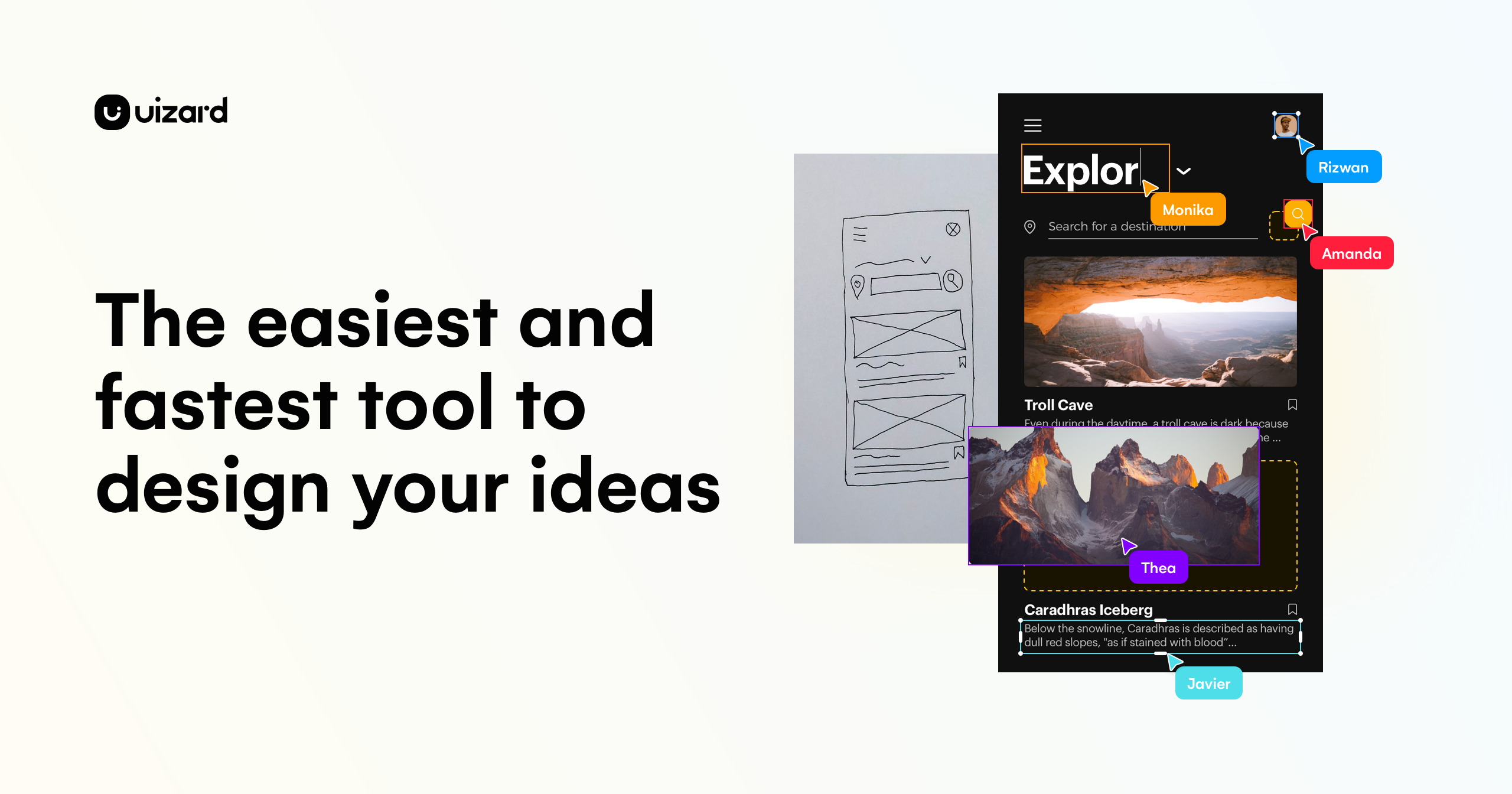
- Sketch and screenshot scanners: You photograph a napkin wireframe. You get a clean digital version you can edit. You upload a competitor screenshot. You remix it for your own flow.
- Pixel-perfect manual editor: The AI misses the mark sometimes. You drag and drop to fix it without leaving the tool.
- Multiplayer collaboration and commenting: Your team jumps in live. You collect feedback right on the mockup.
- Developer handoff with React/CSS export: You finish a concept. You hand assets to engineering without rebuilding everything.
- Template library for quick starts: You pick a pattern that fits your use case. You adapt instead of inventing.
How you use Uizard
You move from idea to mockup in a few steps.
- Start a project and pick your device type—mobile, tablet, or desktop.
- Type a prompt in plain English or upload a sketch or screenshot.
- Let Autodesigner generate screens, then switch to manual mode to adjust.
- Link screens into a clickable flow to test the user journey.
- Export code or share a link for feedback.
Why you should ignore it
Skip it when these limits matter.
- Complex prompts confuse the AI: You ask for specific layouts. You get overlapping text and ignored instructions. You rebuild by hand.
- Generic, template-heavy output: You recognize the same corporate look everywhere. You spend time un-AI-ing the design.
- Components break when you drag them: You expect grouped elements to stay together. They scatter instantly. You group manually every time.
- Free plan is nearly unusable: You get three AI generations per month. You hit the cap on your first test. You pay before you know if it fits.
- Pricing jumps hard at scale: Pro is $12 per user. Business is $39 with annual-only billing. Your team cost multiplies fast.
- No viewport switching after creation: You start mobile and decide you need desktop. You restart the project from zero.
- Sketchy billing and cancellation: You think you picked monthly. You find annual charges. You fight the cancellation flow to stop.