
Tweet Hunter
Paid
Create, schedule, and automate X content using AI writing tools, viral tweet inspiration, and built-in analytics to grow and engage your audience.
About
Tweet Hunter is a growth platform for X (Twitter). It sits in social media work, focused on content, scheduling, and automation.
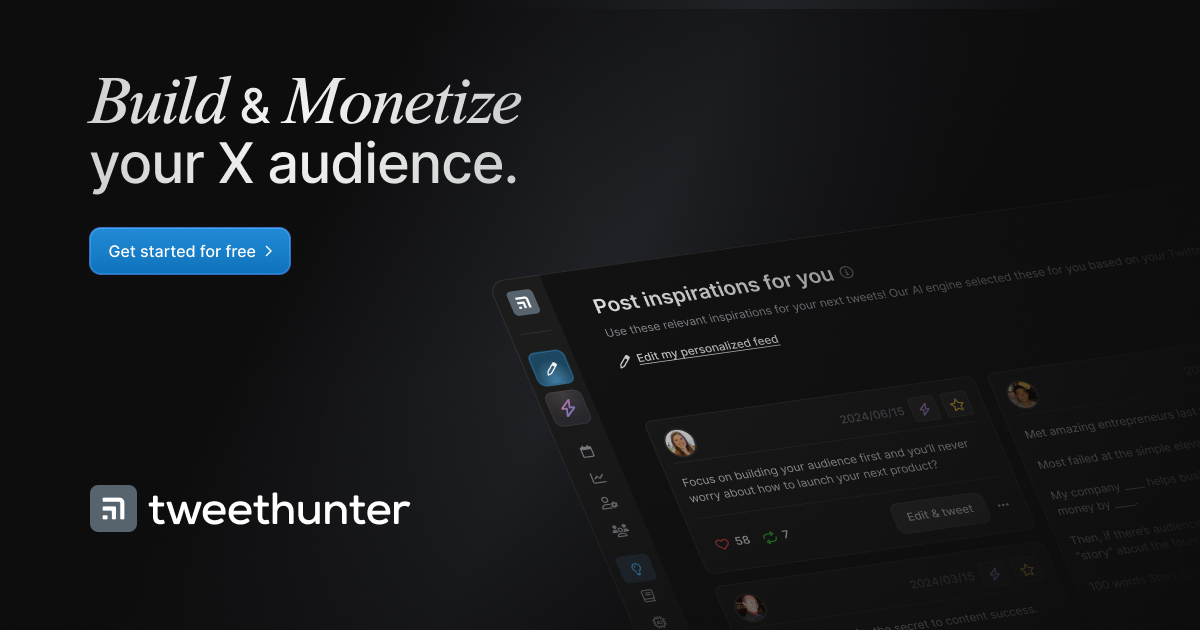
The tool bundles four jobs: find inspiration from viral posts, write with AI help, schedule tweets and threads, and run automations like auto-DMs and auto-retweets. You also get a light CRM to track leads.
Pricing starts around $29-49/month for core features, with AI writing and advanced automation at higher tiers.
Open it if you need to automate X growth and capture leads from engagement. Skip it if you post manually or want a simple, quiet writing space.
Who Tweet Hunter is best for
It works best when your daily work matches one of these.
- Creators who want inspiration from viral posts: You get a searchable library of millions of tweets. You use it to find hooks and angles when you are stuck.
- Users needing Auto-DMs and light CRM on X: You collect emails automatically when someone engages. You keep a list of warm leads without a separate tool.
- Solo creators posting daily: You draft and queue in one screen. You manage threads faster than in native X.
- Founders doing their own X marketing: You grow an email list from social. You let automation handle the first touch.
- Ghostwriters managing multiple client accounts: You switch accounts without extra cost. You keep each client's leads organized.
- Serious creators monetizing X as primary channel: You need auto-plugs, scheduled retweets, and engagement tracking. You treat X as a business, not a side note.
- Email list builders using social lead gen: You offer a lead magnet. Auto-DMs deliver it while you sleep.
- Agencies managing multiple client accounts: You run several X presences. Unlimited accounts per subscription keeps costs predictable.
Best things about Tweet Hunter
These are the parts you keep using after the first week.
- Viral tweet library for inspiration: You search millions of performing posts. You stop staring at a blank draft box.
- Auto-DMs for automated lead capture: You set a trigger based on likes or replies. You wake up to new email subscribers.
- Thread delay scheduling: You space out tweets in a thread. You get more engagement than dumping them all at once.
- Auto-plug based on engagement: You promote a product only when a tweet hits a threshold. You do not look desperate on posts that flop.
- Built-in CRM: You build lists of users who engaged. You track conversations without exporting to a spreadsheet.
- Multiple accounts on one subscription: You run your brand and personal account. You do not pay twice.
How you use Tweet Hunter
The path from first login to scheduled post.
- Sign in with your X account and answer a few questions about your focus.
- Browse the viral library or start a draft with the AI assistant.
- Compose threads with auto-formatting, or rewrite existing content for a new angle.
- Set scheduling, delays between tweets, and any automations like auto-DM or auto-plug.
- Publish or queue, then check analytics to see what drove followers versus likes.
Why you should ignore it
Skip it when these limits match your situation.
- No real-time analytics: You only see 7, 30, or 90 day views. You cannot watch a tweet blow up as it happens.
- AI writing gated to higher tiers: You pay $49+ to get the AI assistant. The $29 tier leaves you with scheduling only.
- No mobile app: You draft and schedule on desktop. You cannot fix a queued tweet from your phone.
- AI output varies: Sometimes the generated tweets feel generic. You still edit heavily to sound like yourself.
- Price stacks up: At ~$36-49/month for real features, it stings if you are not yet making money from X.