
Transcribe Video AI
Free
Upload videos or paste social media links to generate transcripts, subtitles, and summaries in minutes—no account required, free to use.
About
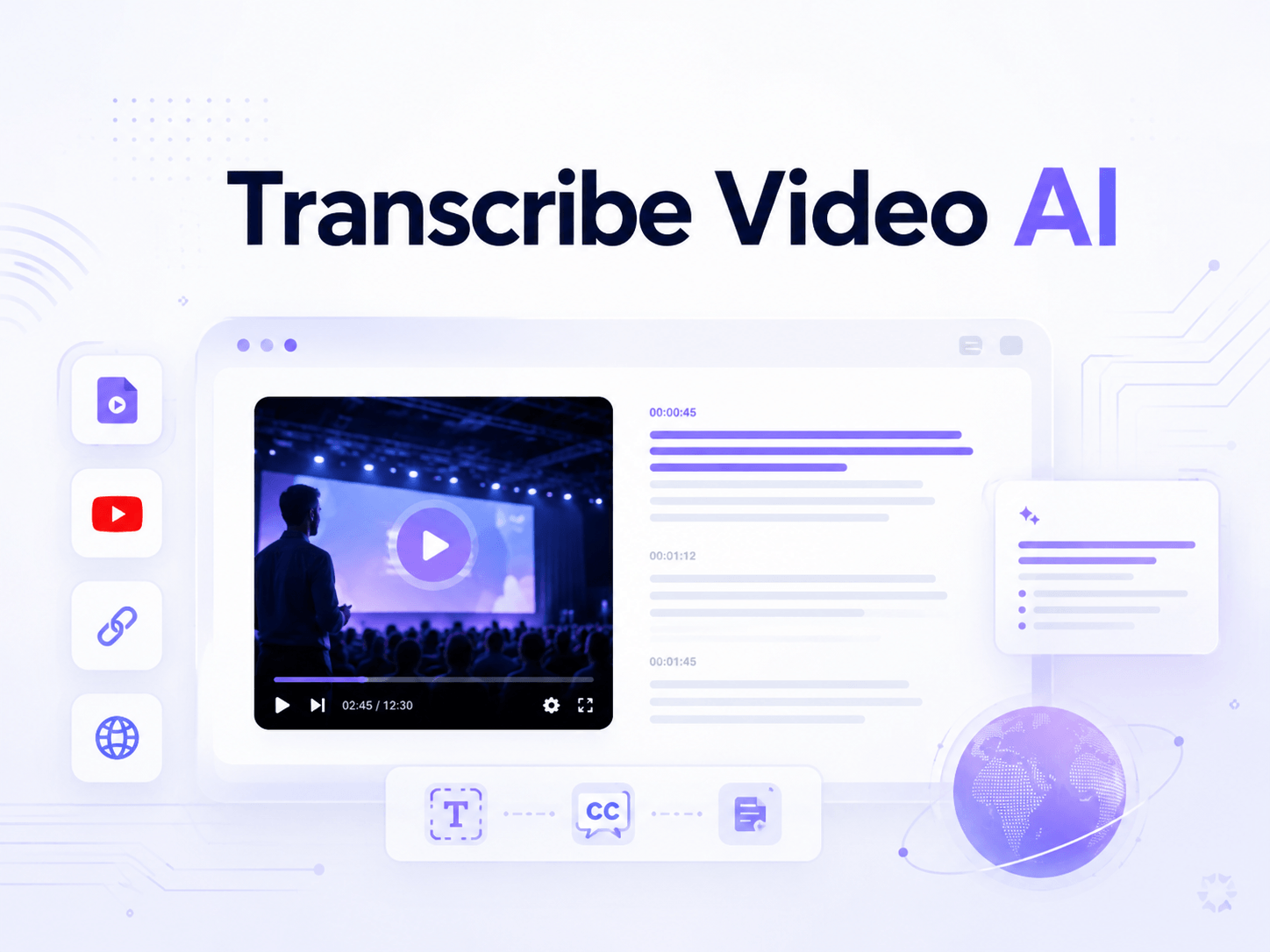
Transcribe Video AI converts speech in video and audio files into text transcripts, subtitles, and summaries. You can upload files or paste links from YouTube, TikTok, Instagram, and other platforms. It runs in your browser and does not ask you to sign up.
The tool labels different speakers and supports over 100 languages. It outputs downloadable transcripts, timestamped subtitles, and AI-generated summaries. It also offers translation and mind map generation.
This is transcription and meeting notes work. It fits when you need text from video or audio fast.
Open it if you need free, quick transcripts from online videos or uploads. Skip it if you need offline access, guaranteed accuracy metrics, or deep audio editing tools.
Who Transcribe Video AI is best for
It fits these specific jobs:
- Students reviewing lectures and explainer videos: You get searchable text from long recordings. You skip watching what you do not need.
- Social media users skimming TikTok, Reels, and Facebook video: You paste a link and read the gist. You do not sit through every clip.
- People catching up on long talks and podcasts without full watch time: You scan the summary or transcript. You decide what deserves your attention.
- Teams extracting action items from meeting recordings: You run Zoom recordings through it. You get a draft to clean up for notes.
- BIM-embedded practices: You already live in Revit, SketchUp, or Rhino. You want AI output tied to your model, not a separate window.
- Revit/SketchUp/Rhino users wanting AI inside model: You render without export-import loops. You keep visualization inside your existing workflow.
- Workflows requiring model-based consistency: You need renders that respect your geometry. You avoid drift between model and image.
- Adobe Premiere Pro users already in the ecosystem: You want transcription baked into your edit timeline. You skip round-trips to other apps.
- Video editors working with interview or dialogue-heavy content: You cut and paste text blocks to rearrange clips. You rough-cut faster than scrubbing timelines.
- Projects requiring quick rough cuts from transcripts: You delete or move text, and the video follows. You polish the fine edits later.
Best things about Transcribe Video AI
These are the parts you notice after using it:
- No signup required: You paste a link or upload a file and go. You do not manage another account.
- Speaker labels: It tries to tag who is talking. You get cleaner dialogue than one flat block of text.
- Link support for major platforms: You grab YouTube, TikTok, Instagram, and more. You do not download first.
- Generous free tier: You get two 45-minute transcriptions plus AI chat monthly. You test without paying.
- Transcript-based editing in Premiere Pro: You literally cut and paste text to rearrange video. You rough-cut interviews in minutes.
- Offline English transcription in Premiere Pro: You work without internet. You are not stuck when connection drops.
Why you should ignore it
Skip it when these limits matter:
- No free plan for BIM plugin: The Veras plugin for Revit, SketchUp, and Rhino has only a 14-day trial. You pay to keep using it.
- Requires host software seat: You need a real seat in Revit, SketchUp, or Rhino. You cannot run it standalone.
- 45-minute cap on free tier: Long lectures or full podcasts hit the wall. You need to pay or split files.
- No stated accuracy metrics: You do not know the error rate going in. You must verify anything you publish.
- Offline mode limited to English: Other languages need internet. You are stuck if you work in remote spots with spotty connection.
- Speaker labels fail on overlap: When people talk over each other, the tag gets messy. You clean up by hand.