
tl;dv
Freemium
Record, transcribe, and summarize Zoom, Google Meet, and Teams calls automatically, generating multilingual transcripts and CRM-ready action items without manual note-taking.
About
tl;dv is a transcription and meeting notes tool that records, transcribes, and summarizes video calls for sales and customer success teams. It joins your Zoom, Google Meet, or Teams calls and delivers a written record plus an AI summary afterward.
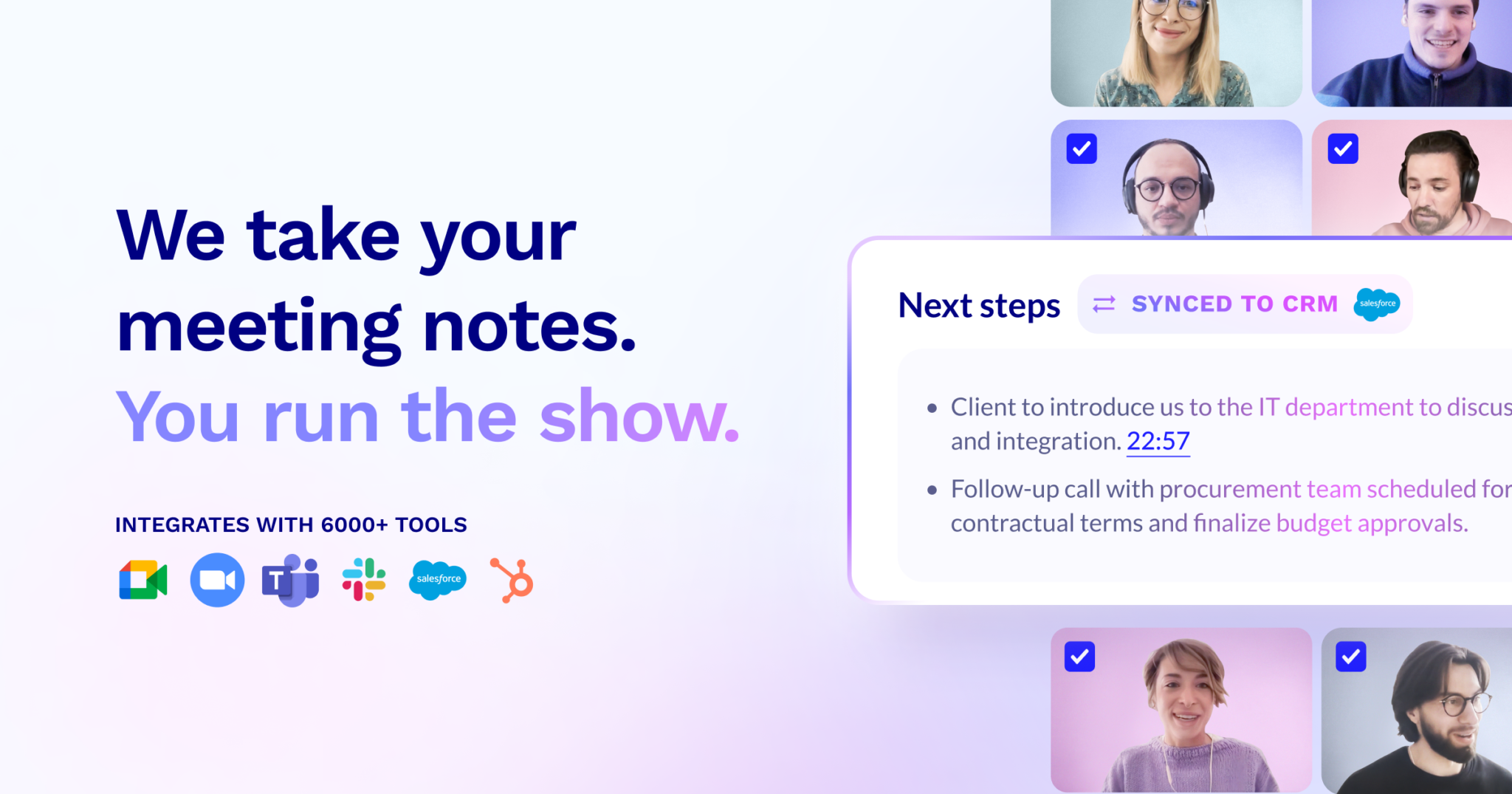
You get searchable transcripts, clip highlights, and scheduled reports that pull patterns across many meetings. It works in thirty-plus languages and connects to your CRM.
The free plan is unusually deep compared to competitors. Paid tiers add coaching tools, CRM field mapping, and multi-meeting insights.
Open it if you want accurate transcripts with a generous free tier. Skip it if you cannot risk support outages or if you need enterprise-grade permissions.
Who tl;dv is best for
It fits best when your work looks like this.
- Individual users and small teams: The free plan covers unlimited recordings and basic AI notes. You get real value without paying.
- Users wanting a short learning curve: Setup takes under ten minutes. You do not need training to start using it.
- Sales teams using BANT or MEDDICC: The AI coaching hub scores calls against these playbooks. You see where reps hit or miss the framework.
- Users who process files after meetings: Upload audio or video and get transcripts. Not every tool does this.
- Sales managers needing coaching visibility: Review patterns across rep calls without listening to every hour.
- Managers analyzing trends across many meetings: Schedule recurring reports on topics like objections or competitor mentions.
- Multinational teams: Transcription covers thirty-plus languages with translation.
- Compliance-conscious organizations: SOC 2 and GDPR compliance with EU data centers and no training on your recordings.
- Revenue teams wanting less manual CRM entry: Draft notes and updates flow to HubSpot, Salesforce, and others automatically. You still review before sending.
- Individual contributors needing quick recaps: Get a readable summary ten to fifteen minutes after the call ends.
Best things about tl;dv
These are what keep you coming back after the first week.
- Highly accurate transcriptions: Speaker identification comes through clean. You spend less time fixing names and timestamps.
- Fast delivery: Transcripts and summaries arrive in ten to fifteen minutes. You can act on a morning call before lunch.
- Multi-meeting AI insights: Track keywords and patterns across your call history automatically. You spot trends you would miss by hand.
- Meeting templates with CRM mapping: Structure notes around your sales process and push fields straight to your CRM. Less copying and pasting.
- AI reports on a schedule: Set up recurring summaries for standing meetings. You get the highlights without asking each time.
- Generous free plan: Unlimited recordings, ten AI summaries, and five file uploads to start. You can test deeply before paying.
Why you should ignore it
These limits matter for some teams.
- Support that goes silent: Multiple paying users report locked accounts for weeks over simple changes. Billing issues continue after cancellation.
- Visible bot in meetings: It joins as a participant. Clients ask what it is, and you cannot make it invisible.
- No enterprise permissions: Larger teams hit walls on access control and admin settings. It is built for smaller groups.
- Limited mobile experience: The app is Lite only. Full features need desktop. You cannot run your workflow from a phone.
- Business plan price jump: At $29 per user monthly, the value over Pro is questionable for many teams.
- Buggy activation: Users report permissions that jump on calls unexpectedly and login issues that interrupt work.