
Superscribe
Freemium
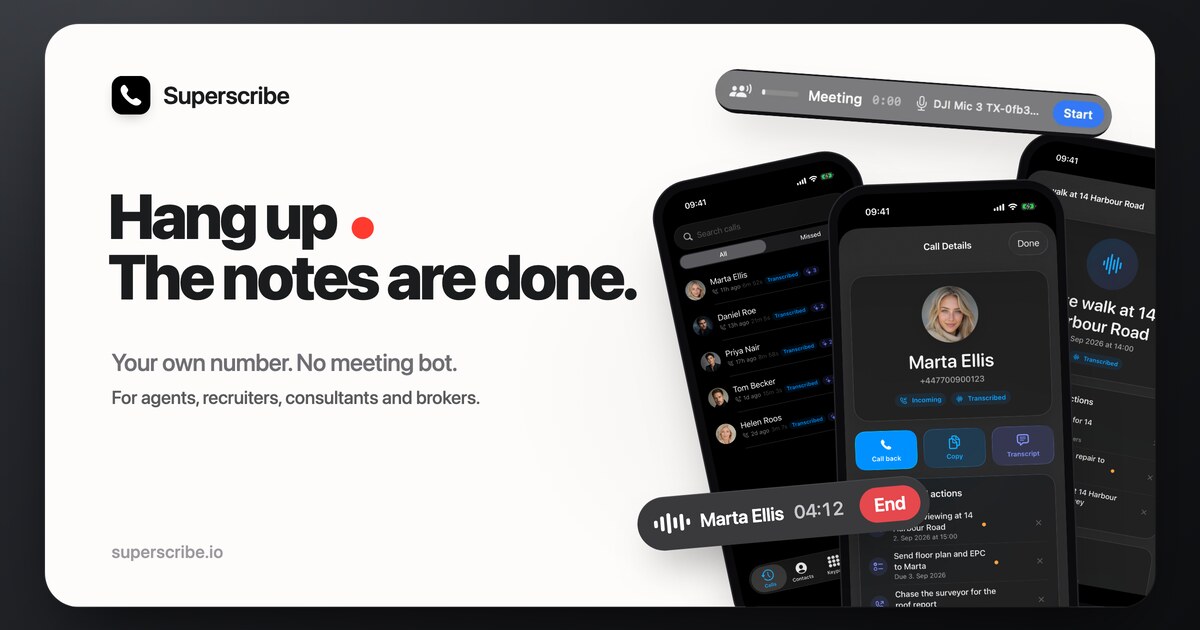
Capture phone calls and meetings on your existing number, transcribe them automatically, and send notes and tasks to Pipedrive without adding a bot to the line.
About
Superscribe is an AI call notes app that sits in the transcription and meeting notes space. It captures incoming and outgoing calls on your existing phone number, then turns them into transcripts, summaries, and CRM entries.
You do not need a new line or a bot that joins your meetings. The iPhone app handles call recording, while Mac and Windows apps add dictation and video meeting capture.
The tool fits specific workflows: high-volume calling, hands-free note-taking, and users already deep in Apple's ecosystem. It is a poor fit if you need broad platform support or cheap entry-level pricing.
Open it if you take many calls and need automatic CRM logging. Skip it if you use Android or need budget transcription.
Who Superscribe is best for
It changes how these people work.
- Freelancers who bill by the hour: Automatic time tracking runs during dictation. You stop reconstructing hours from memory at month-end.
- Sales professionals generating call recaps: You hang up and get a summary, action items with dates, and a Pipedrive entry filed under the contact.
- Estate agents working from their phones: CarPlay shows call gists and one-tap callbacks. You handle follow-ups without touching the screen.
- Lawyers drafting case notes: Dictation streams polished text directly into practice management tools. No copy-paste cleanup.
- Founders dictating product specs: You speak hands-free and get formatted output. Strategic plans do not sit in voice memos waiting.
- Journalists conducting regular interviews: The transcript links every word to its timestamp in the original audio. You verify quotes against what was actually said.
- Students who attend many lectures: You record on your iPhone and review on iPad or web. The format fits actual studying habits.
- Product managers with frequent meetings: You get formatted meeting minutes without typing them yourself.
Best things about Superscribe
These are the parts you notice after a few calls.
- No new phone number: Clients call you normally. The app captures from your end. You do not explain a bot or a different line.
- CarPlay integration: You see call summaries on your dashboard. One tap returns a call. It fits how you actually work between meetings.
- Tappable transcripts: Every word links to its moment in the audio. You check the transcript against what was said without scrubbing.
- Polished export formatting: The free TXT export groups text into readable paragraphs. You get something you can scan quickly.
- Streams into any app: Dictation appears where your cursor is. You skip the paste-and-format step in Slack, Notion, Gmail, or Linear.
How you use Superscribe
The setup is specific to Apple devices.
- Install the iPhone app and connect your existing phone number.
- Take a call normally. The app records from your end automatically.
- Open the transcript to see speaker labels, summary, and action items.
- Tap any word to jump to that exact moment in the audio.
- Review on Mac, Windows, or web where the desktop apps add dictation and video recording.
Why you should ignore it
Skip it when the limits match your situation.
- iPhone-only for core features: Call recording needs iOS. Android users get nothing.
- Steep entry price: Paid plans start at 49 EUR per month. Light users pay for capacity they may not need.
- Strict system requirements: You need iOS 18.0 minimum. Older devices do not run it.
- Limited free tier: Desktop dictation is free, but call features need payment. You cannot test the full workflow without paying.