
SUPERMACHINE
Paid
Generate images and videos with AI models, edit uploads with ControlNet and AI editing tools, and scale outputs through an API for production workflows.
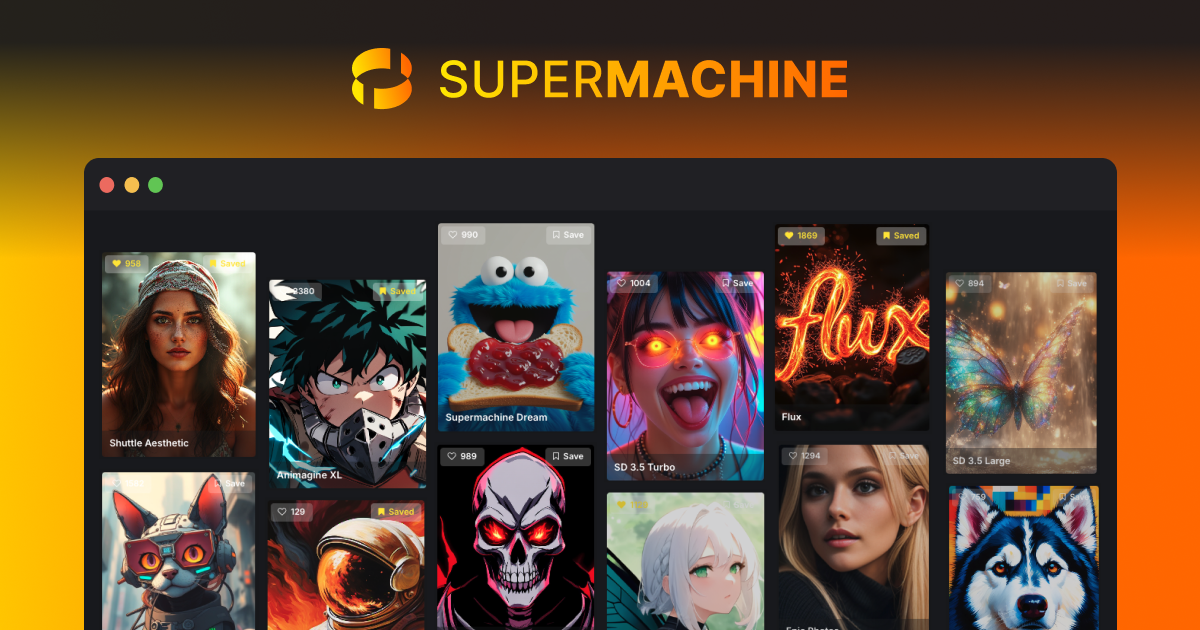
SUPERMACHINE is an AI image generation tool that runs in your browser. It gives you Stable Diffusion power without buying a GPU or fighting with local installs. You get text-to-image, image editing, video clips, and a pile of models to pick from.
About
SUPERMACHINE is image generation software with a workflow bent toward control. You get 60+ models, ControlNet for posing and composition, LoRA sliders for fine details, and a canvas that mixes hand drawing with AI generation. It also does video—B-roll, cold opens, end screens.
The tool runs entirely online. Credits refresh monthly. You can copy another user's full settings—seed, sampler, CFG scale, steps—and reproduce their result with your own subject. That repeatability is rare.
It is not a one-click toy. You will tweak prompts, learn which sampler works with which model, and burn credits on bad outputs while you figure it out.
Open it if you want granular control over AI images without local setup. Skip it if you want speed without the learning curve.
Who SUPERMACHINE is best for
It fits specific jobs, not casual curiosity.
- Users without a powerful GPU: You get Stable Diffusion quality in a browser. No install, no Python errors, no card upgrades.
- Creators needing consistent characters: SuperClone plus seed numbers lets you generate the same face across multiple scenes. This matters for series work or AI influencers.
- Users who want ControlNet and LoRAs: Canny, OpenPose, Depth, Reference, Composition—plus sliders for hair, body type, facial features. The control is real.
- Small business owners without design budgets: You can make blog headers, product shots, and social posts. 1,000 monthly credits covers a lot of basic generations.
- People who hate subscriptions: Lifetime deals exist. You pay once, stack codes if you need more credits.
- NSFW content creators: No filter. The tool does not block adult content.
- Users who value saved workflows: The Prompt Book keeps your successful prompts with all settings. Copy, tweak, repeat.
- Marketing and content teams: Fast enough for daily social content. Clean enough for blog featured images.
Best things about SUPERMACHINE
These are the parts that keep you coming back after the first week.
- SuperClone for character consistency: You make an AI version of yourself once. Then you place that same face in any scene, any pose. It works best if you generated the original face in SUPERMACHINE.
- Model portfolios with full settings exposed: Every model shows curated examples. You see the exact prompt, negative prompt, seed, sampler, and CFG. Click to copy, swap the subject, keep the style.
- ControlNet without the complexity: Five variants built in. Pose a figure, match a composition, or follow a depth map without touching code.
- LoRA sliders for precise control: Want curlier hair? Move a slider from -8 to +8. No prompt engineering required.
- Canvas for hybrid editing: Sketch, generate, erase, generate again. You steer the image instead of rolling the dice.
- Background removal that handles edges: Built in, and it works on hair and difficult edges better than most free tools.
Why you should ignore it
These limits matter for some workflows.
- No free tier: You cannot try before you buy. The entry is a $5 trial pack, then you are in.
- Steep learning curve: The interface has buttons everywhere. Beginners feel lost. You will waste credits while learning.
- Image upload reportedly broken: The image-to-image pipeline has issues. The tool works best when you start from text, not a photo.
- Limited output resolution: Max is 1280x1280. You need to upscale for print or large screens.
- Lifetime deal customers feel abandoned: Newer models require "gems," not credits. Early buyers get locked out of premium features unless they pay again.
- Most models are subpar: Only a handful—"nextgen," "supermachine dream"—produce clean results. The rest waste your time.
- No inpainting or outpainting yet: Listed as coming soon. For now, you cannot extend a canvas or edit inside an image seamlessly.