
Superhuman Docs
Freemium
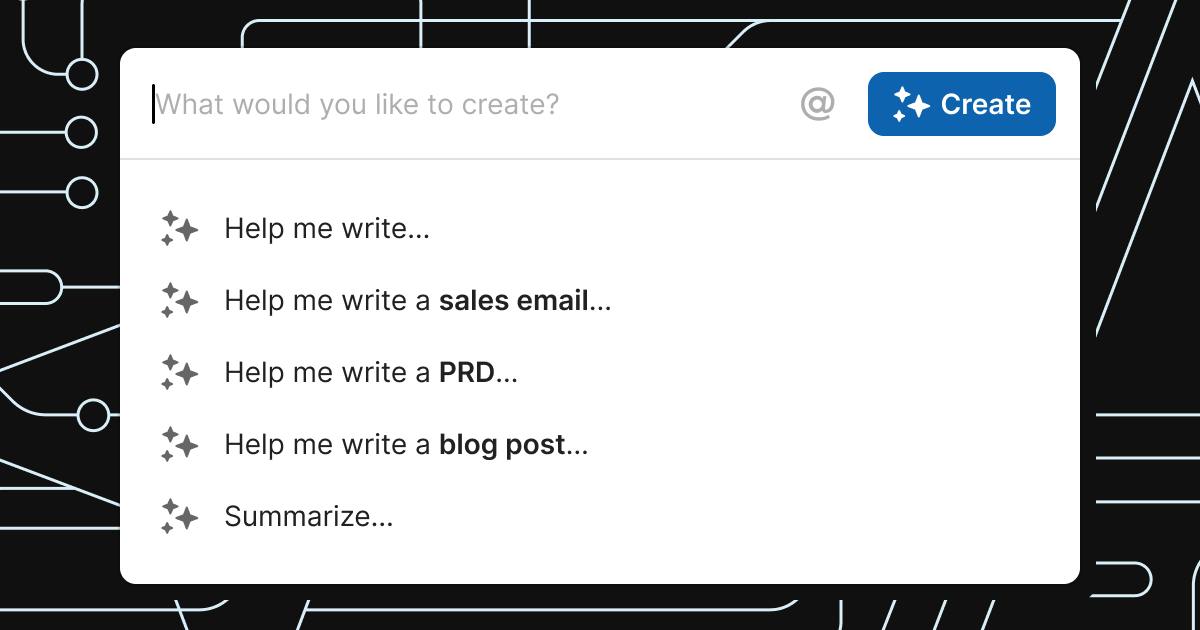
Collaborate with AI inside documents, chat with context-aware assistants, generate tables and summaries, and connect to 600+ tools while building custom views from plain descriptions.
About
Superhuman Docs is a document workspace that mixes writing and data in one place. You type notes, add tables, and connect to outside tools so things stay current.
The old name was Coda. It still works the same. Your docs, formulas, and automations moved over without breaking.
It sits in productivity work. It is built for teams that want documents to do more than store text.
Open it if you want docs that also run small operations. Skip it if you want simple files with no setup.
Who Superhuman Docs is best for
These teams get the most use from it.
- Teams consolidating tools into one surface: You stop jumping between docs, spreadsheets, and project apps. Everything lives together.
- Ops teams with 1–3 builders and many editors: A few people set up the structure. Everyone else updates for free.
- Product teams connecting Jira, GitHub, and Figma: Your specs sit next to live data from the tools you already use.
- Teams using documents as operational systems: Your doc becomes the tracker, wiki, or OKR system—not just a page of notes.
- Organizations outgrowing old Coda data limits: You get more room for rows and heavier use without rebuilding.
- Teams already in the Superhuman ecosystem: Billing and accounts tie together with Mail and Go.
- Teams wanting MCP integration with Claude or ChatGPT: Your preferred AI can read and write directly to your docs.
- Existing Coda users with complex setups to protect: Client work, formulas, and automations stay intact.
Best things about Superhuman Docs
These are the parts that keep you coming back.
- AI that works inside the doc: You ask questions and get answers without leaving the page. Context from your connected tools helps it understand what you meant.
- Free editors who can still build: You only pay for Doc Makers. Everyone else adds tables, formulas, and automations at no cost.
- Live data from 600+ tools: Jira tickets, GitHub issues, and Figma files sync in and stay current. Two-way sync means changes go both ways.
- Documents with real tables underneath: You write prose that pulls from filtered, live views. It feels like a doc but works like a light database.
- MCP connectors for external AI: Claude, ChatGPT, and Cursor can read your docs and write back to them. You are not locked to one assistant.
How you use Superhuman Docs
The setup is quick.
- Start with a blank doc or pick a template.
- Add tables, text, or connected data from your tools.
- Ask Docs AI to summarize, build a view, or find action items.
- Share with editors who can update without paying.
Why you should ignore it
These limits matter for some teams.
- AI pricing is unknown after beta: Only Doc Makers get AI now. You may need to upgrade seats later, and costs are not set.
- Hard caps on data and automation: Pack sync tables stop at 10,000 rows. Formula size tops out at 325 MB. Pro plans get 500 automation runs per doc.
- No AI off-switch below Enterprise: If your industry regulates AI use, you must buy the custom-priced Enterprise plan.
- Bundle upgrade removes standalone pricing: Once you move to the Superhuman suite, you cannot go back to separate billing.
- Superhuman Databases still in closed beta: The million-row option has a waitlist. It is not ready yet.
- Windows desktop app not ready: Mac users get the native app. Windows users wait or use the web.