
Superhuman
Paid
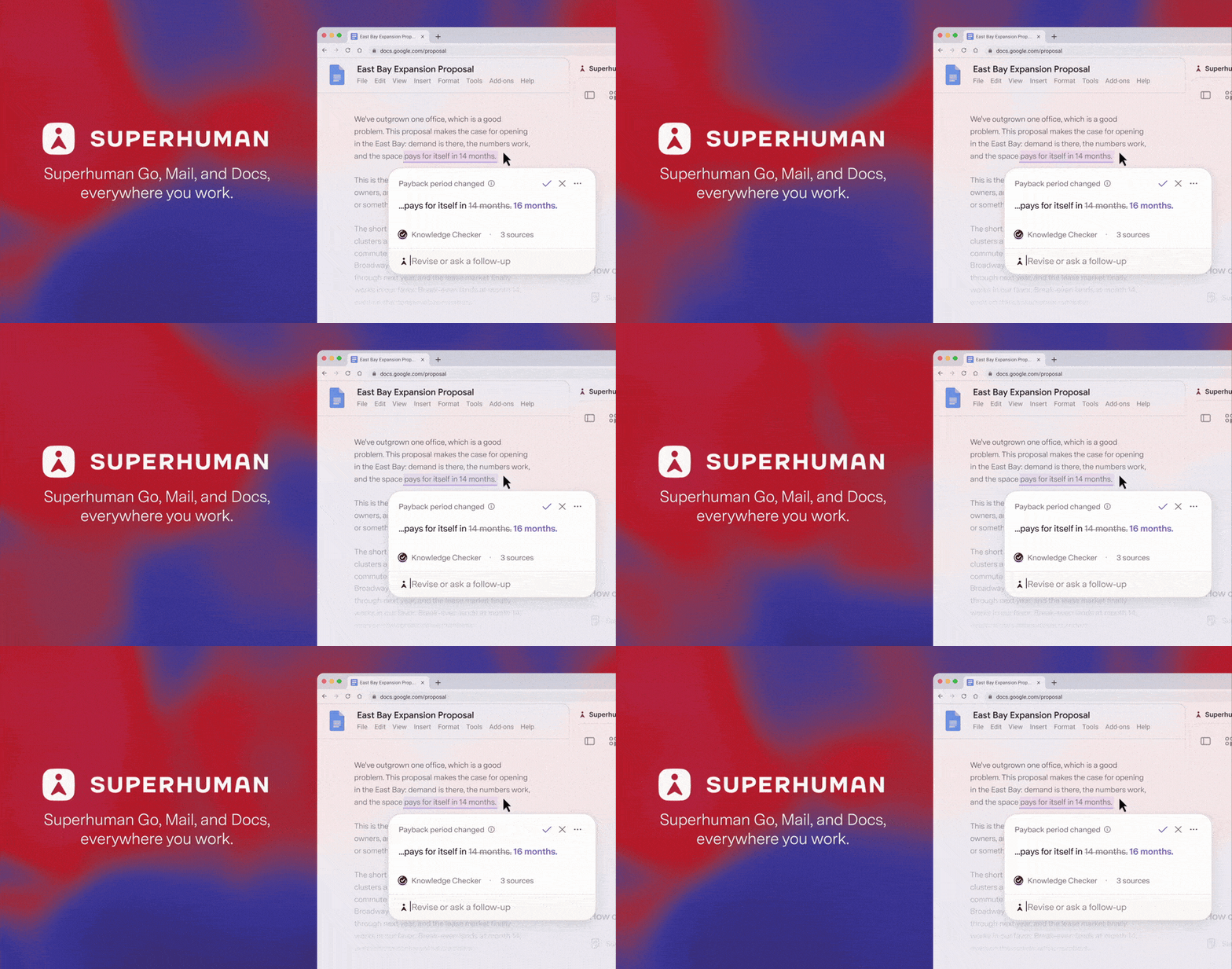
Manage email, documents, and calendars with an AI assistant that suggests actions and drafts responses across apps without switching tabs.
About
Superhuman is a premium email client for Gmail and Outlook power users. It replaces your browser inbox with a keyboard-driven app built for speed.
You pay $25–30 per month for one job: move through messages as fast as possible. The tool hides clutter, adds shortcuts, and uses AI to sort, draft, and search.
It sits in the email category—not a layer on top, but a full replacement.
Open it if you live in email and bill enough to justify the cost. Skip it if you check messages once a day or need team tools.
Who Superhuman is best for
It pays off when this matches your daily work.
- Heavy email users relying on email for collaboration: You send 200+ messages daily. You feel the hours this could give back.
- Teams with budget for premium email tools: Your company pays for speed. The $30 monthly line item is not a fight.
- People whose work is built on email: Deals, fundraising, sales—your entire job is threads. Slow triage costs you money.
- Those willing to learn keyboard shortcuts to justify the cost: You will spend two days feeling slower before muscle memory kicks in.
- Executives with personal inboxes separate from team tools: You need your own fast lane. You do not share this inbox with a support queue.
- Senior professionals with years of email history to search through: You need old decisions fast. The AI search understands plain questions.
- Consultants and freelancers wanting a premium solo inbox: You work alone. Your time is the only cost to optimize.
- Sales teams collaborating on deals: You pass threads to teammates. Read statuses show who saw what.
- Anyone handling 50+ emails per day: Below this, the math does not work. Above this, it starts to.
- People prioritizing inbox zero achievement: You want the empty screen. Split Inbox and auto-labels get you there.
Best things about Superhuman
These are the parts that stick after the learning curve.
- Instant load and sub-100ms actions: Gmail takes 3–5 seconds to open. Superhuman is immediate. The time adds up by noon.
- Keyboard shortcuts that feel like a video game: Hit c to compose, e to archive, h to snooze. You stop reaching for the mouse.
- AI search with plain-language questions: Ask "what did I promise in Q1?" and get the email in 10 seconds. No keyword fishing.
- Split Inbox with auto-labels: Your brain sees one category at a time. Tax, team, deals—separated without manual sorting.
- Thoughtful AI drafts that learn your voice: The tool studies how you write to customers versus colleagues. It does not send until you check.
Why you should ignore it
Skip it when the fit is wrong.
- No free plan and steep monthly cost: Mail starts at $30 monthly with no trial on some tiers. You pay before you test.
- Gmail and Outlook only: Your company uses something else. You are locked out by design.
- Confusing pricing after Grammarly acquisition: Two pricing pages exist. The $15 tier excludes email entirely. You must dig to find the real cost.
- Two days of slower work to learn it: Many people quit before the speed arrives. You need patience you may not have.
- No shared inbox or team assignment: Support teams, operations, and collaborative workflows need another tool. This is for solo speed.