
Super
Freemium
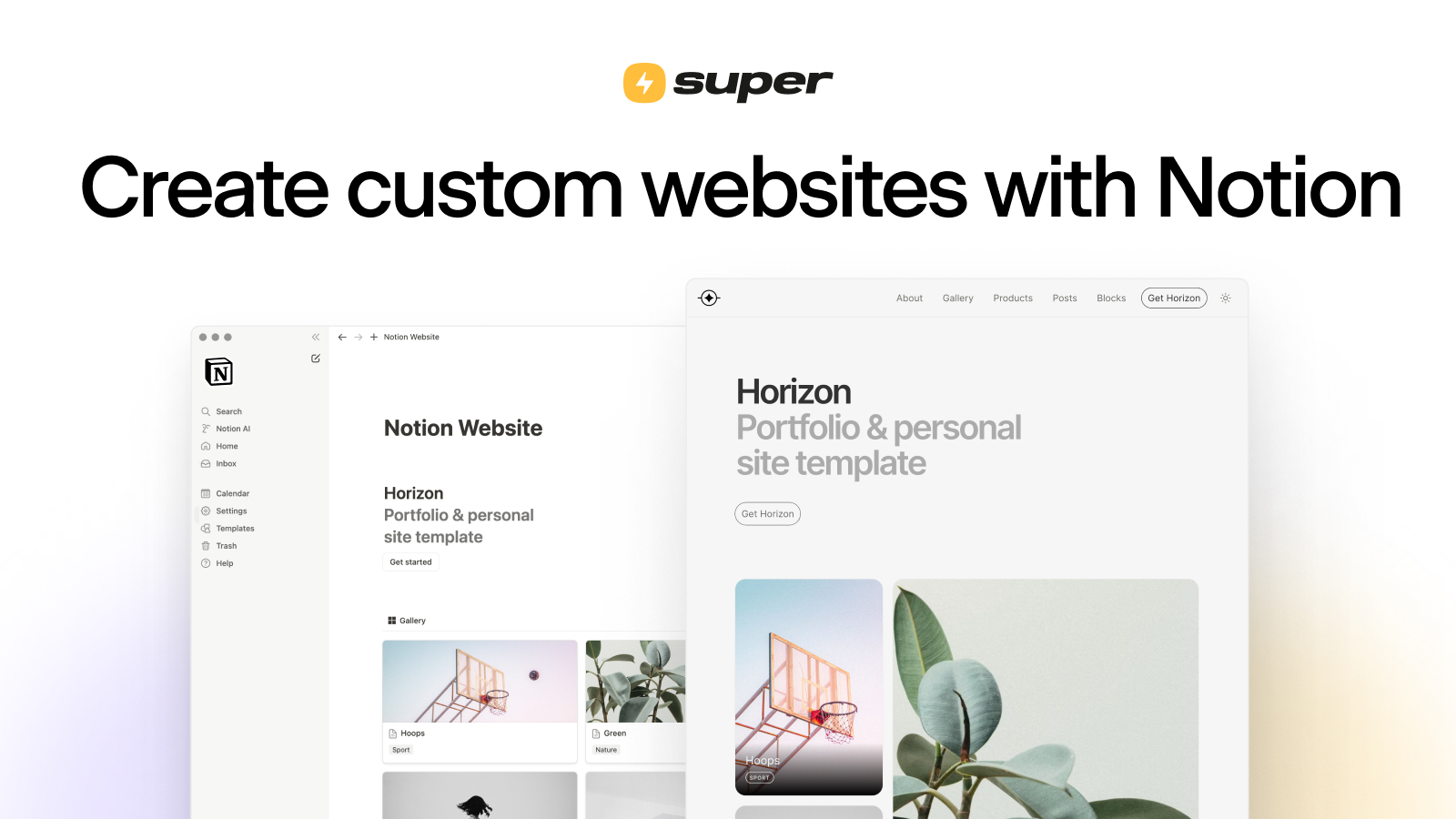
Turn any Notion page into a custom website by pasting its public link, with automatic syncing, built-in hosting, and no-code customization.
About
Super is a website builder inside the App & Website Builders space. It turns your Notion pages into live, published sites. You keep writing in Notion. Super handles the hosting, syncing, and styling.
You pick a Notion page, paste its public link, and get a custom domain site that updates when you edit. No code needed. No separate CMS to learn.
It is built for one workflow: Notion as your backend, Super as your front door. If you do not use Notion, there is nothing here for you.
Open it if you already write in Notion and need a simple site fast. Skip it if you need membership features, programatic SEO, or advanced design control.
Who Super is best for
It fits when your content lives in Notion and your needs stay simple.
- Bloggers already using Notion: You write where you already write. Your posts go live without copy-pasting.
- Content creators wanting simple portfolio sites: You show your work cleanly. No hiring a developer.
- Small businesses needing basic online presence without coding: You get a real site fast. You do not touch HTML.
- Businesses already using Notion for internal systems: Your docs become client-facing pages. One tool, not two.
- Teams needing to share specific Notion sections with clients: You pick what they see. The rest stays private.
- Users who prioritize human support over cost: You get fast answers from real people. You pay more for that.
Best things about Super
This is what you notice after your first site is live.
- Very fast initial setup: You connect a domain in ten minutes. You publish your first page the same hour.
- Clean drag-and-drop editor: You tweak the look without code. The controls feel obvious.
- Custom domain support included: Your site looks professional. You do not pay extra for this.
- Mobile-responsive output: Your site works on phones automatically. You do not test and fix.
- Excellent, fast customer support from real humans: You get answers that solve problems. Not canned replies.
How you use Super
The steps are short because the hard part is already done in Notion.
- Make your Notion page public and copy its link.
- Paste that link into Super and pick a theme.
- Connect your custom domain or use their subdomain.
- Edit in Notion. Your site updates on its own.
Why you should ignore it
These limits show up once you grow past a simple site.
- No built-in membership or gated content: You cannot charge for access. You need another tool for that.
- Publishing limited to one page at a time: You manage posts one by one. This hurts at scale.
- Limited template selection with basic SEO features: You want more design options. You end up writing custom CSS.
- Subdomain-only hosting hurts SEO consolidation: Your authority splits across domains. Google sees this.
- Costs escalate quickly with add-ons: Analytics alone can cost more than your base plan. You hit surprise bills.
- Expensive compared to alternatives: You pay for the Notion integration. Other builders do more for less.