
Sudowrite
Paid
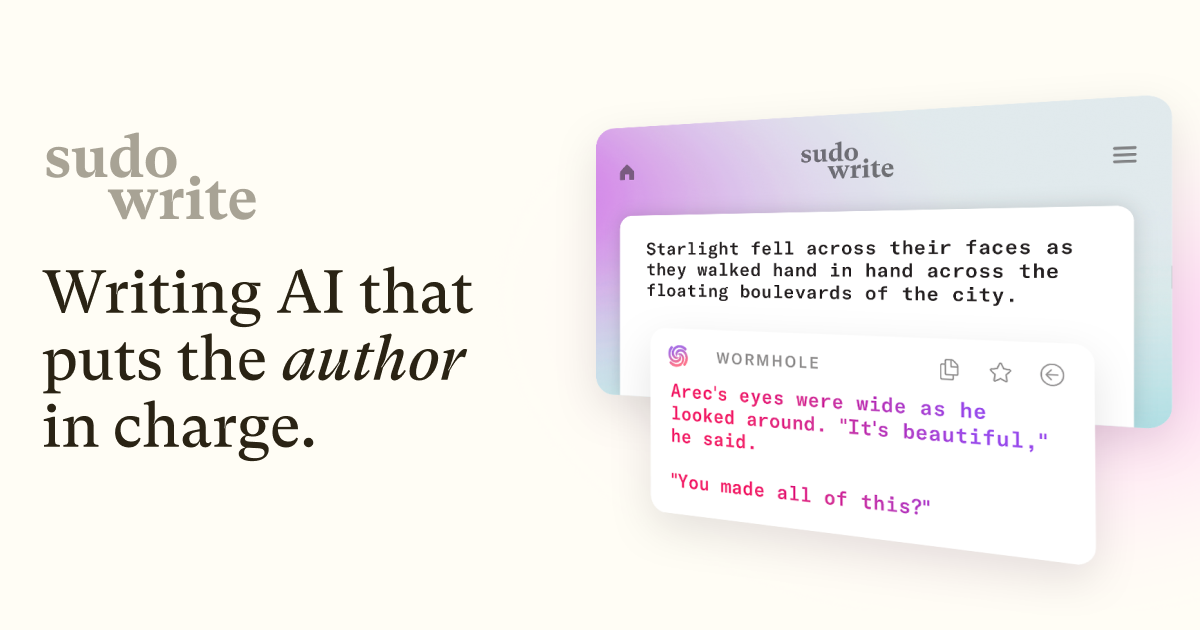
Write fiction with AI assistance that suggests continuations, expands scenes, rewrites prose, and provides story-specific feedback, all organized in a dedicated web-based writing environment.
About
Sudowrite is an AI writing assistant built for fiction. It sits in the Writing & Copywriting space, but only for stories, not ads or blogs.
You feed it your prose and ideas. It gives you options to keep going, not finished drafts.
The friction is real. Credits burn fast. The interface takes time to learn. But when it fits, it fits.
Open it if you write novels or short stories and want a partner, not a replacement. Skip it if you need marketing copy, non-fiction, or cheap output.
Who Sudowrite is best for
It works when the job matches what it was built for.
- Novelists and short story writers: You get tools that understand scene structure and blocking. Generic AI does not do this.
- Creative writing students: You learn by trying directions, not by reading lectures.
- Fiction writers who get stuck mid-scene: The Expand and Guided Write features give you momentum to push through.
- Writers who struggle with description: The Describe tool turns flat telling into sensory showing.
- Authors writing series: The Story Bible tracks characters and world details across multiple books.
- Iterative drafters: You want raw material to shape, not polished prose to paste.
- Writers who prefer exploring ideas: Brainstorming tools give directions to try, not answers to copy.
- New writers facing blank pages: The step-by-step workflow scaffolds from concept to beats to prose.
- Procedural or grounded-tone writers: The Higher quality mode produces less generic, more specific detail.
Best things about Sudowrite
These are the parts you keep coming back to.
- The Muse model for creative prose: It understands scenes, dialogue, and rhythm better than general-purpose AI. You get output that matches story logic.
- The Story Bible for continuity: It remembers your characters and world details. You do not have to keep notes in your head.
- Expand and Rewrite for stuck moments: You turn thin scenes into full passages, or telling into showing, without starting from zero.
- Style training from your own writing: Upload a sample and it adjusts to your voice. The generic AI cadence fades.
- Canvas and Series Timeline for planning: You see plot points and arcs across books. Visual structure beats scrolling through documents.
How you use Sudowrite
The workflow is built into the tool.
- Dump your idea, synopsis, or partial draft into a project.
- Build your Story Bible with characters, world details, and style samples.
- Use guided tools—Brainstorm, Expand, Rewrite, or Describe—where you are stuck.
- Generate scene prose beat by beat, treating output as clay to reshape.
- Export to DOCX and finish in your usual editor.
Why you should ignore it
Skip it when these limits matter to you.
- Expensive for prolific writers: Credits drain fast. Heavy use runs $30 in two days. No unlimited tier exists.
- Not for non-fiction or marketing: The features assume story structure. SEO blogs and ad copy get nothing here.
- Requires heavy editing: AI output is raw material. You still do the craft work.
- Learning curve for full value: You need to watch tutorials and build the workflow. It is not pick-up-and-go.
- Canvas feels underdeveloped: For complex series planning, you may still need dedicated outlining tools.