
Submagic
Paid
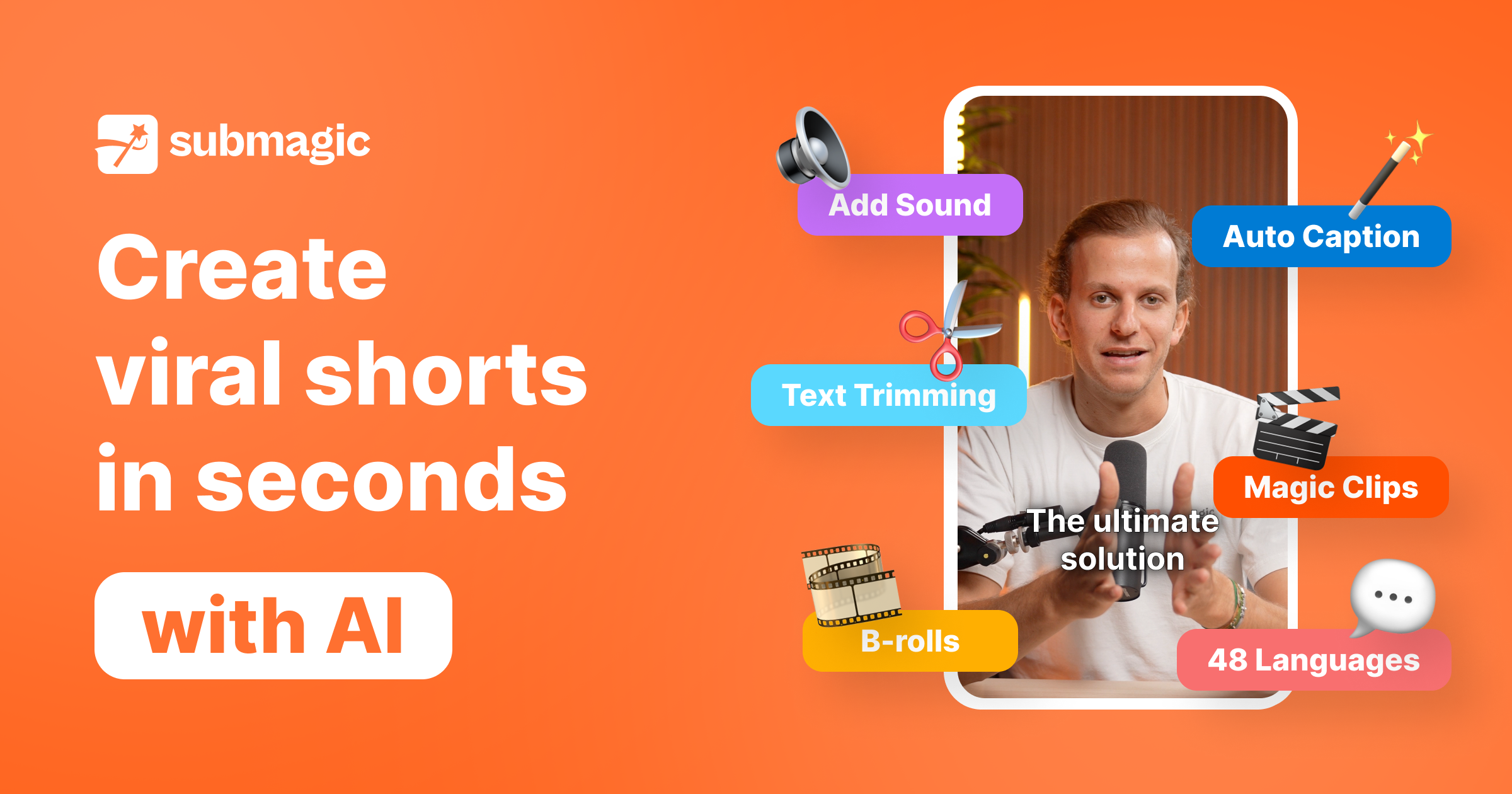
Upload videos or paste YouTube links to generate short-form content with AI captions, B-roll insertion, silence removal, auto-edits, and scheduled publishing to social platforms.
About
Submagic is a web-based video editing tool for turning long videos into short clips for social platforms. It lives in your browser and handles the repetitive parts.
You upload a video or paste a YouTube link. It generates captions, finds silences, matches B-roll footage, and exports to TikTok, Reels, or Shorts.
It fits video editing workflow where speed beats fine control. It is a poor fit for long-form work or advanced timeline editing.
Open it if you post short-form video weekly and hate caption timing. Skip it if you need a full editor or work mostly with long-form content.
Who Submagic is best for
It helps most when you are making clips fast and posting often.
- Short-form content creators prioritizing speed: You get clips ready in minutes instead of hours. The tradeoff is less control over each cut.
- Creators prioritizing visual caption design over text accuracy: You get animated, styled subtitles that look polished. You may need to correct transcription errors manually.
- Podcasters repurposing interviews into TikTok/Shorts/Reels clips: You extract highlights without watching hours of footage. The AI finds moments it thinks will perform.
- Solo entrepreneurs and lean teams needing speed: You handle video without hiring an editor. The limits on video length and exports may pinch as you scale.
- Users who value responsive human support over self-service: You get 24/7 support with named reps who follow through. This matters when exports fail or billing gets weird.
- Beginners wanting simple but polished captions: You start fast with pre-built styles. You hit walls when you want custom timing or animation.
- Creators without powerful local hardware: You skip installation and rendering on your machine. Upload speed becomes your bottleneck instead.
- Marketing teams needing fast short-form content: You batch-produce for multiple platforms. Shared workspaces and brand kits keep output consistent.
- Social media marketers managing multiple platform outputs: You schedule direct to TikTok, Instagram, YouTube. Each platform gets the right format without extra exports.
- Users comfortable with 1080p exports and 2-minute limits: You work within starter plan constraints. 4K and longer videos need higher tiers.
Best things about Submagic
These are the parts you notice after a few tries.
- AI captions generate quickly and accurately with minimal corrections needed: You spend less time fixing words. Brand names and technical terms still trip it up.
- Custom fonts and template saving keep branding consistent: You apply your look with one click. Team plans let you lock this across multiple users.
- Massive licensed B-roll library from Storyblocks included: You skip keyword hunting in stock sites. The AI matches footage to what you are saying.
- Auto-removes silences and filler words on higher tiers: You get tighter pacing without manual cuts. This alone saves 30 minutes per video.
- Keyword search in transcripts for quick trimming: You find the exact moment without scrubbing. It turns text into your navigation tool.
- No watermark on starter plan exports: You test and publish without branding embarrassment. Many tools hide this behind paywalls.
How you use Submagic
The path is short.
- Upload your video or paste a YouTube URL.
- Pick clip length and let the AI score moments for virality.
- Review auto-generated captions and choose a style preset.
- Add B-roll, music, or zoom effects if you want them.
- Export to your platform or schedule direct to social accounts.
Why you should ignore it
Skip it when the fit is wrong.
- Strict tiered limits even on paid plans: You hit 2-minute caps on Starter and 30-minute max even on Business. Long content needs workarounds.
- Limited transcript editing and correction options: You cannot easily fix transcription before styling. The workflow assumes captions are final.
- Billing and cancellation described as frustrating: You may face unexpected upgrade charges and aggressive retention tactics. Refund policies are strict.
- Server issues cause export delays: You wait when processing fails during busy periods. This erases the speed advantage.
- No offline mode or local rendering: You need internet and patience for uploads. Slow connections kill the workflow.