
Submagic
Paid
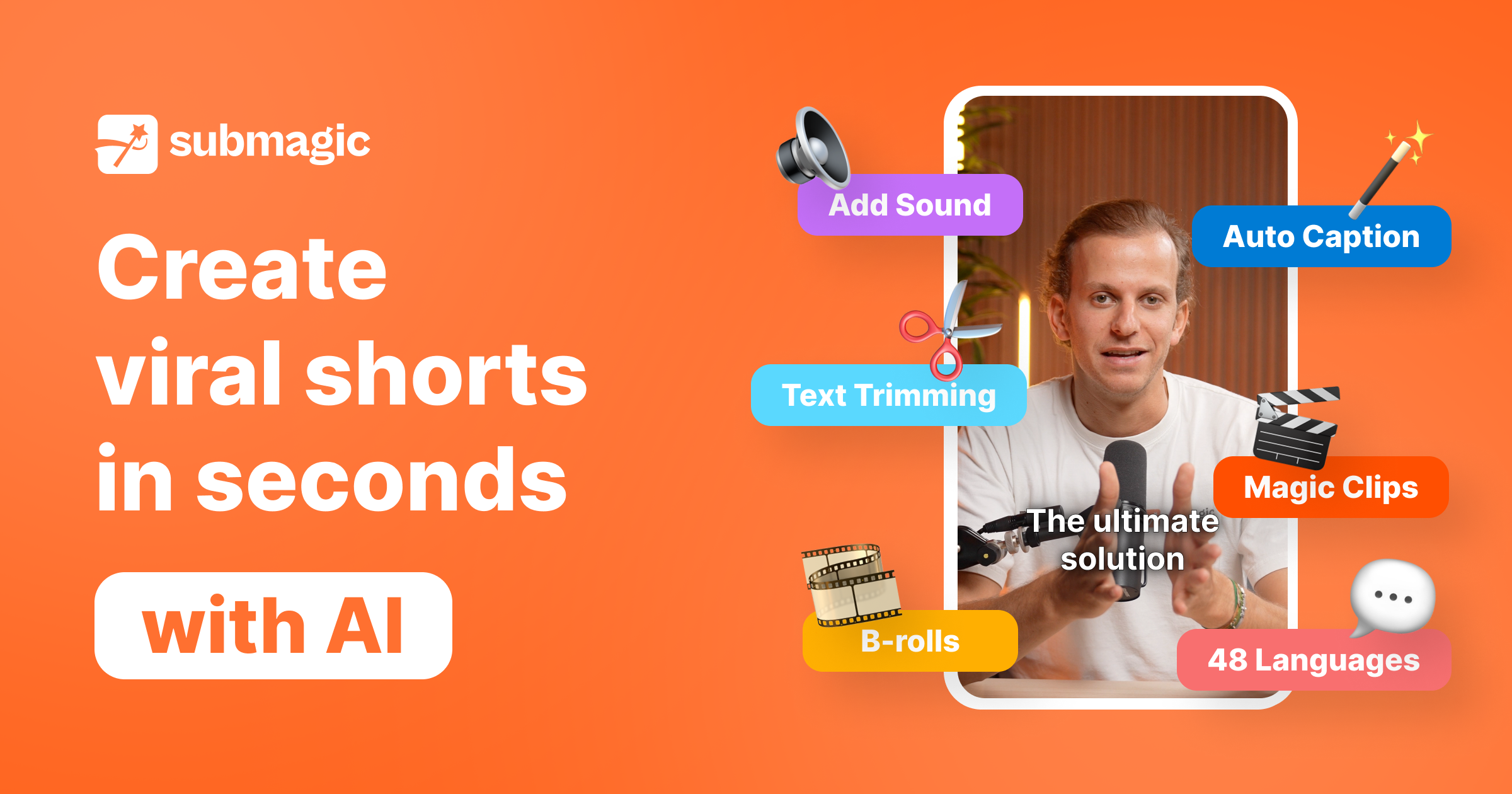
Upload videos or paste YouTube links to automatically generate AI captions, cut clips, add B-roll, and schedule publication to TikTok, Reels, and Shorts.
About
Submagic is a video editing tool that automates short-form video creation. It takes long videos and outputs clips ready for TikTok, Reels, and Shorts.
You upload a file or paste a YouTube link. It auto-generates captions, removes silences, adds B-roll, and trims to key moments.
It fits video editing work for social content. It is a poor fit for long-form editing or projects needing fine control.
Open it if you need fast animated captions and short clips. Skip it if you need transcript accuracy or advanced editing.
Who Submagic is best for
It helps most when speed matters more than perfection.
- Short-form content creators and marketers: You turn one long video into many clips. The AI picks moments with "virality scores."
- Creators prioritizing visual caption design over text accuracy: You get animated, styled subtitles. The words take second place to how they look.
- Solo entrepreneurs and lean teams needing speed: You save 30 to 60 minutes per video. No dedicated editor required.
- Podcasters repurposing interviews into TikTok/Shorts/Reels clips: You extract highlights from long recordings fast.
- Beginners wanting simple but polished captions: You start immediately. Pre-built styles from popular creators give you a professional look.
- Social media producers with high short-form output: You batch-produce content. The workflow stays consistent across posts.
- Users who value responsive human support over self-service: You get 24/7 human support with named reps who follow through.
- Teams needing shared workspaces and templates: You keep branding consistent across members. Collaboration features sit on higher tiers.
Best things about Submagic
These are the parts you notice after a few tries.
- Animated captions with customizable styles: You pick from templates like Alex Hormozi or MrBeast. Your text looks like the pros without manual design.
- Auto-generated B-roll from Storyblocks: You skip keyword hunting. The AI suggests footage that matches what you said.
- Fast silence removal and smart zooms: You keep viewers watching. Dead air disappears automatically.
- Browser-based with no installation: You work anywhere. No powerful local hardware needed.
- Multiple export formats for social platforms: You get files sized right for TikTok, Reels, and Shorts. No reformatting by hand.
How you use Submagic
The path is short.
- Upload your video or paste a YouTube link.
- Pick clip length and caption style.
- Review AI-selected moments and edit if needed.
- Add B-roll, music, or effects.
- Export in your chosen resolution and post.
Why you should ignore it
Skip it when the fit is wrong.
- Skip it if you need transcript accuracy: You get 88% accuracy with some accents and noise. Dedicated transcription tools score higher.
- Skip it if you edit long videos: You face strict caps—2 minutes on Starter, 30 minutes even on Business. Long-form work hits walls.
- Skip it if you need granular control: You cannot fine-tune caption timing easily. Timeline editing is limited compared to full editors.
- Skip it if you want a real free tier: You cannot export from the editor without paying. The free plan is a preview, not a working tool.
- Skip it if you need offline work: You rely on cloud processing. No local rendering means no internet, no edits.