
Speechify
Freemium
Listen to documents and web pages read aloud, dictate text with automatic correction, take AI meeting notes, and ask questions using voice commands across web, desktop, and mobile apps.
About
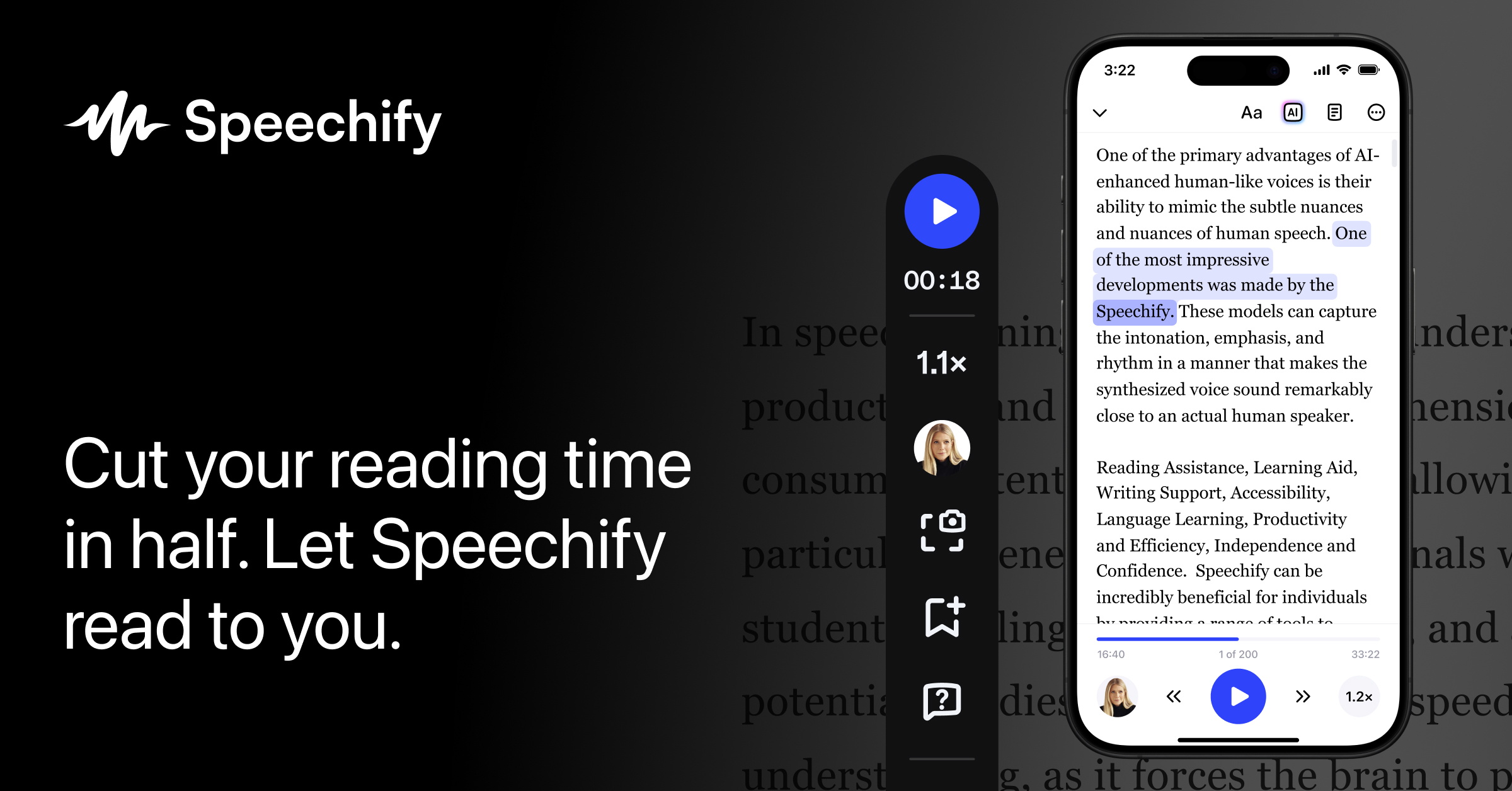
Speechify is a voice AI app that reads text aloud. It works in your browser, on your phone, and on your desktop. You paste in a PDF, a web article, or a scanned page, and it speaks the words back to you.
The tool sits in the Voice & Text to Speech category. You can speed up the voice to go faster than normal talking. You can also slow it down. The free version gives you ten robotic voices. The paid version gives you 200+ voices that sound like real people.
It costs $139 per year. That is steep. The free tier exists, but it is too limited to test the real product.
Open it if you read more than two hours per day and want to do it while walking, driving, or cooking. Skip it if you only read a few articles per week or if you need professional audiobook production.
Who Speechify is best for
These are the people who get their money back in saved time.
- Heavy readers with packed schedules: You have reports, papers, or long articles to get through. You listen during your commute or while you exercise. You finish more in a day.
- Students with heavy reading loads: You are assigned dozens of pages per night. You use the Chrome extension to hear course readings while you take notes or walk to class.
- People with dyslexia or ADHD: You learn better by ear than by eye. The highlighted text follows the voice so you can read and listen at once. You stay focused longer.
- Researchers and professionals in document-heavy fields: You process PDFs and scanned sources daily. The OCR pulls text from image-based pages. You queue documents on your laptop and pick them up on your phone.
- Writers who revise by ear: You paste your draft in and listen. You catch awkward pacing, repeated words, and clunky sentences you missed on the screen.
- People who need multilingual TTS: You switch between languages. The app supports Spanish and 50+ others with the same natural-sounding voices.
- People with visual impairments: You need a screen-free way to consume web content and documents. The cross-device sync keeps your place across all your devices.
- Anyone trying to speed-listen: You push the voice to 2x or 2.5x. You train your ear to follow faster. You cut your reading time in half.
Best things about Speechify
These are the parts you keep coming back to.
- The premium voices sound human: They pause at commas. They raise pitch at questions. You can listen for an hour without the fatigue of robotic speech.
- The Chrome extension is invisible: You right-click any article and press play. No copying. No reformatting. It follows along with text highlighting so you do not lose your place.
- The OCR saves scanned documents: You photograph a book page or upload an image PDF. It reads the text aloud. It works best on clean, flat pages.
- The cross-device sync actually works: You start a long report on your laptop. You finish it in your headphones on the train. Your place is saved.
- The speed control is smooth: You can go faster than normal speech. Most people settle at 1.5x to 2.5x. Anything higher becomes noise.
- The accessibility features are built in: You get multimodal reading, focus tools, and natural voices designed for people who struggle with text.
How you use Speechify
The path is short.
- Install the Chrome extension or open the mobile app.
- Paste text, upload a PDF, or right-click a web article to play.
- Pick a voice and set your speed.
- Listen. The text highlights as it speaks.
- Sync to your phone if you need to move.
Why you should ignore it
Skip it when the fit is wrong.
- The price is fixed and high: $139 per year. No monthly plan. You pay full price even if you only use it for three months.
- The free version is almost useless: Ten robotic voices. 1.5x speed max. You cannot test the real product before you buy.
- The word cap hits heavy users: 150,000 words per month on premium. Hit the limit and you drop to robotic voices until the next cycle.
- The billing has complaints: Some users report unexpected charges during the free trial. Set a calendar reminder if you try it.
- It is not for professional audiobooks: The voices lack emotional acting, character distinction, and narrative tension. Platforms may reject AI-narrated audiobooks.