
SlidesAI
Freemium
Generate presentations from text, documents, or prompts using a web app, Google Slides add-on, PowerPoint add-in, or ChatGPT integration, with export to editable native formats.
About
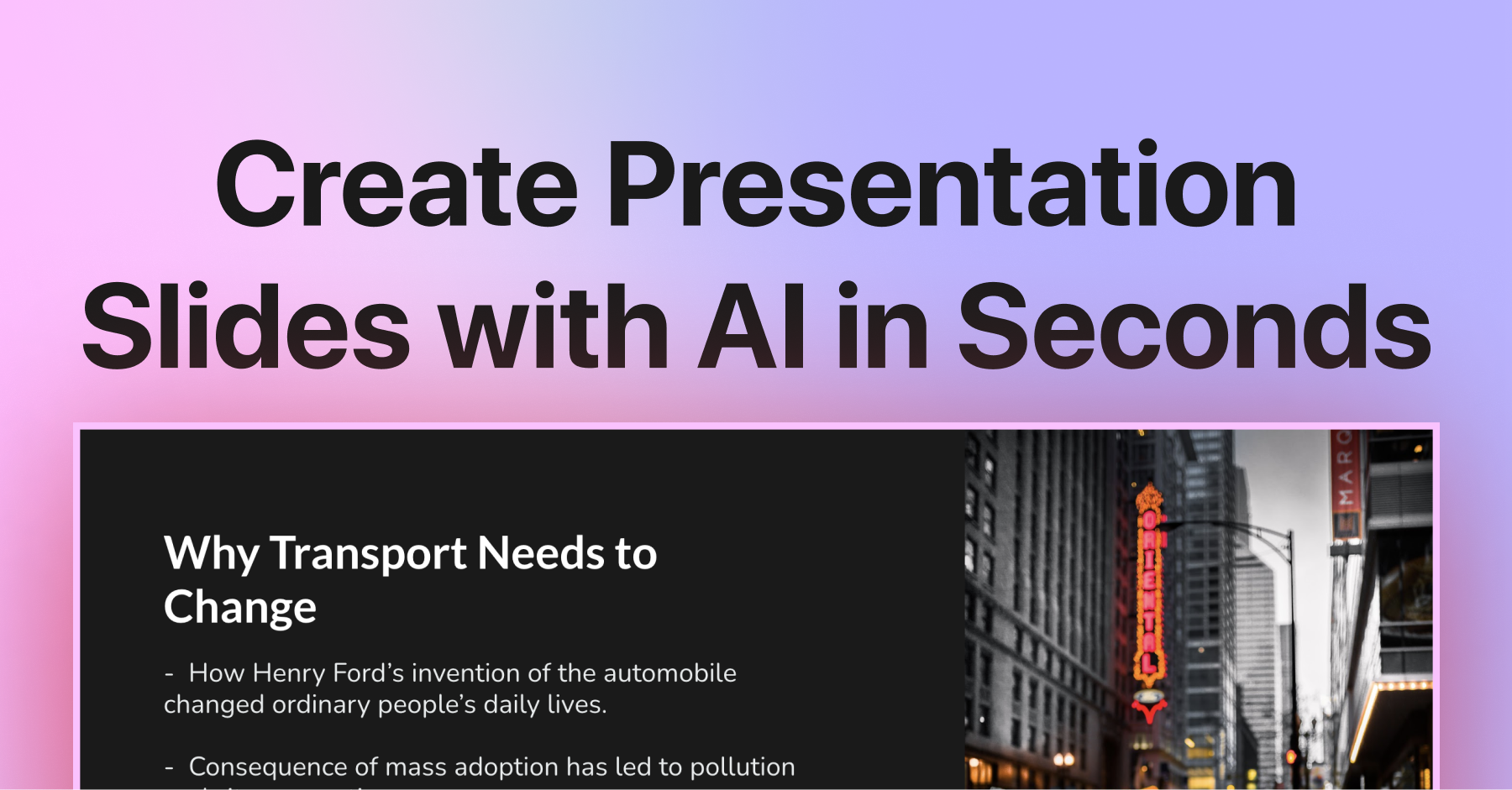
SlidesAI is an AI presentation generator that lives inside Google Slides. You paste text or a topic, and it builds a draft deck without leaving your workspace.
The tool also works as a PowerPoint add-in, ChatGPT integration, and web app. It supports 22 languages and exports native files you can keep editing.
This is presentation software, not design software. It builds structure fast, not polish.
Open it if you need a rough first draft from text you already have. Skip it if you need charts, data visuals, or a finished deck without manual work.
Who SlidesAI is best for
It helps when speed matters more than polish.
- Students needing quick presentation drafts: You get a structure in under a minute. You rewrite the generic bullets yourself.
- Teachers creating educational slides: You turn lesson notes into titled outlines fast. You fix the generic images and layouts after.
- Internal team updates where polish is secondary: You skip the blank page problem. The deck is for the room, not the client.
- Teams already living in Google Slides: You stay in your existing workspace. No exports, no broken formatting, no new logins.
- Users who plan to manually edit AI output: You treat the result as a starting point. You budget time for rewriting and design fixes.
- Users making frequent, low-stakes decks: You churn out drafts weekly. You have a system for quick manual cleanup.
- Multilingual content creators: You generate slides in your language. French and other major languages work reliably.
- Those who want to test AI slide generation with minimal commitment: You try the free tier first. You see if the workflow fits before paying.
Best things about SlidesAI
These are the parts that keep you coming back.
- Native Google Slides integration: You generate inside the app you already use. Your fonts, colors, and sharing permissions stay intact.
- Fast text-to-outline generation: You paste up to 6,000 characters and get structured slides in about a minute. The blank page problem disappears.
- Permanent free tier: You get 12 presentations per year without paying. You test the real workflow before committing.
- 100+ language support: You work in your language. Translations produce usable drafts you can refine.
- Magic Write for rephrasing: You adjust tone without leaving the sidebar. You shorten bullets or expand points with one click.
How you use SlidesAI
The setup takes about two minutes.
- Install the Google Workspace add-on from the Marketplace.
- Open Extensions → SlidesAI → Generate Slides in your deck.
- Paste your text or enter a topic, pick a theme, and wait for the draft.
- Review the output, rewrite generic bullets, and apply your own design fixes.
Why you should ignore it
Skip it when these limits block your work.
- Design themes often fail to apply: You pick a palette and get a generic two-tone template. You fix colors manually every time.
- AI content is thin and repetitive: You get the same three-bullet structure regardless of input. You rewrite most of the text yourself.
- "Coming Soon" features stay broken: You cannot upload documents, import URLs, or use YouTube links. These have been promised for months.
- PowerPoint support lags: You get fewer features than on Google Slides. The add-in feels like an afterthought.
- Billing and cancellation friction: You may face surprise charges and a cancellation process that requires emailing support directly.
- Hard limits on all tiers: You hit character caps and AI credit limits even on paid plans. Heavy use costs more than the sticker price suggests.