
Skybox AI
Paid
Generate 360° skyboxes and HDRI environments from text prompts for games, VR, and virtual production, with native Unity integration and 16K exports.
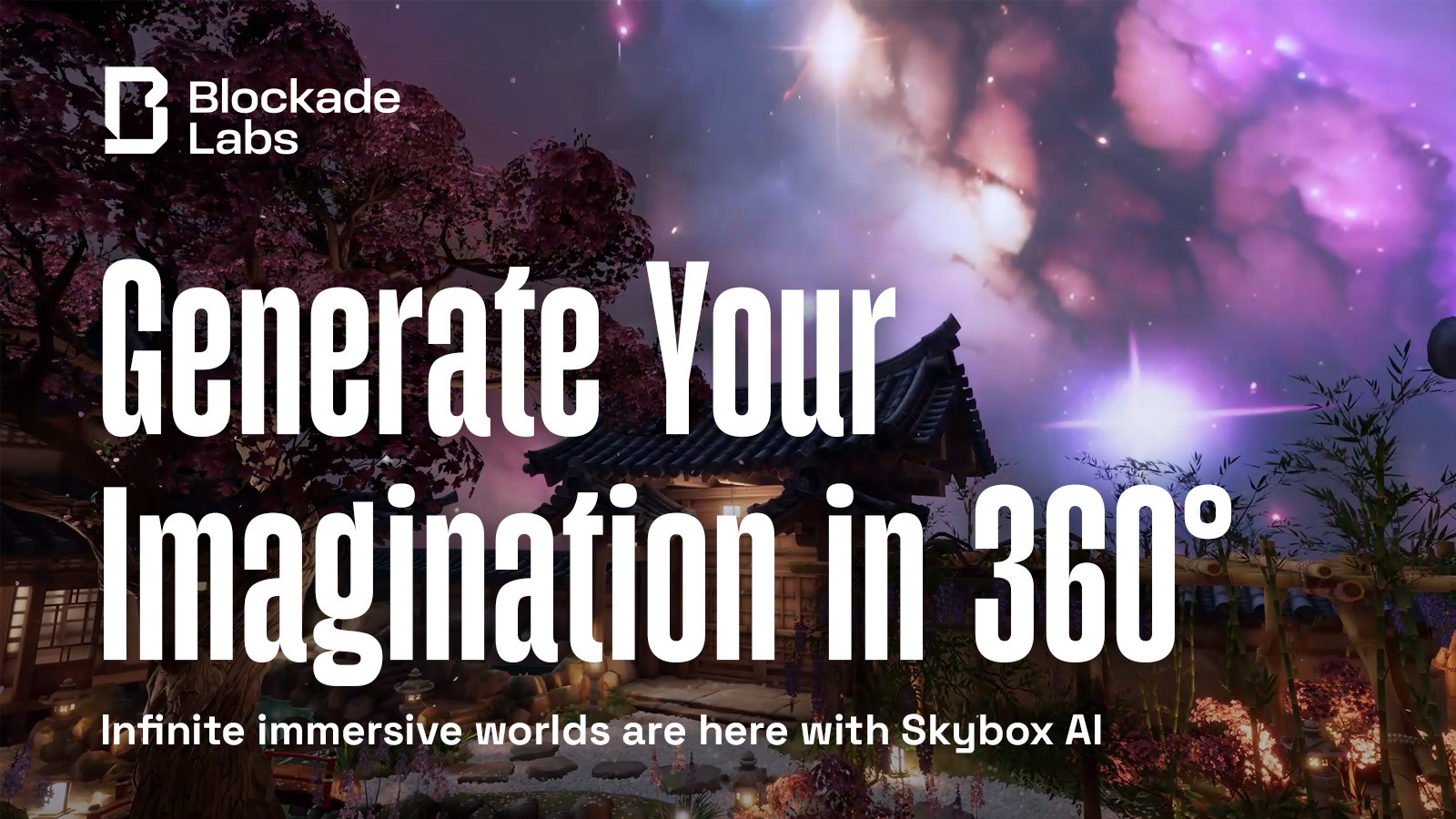
I've used Skybox AI to build 360° environments for games and VR. It is built for this one job. You type a scene description. It gives you a full skybox in under a minute.
You can export HDRI lighting, mesh geometry, or flat cube maps. The Unity plugin skips the round-trip to other software. The free tier lets you see what you get. You pay when you need to ship.
This is image generation for spatial work. It does not paint flat images or make characters. It only makes places you can stand inside.
Open it if you need 360° worlds fast. Skip it if you need fine control or anything other than panoramic backdrops.
Who Skybox AI is best for
It helps when your job is building worlds, not drawing them.
- XR creators needing immersive 360 backgrounds: You get environments that wrap around the user. No flat backplates that break immersion.
- Game developers prototyping levels: You test lighting and mood before modeling. Hours of manual work become minutes.
- Virtual production teams generating concept plates: You output reference for LED volumes and previs. The HDRI export matches real lighting workflows.
- Indie developers on tight deadlines: You skip learning complex 3D tools. The free tier proves the concept before you spend.
- Unity developers wanting integrated generation: You stay in-editor. No export-import loop between tools.
- VR/AR developers building immersive backdrops: You get Quest, Vision Pro, and AndroidXR compatibility without extra processing.
- 3D artists needing quick context environments: You add atmosphere around models. No painting skies by hand.
- Artists who want spatial control over AI generation: Sketch mode lets you draw rough shapes. The AI respects placement.
Best things about Skybox AI
These are the parts that stay useful after the first try.
- Purpose-built for seamless 360° output: It is not a feature tacked onto flat image generation. The training knows equirectangular format.
- Sketch mode for placement control: You draw where things go. The prompt fills the shape. You get some say in composition.
- Remix for iteration: You keep the structure and change style. Fast variants without starting over.
- HDRI and mesh exports: You get real production values. Light your scene properly or extrude depth into geometry.
- Direct Unity integration: Generate inside your project. URP, HDRP, and Built-in all work.
Why you should ignore it
Skip it when the limits will trap your project.
- Skip it if you need fine detail or walkable spaces: Seams, horizon warping, and scale issues still happen. You are fixed at one point. You cannot move through the world.
- Skip it if you need HDRI or mesh on a budget: Entry paid plans lock these out. You need $48/month or more.
- Skip it if you generate at high volume: Credits run out. Each prompt costs one. No unlimited workflow exists.
- Skip it if you need character or object generation: It only makes environments. No people, no props, no flat images.