
Sketch To
Paid
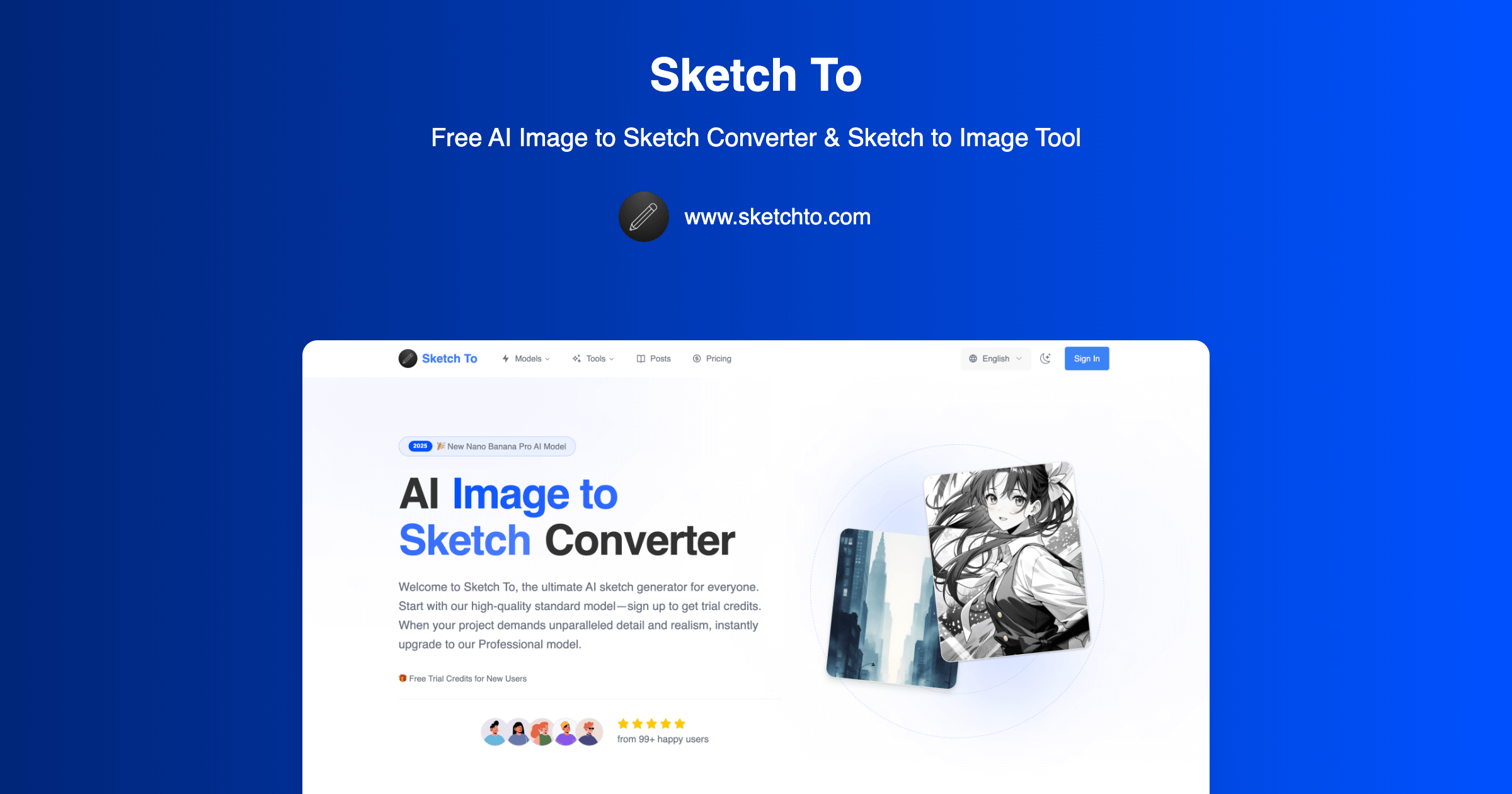
Convert photos to sketches and sketches to realistic images through a browser interface, with style options and two quality tiers on a pay-per-credit model.
About
Sketch To is a browser-based tool that converts photos to sketches and sketches to photos. It sits in the image generation space.
You upload an image up to 5MB and pick from nine styles: pencil, charcoal, ink, colored pencil, comic, watercolor, and others. The Standard model uses one credit per run. The Professional model costs two credits and taps providers like Flux Kontext and GPT Image for higher detail.
You buy credits in packs. There is no subscription or auto-renewal. You also get background removal, upscaling, uncrop, and video generation via Kling and VEO.
Open it if you need quick sketch conversion without learning complex software. Skip it if you need a genuine free tier or heavy commercial rights on the cheap.
Who Sketch To is best for
It fits when you want fast visual transformation without setup time.
- Non-artists needing quick sketch concepts: You get a hand-drawn look from any photo in seconds. The preset styles remove the guesswork.
- Social media content creators with occasional needs: You turn one photo into varied looks for posts. The credit system means you pay only when you post.
- Tattoo design exploration: You rough out ideas fast and show them to clients before you commit to ink.
- Pet portraits and character concepts: You get stylized versions of reference images without manual tracing.
- Classroom projects and creative workshops: Students see immediate results. The simple interface keeps the focus on the lesson, not the tool.
- Users who want preset styles: You skip prompt engineering. Click a style and get results that match the name.
- Casual users avoiding complex software: You open the browser and start. No install, no learning curve, no tabs of settings.
- Designers exploring style variations: You generate multiple directions from one sketch. The bidirectional flow helps you go from idea to reference and back.
Best things about Sketch To
These are the parts that stay useful after the first try.
- Before-and-after comparison: You see exactly what the AI changed. This helps you catch when the sketch drifts too far from your original.
- Good 1:1 sketch reproduction: The finished image keeps your lines intact. You do not lose the drawing you started with.
- Nine artistic styles: You get real variety—pencil, charcoal, ink, watercolor—without hunting for prompts.
- Bidirectional conversion: You go photo to sketch or sketch to photo in the same tool. One upload, two directions.
- No subscription lock-in: You buy credits and stop when you want. The credit packs do not auto-renew.
How you use Sketch To
The path is short.
- Upload your image, up to 5MB.
- Pick Standard or Professional model.
- Select a style from the nine presets.
- Wait for the conversion and compare before and after.
- Download or run the extra tools if needed.
Why you should ignore it
Skip it when these limits block your work.
- No real free tier: You get trial credits only. After that, you pay or you stop.
- Commercial license locked behind Pro: Standard output may not cover your use. Check your needs before you buy.
- Credit anxiety: You watch your balance drop with each click. This is not relaxing for heavy users.
- Web-only means upload trade-offs: You send your images to their servers. Privacy-conscious workflows may not fit.