
SiteSpeakAI
Freemium
Train an AI agent on your website and documents to answer visitor questions, capture leads, book meetings, and look up orders in real time, then deploy it with one line of code.
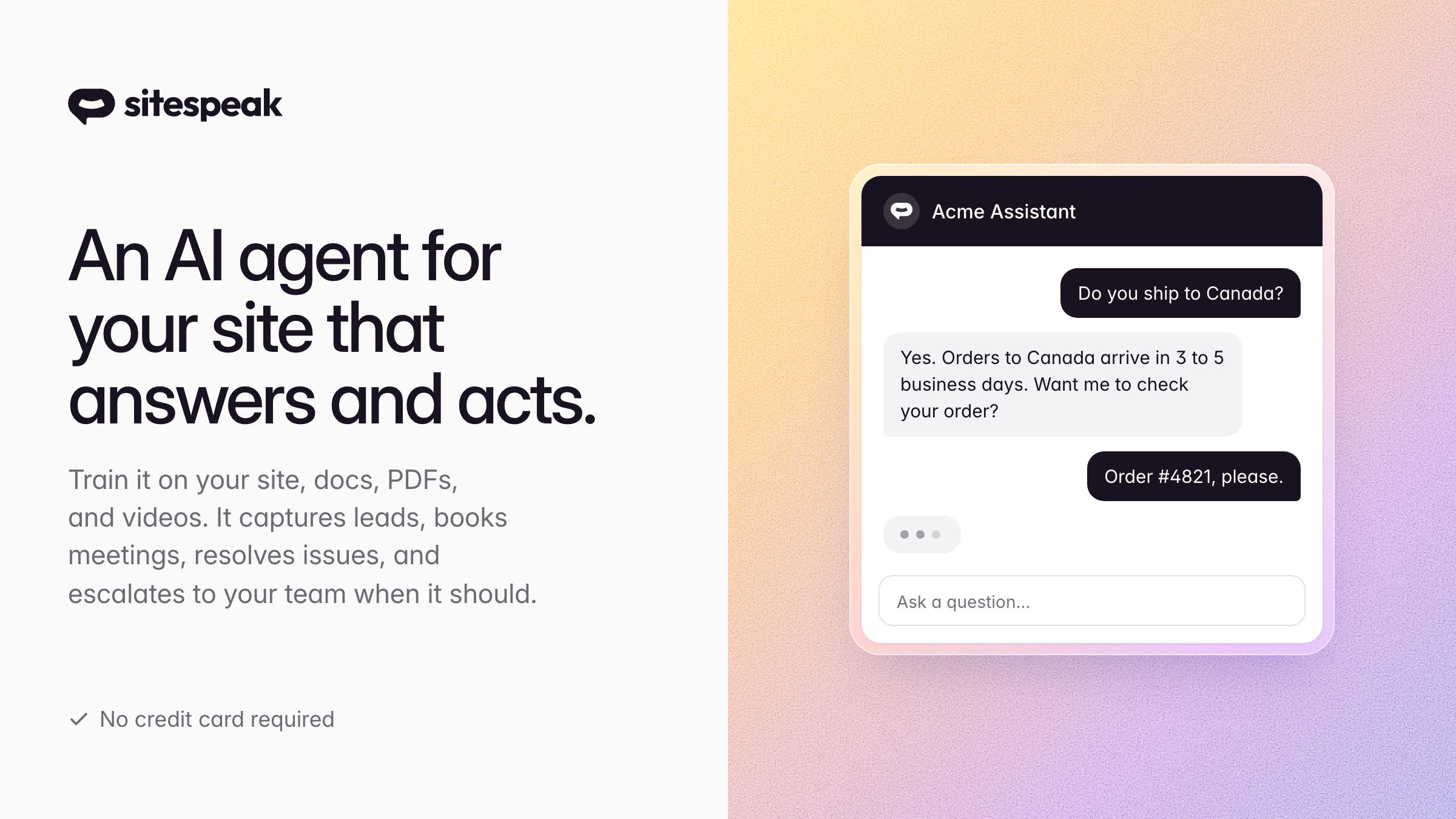
SiteSpeakAI is a platform for adding AI chat agents to websites. It answers visitor questions and performs tasks based on your content.
About
SiteSpeakAI works in customer support. You train an agent on your website, help docs, PDFs, or videos. Then you paste a single JavaScript line to put the chat widget on your site.
The bot captures leads, books meetings through calendar tools, looks up orders, and hands off to real people when needed. You pick the colors, logo, name, and personality.
Pricing starts free with 30 message credits monthly. Paid plans run $29 to $499 monthly, with overage at 2.5 cents per extra message.
Open it if you have documented help content and want to deflect repetitive questions. Skip it if you need deep helpdesk integration or want to train on past ticket history.
Who SiteSpeakAI is best for
These are the people who get the most from it.
- Small businesses without existing helpdesks: You get automated answers without buying Zendesk or Freshdesk first. The free tier lets you test before spending.
- Teams wanting internal wiki bots: You connect Notion, Confluence, or BookStack. Your team asks questions in Slack instead of hunting through docs.
- Agencies reselling white-label chatbots: You use custom domains and branded dashboards. Client management tools let you run multiple bots from one account.
- SaaS companies with simple support needs and strong docs: You train on your documentation. The bot handles common questions while you focus on bugs.
- Support teams with documented knowledge bases: You point the crawler at your help center. Answers stay grounded in your actual content, not random guesses.
- SaaS and ecommerce sites wanting contextual help: You add Shopify order lookup or Cal.com booking. Visitors get task-specific answers without leaving the page.
- Teams wanting model choice without building infrastructure: You pick GPT-4, Claude, Gemini, or Grok. You control temperature and restrictions without managing APIs yourself.
Best things about SiteSpeakAI
These are the parts that stick after you set it up.
- Strong wiki and document connectors: It reads Notion, Confluence, Google Drive, even Discord channels. Your scattered content becomes useful in one place.
- Flexible model selection: You choose the AI and set how creative or strict it acts. Tight restrictions keep answers close to your source material.
- BYOK option on higher tiers: You bring your own API key to save money at volume. The platform fee drops when you handle the AI costs yourself.
- Transparent pricing with functional free tier: Thirty real messages to test with, not a countdown clock. You know what you pay before you commit.
- Actions and API access: You hook up Shopify, Cal.com, or custom REST endpoints. The bot does things, not just talks.
Why you should ignore it
Skip it when these limits block your path.
- No native helpdesk integrations: Escalations go to a separate Inbox, not Zendesk or Freshdesk. You manually bridge the gap.
- No batch testing before launch: You cannot throw real questions at the bot in bulk to see how it fails. You find problems live with real visitors.
- Cannot train on past support tickets: Your historical answers stay locked outside the system. You rebuild knowledge from docs and websites only.
- Per-message pricing adds up: Follow-up questions cost extra. High traffic means unexpected bills unless you watch credits closely.
- Free tier is tight for real use: Thirty messages covers a few days of testing, not ongoing operation. You hit paywall fast.