
Riverside
Paid
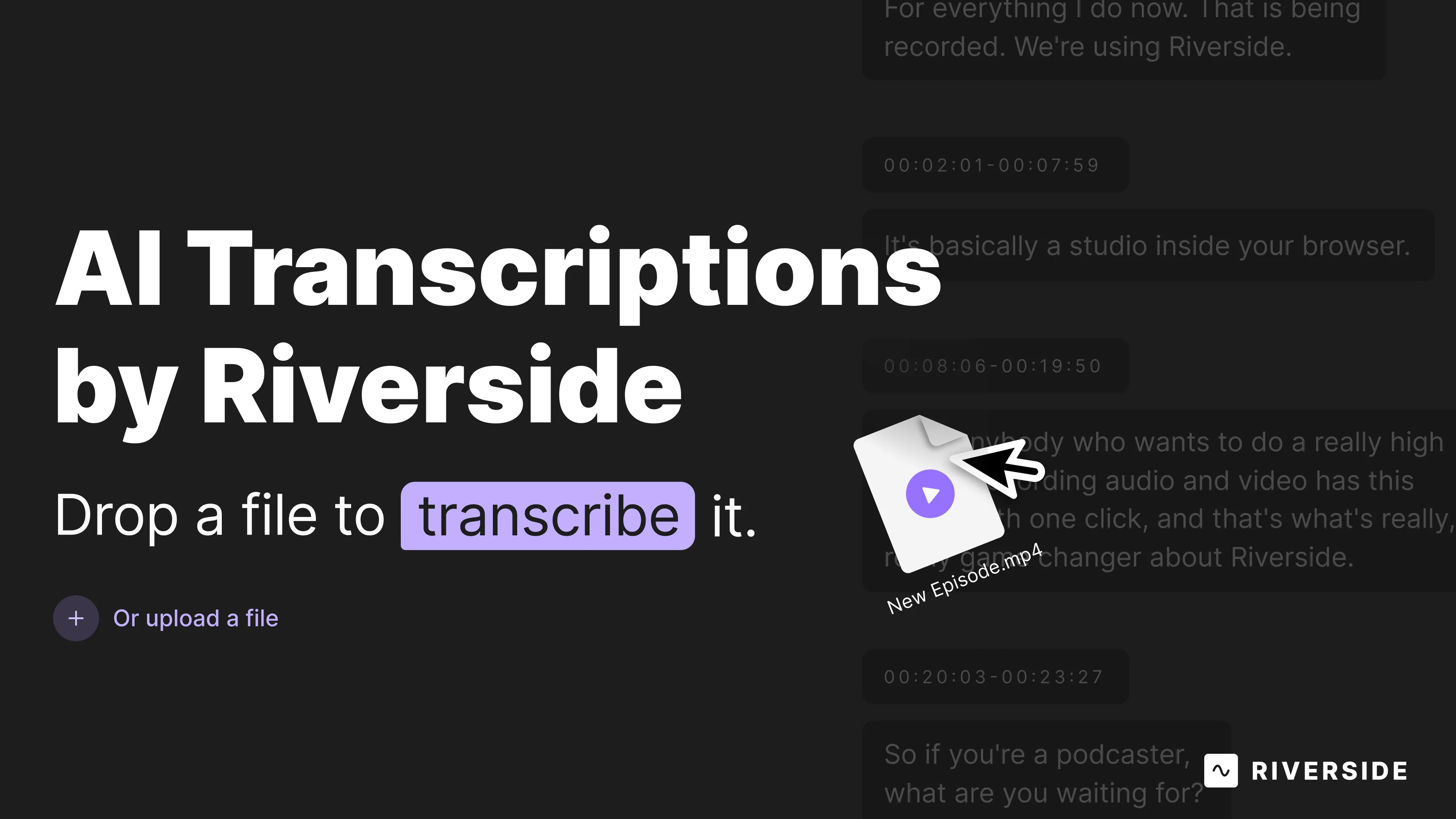
Record 4K video with uncompressed audio, automatically transcribe in 100+ languages, and edit by deleting text from the transcript to cut video segments.
About
Riverside is a cloud content platform for transcription and meeting notes work. It records video and audio locally on each person's device, then transcribes and edits the result in one place.
You get 4K video and uncompressed audio even when the internet drops. The transcription runs automatically after recording, with speaker labels pulled from participant names.
The catch: everything happens inside Riverside. You cannot upload outside files for transcription. The tool owns the whole chain.
Open it if you record remote interviews and want the transcript and edit in one place. Skip it if you already record with another tool and just need transcription.
Who Riverside is best for
It fits when your workflow starts and ends here.
- Remote podcasters doing interviews: You record, transcribe, and clip without leaving the tab. The guest clicks one link.
- Creators recording and clipping in one ecosystem: Magic Clips grabs moments for social, though you still review them.
- Teams needing integrated recording-transcription-editing workflow: Your files never leave the platform between steps.
- Podcasters prioritizing recording quality: Local 4K and WAV beat Zoom compression every time.
- Interviewers with remote guests on unstable connections: The recording survives their WiFi hiccups.
- Creators who export to professional editors for post-production: Separate multitrack files go to Premiere or Final Cut.
- Interview-based creators working with non-technical guests: No installs, no accounts, no tech support calls.
- Content creators repurposing transcripts into articles or newsletters: You copy text directly to your CMS.
- Teams wanting live streaming with simultaneous high-quality recording: You stream to YouTube while capturing clean files.
- Users who prioritize absolute maximum recording quality: You accept the tradeoffs in editing speed and flexibility.
Best things about Riverside
These are the reasons you keep the tab open.
- Local recording no matter the connection: Each person records 4K and 48kHz on their own device. Your dog barking moment gets fixed in post, not lost to compression.
- Automatic transcription with speaker labels: It starts when the recording stops. Names from the studio become labels in the transcript.
- Text-based video editing: Delete words from the transcript, the video cuts match. Fast for rough drafts, though polish still needs outside tools.
- Guest access without friction: Send a link. They open Chrome or Edge. No downloads, no signups, no forgotten passwords five minutes before showtime.
- Separate multitrack exports: Each person gets their own file for color, audio, or rebuilds in your editor of choice.
Why you should ignore it
The limits bite when you try to bend the tool.
- Acceptable only if you record inside Riverside: Your Zoom files, phone voice memos, and old interviews stay locked out. No upload, no transcription.
- Priced for the bundle, not the transcription: You pay for recording, editing, clipping, and streaming. Pure transcription tools cost less.
- Editing gets slow and crashes: Long sessions freeze. The browser tab chokes when you need it most.
- Magic Clips need human review: The AI picks odd moments and awkward lengths. You still cut by hand or use another tool.
- No pause during recording: Bathroom break? Hold up an X or keep rolling. Basic feature, missing.
- Browser lock to Chrome and Edge: Your Safari and Firefox guests get a sorry message. More friction than promised.