
Refont
Freemium
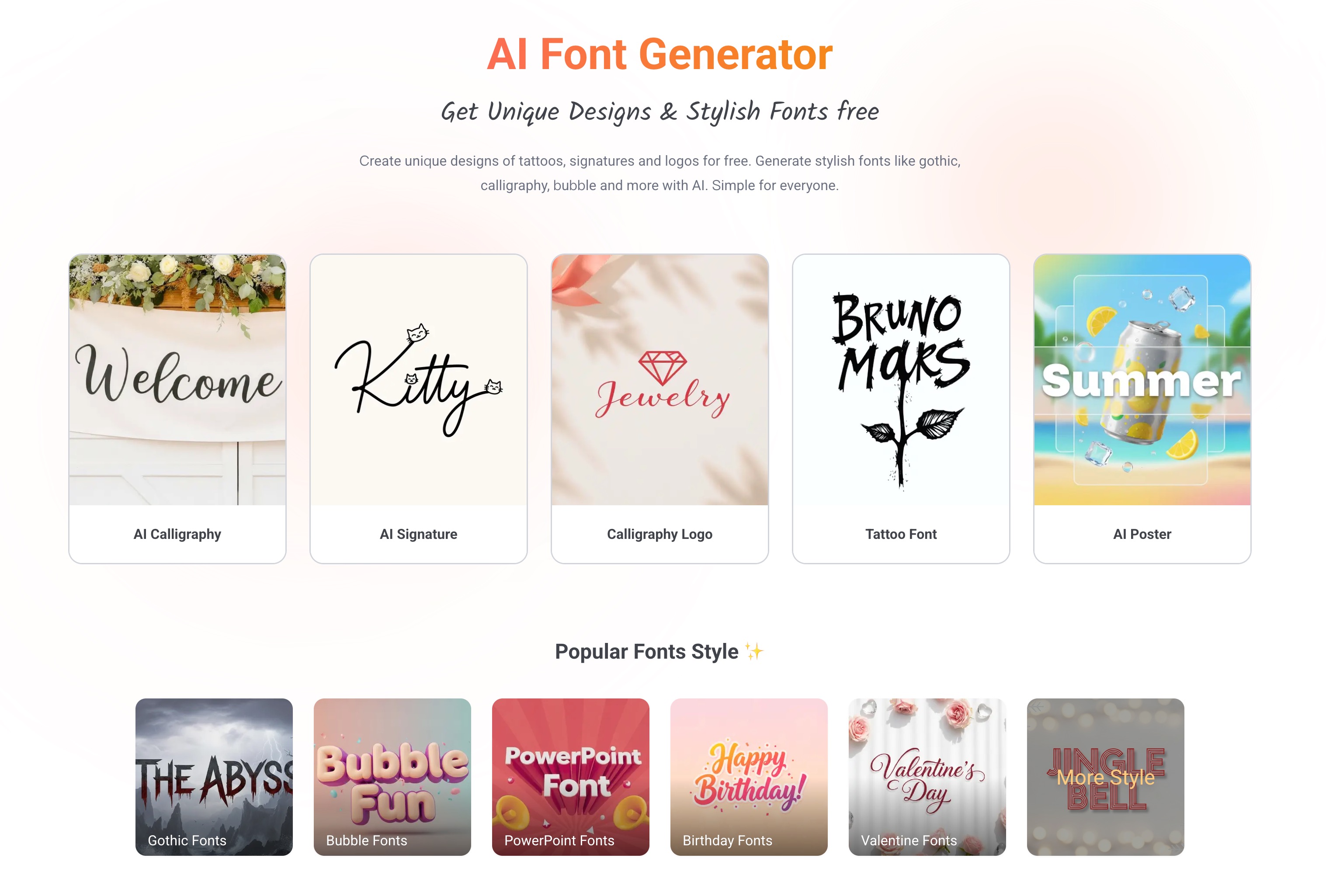
Generate stylized fonts, calligraphy, signatures, and design assets by typing text or keywords, then download high-resolution images for personal or commercial projects.
About
Refont is an AI font generator that lives in your browser. You type in words, pick a style, and get back a styled image you can download.
It handles calligraphy, signatures, handwriting, and decorative text. You can work in English or Chinese, adjust spacing and colors, and export a high-resolution PNG.
It sits in the design space. It is not a full design suite, and it does not output real font files.
Open it if you need quick styled text for images. Skip it if you need editable fonts for software or websites.
Who Refont is best for
These are the people who get the most from it.
- Quick social media text styling: You make Instagram bios, thumbnails, or post graphics in minutes. You skip the design software learning curve.
- Users needing multi-language font previews: You work with both English and Chinese text. You see previews that handle both scripts well.
- One-off decorative text without font file requirements: You need a single styled image, not a reusable typeface. You are fine with PNG downloads.
- Beginners wanting immediate results without learning curve: You open the site and start typing. You see options right away with no signup.
- Students making posters and school projects: You need something that looks finished without hiring help. You download and drop it into your layout.
- Small businesses needing quick menu or logo designs: You test ideas before paying a designer. You iterate fast on your own.
- Content creators making thumbnails and titles: You batch-create assets for videos or posts. You get consistent styling without open-ended costs.
- Event planners testing calligraphy for invites: You preview lettering styles before committing to a calligrapher. You show clients options fast.
Best things about Refont
These are the parts you notice after using it.
- No registration wall: You land on the page and start. You skip the email dance and get straight to the work.
- Fast multi-version previews: You type once and see several styles side by side. You pick the one that fits without starting over.
- Multi-language support including Chinese: You work across scripts without switching tools. Most simple generators skip this.
- Good customization of spacing, colors, alignment: You tweak the look until it fits your asset. You are not stuck with defaults.
- High resolution image exports: You get PNGs sharp enough for print or large screens. The quality holds up when you zoom in.
How you use Refont
The path is short.
- Open the site and type your text in the input field.
- Pick a style category like calligraphy, signature, or fancy fonts.
- Adjust spacing, thickness, or color until the preview looks right.
- Download the high-resolution PNG when you are satisfied.
Why you should ignore it
Skip it when these limits matter to you.
- Outputs images, not installable font files: You get PNGs, not .ttf or .otf files. You cannot install these in your system or use them in editable text layers.
- Deep editing limited compared to design software: You adjust basic settings only. You cannot reshape curves or tweak individual letterforms like in Illustrator.
- Not suitable for building reusable typeface libraries: You generate one image at a time. You cannot create a font family or export styles for multiple projects to share.
- Detailed calligraphy sometimes needs regeneration: You may run the same prompt twice to get the stroke order right. The AI does not always nail complex ligatures on the first try.