
QuickAds
Freemium
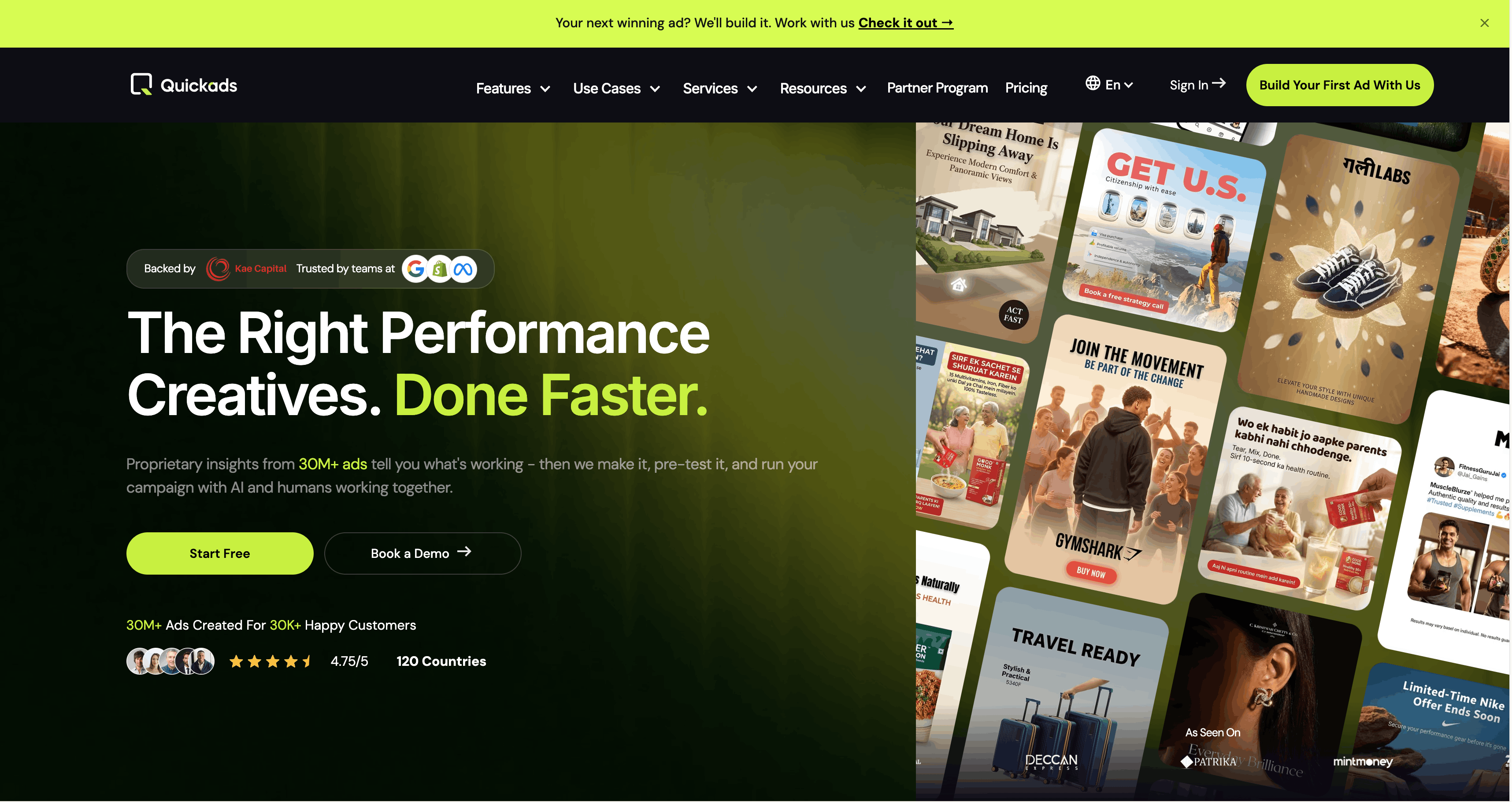
Generate and manage AI-powered ad creatives with access to a 32M+ ad research library, design images and videos, run virtual photoshoots, or outsource full production and campaign management to an AI-enabled team.
About
QuickAds is an AI-powered ad creative platform for performance marketers, D2C brands, and growth-stage companies. It combines a research library of over 20 million ads with tools for image and video generation, virtual product photoshoots, and campaign management across Meta, Google, Amazon, and TikTok.
You start with a product link, a brief, or a reference ad. It generates images, videos, and copy variations formatted for your chosen platforms. The free tier lets you test; paid plans start at $99 per month.
It sits in the marketing stack for teams that need volume without a studio. It is not a replacement for a designer who needs full creative control.
Open QuickAds if you need fast creative variations and can live with template-based output. Skip it if you need pixel-perfect, original visuals or cannot risk billing surprises.
Who QuickAds is best for
It fits when speed matters more than polish, and when you have someone to check the output before it goes live.
- Small business owners comfortable with basic AI image generation: You get usable ads without hiring a designer. You will still need to fix shadows and alignment.
- Users who need quick ad creation with credit efficiency: You burn fewer credits here than on competing platforms. That helps when you are testing often.
- Marketers who need lightweight creative variations fast: You generate many options from one product shot. You pick the best and move on.
- Performance campaigns requiring steady stream of new tests: You keep fresh creative in rotation without burning out your team.
- Small teams without dedicated design resources: You cover images, video, and copy in one place. You export to Canva or CapCut for finish work.
- Beginners figuring out visual direction via inspiration library: You browse 20 million ads by platform and country. You see what is working before you make yours.
- E-commerce brands wanting AI product photos without studio costs: You get virtual try-ons and product shots. Results vary; 10% fail outright.
- Marketing teams with tight deadlines needing volume: You get first drafts in under an hour. You still need time for cleanup.
- Agencies managing multiple client accounts: You get white-label options and unlimited brands on higher tiers. You need patience for support timezone mismatches.
Best things about QuickAds
These are the parts that keep you coming back, even when the tool frustrates you elsewhere.
- The ad inspiration library: You search 20 million ads by format, country, and platform. You stop guessing what visual style to try.
- Fast generation from product links: You paste a URL and get image ads, video, and copy in minutes. You skip the blank page.
- Simple interface for non-designers: You pick a format and go. You do not need to write complex prompts.
- UGC Avatar for testimonial videos: You get relatable faces without hiring actors. You fix the audio sync afterward.
- Credit efficiency: You get more output per credit than on similar tools. Your testing budget stretches further.
How you use QuickAds
The workflow is built for speed.
- Paste your product link or upload a product photo.
- Pick your ad format and platform size.
- Review the generated variations and select the best.
- Export to your preferred tool for final polish.
- Upload to your ad account or schedule for later.
Why you should ignore it
Skip it if your tolerance for friction is low or your standards for output are high.
- Billing issues with trials: Users report charges before stated trial end dates. Refund requests are often ignored.
- Support response times vary widely: You might hear back same-day or in a week. You cannot count on help in a crisis.
- AI image quality issues: Warped shapes and poor shadows appear often. You will export to another tool for fixes.
- Platform instability: Outages and feature failures are common. You lose work when navigation bugs log you out.
- $99/month questioned relative to output quality: You pay for unlimited generations but hit download caps. You end up using other tools anyway.