
Process AI
Paid
Generate and automate team workflows using AI by providing instructions or uploading documents, with built-in approvals, assignments, due dates, and integrations with tools like Slack and Zapier.
About
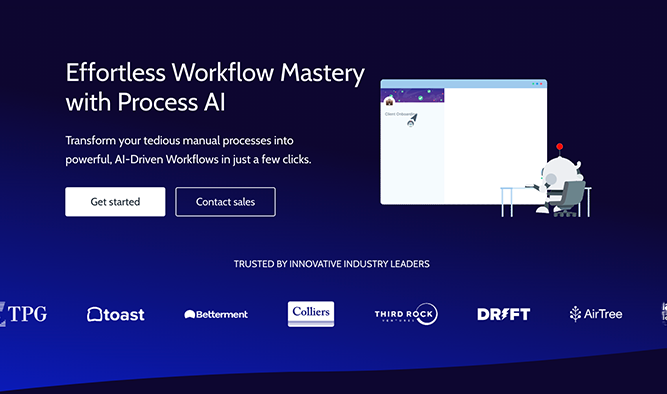
Process AI is an AI layer inside Process Street for Workflow Automation. You type a description or upload a document, and it builds a working checklist with forms, approvals, due dates, and task assignments.
The AI also runs inside tasks. It can write emails, parse text, run formulas, translate, or check sentiment using data from earlier steps. Everything stays in one place instead of wiring in outside tools.
It is cloud-only. No desktop app. You need stable internet and a paid plan for the good stuff.
Open it if you need to turn scattered processes into repeatable workflows without writing code. Skip it if you want simple project boards or cannot commit to weekly upkeep.
Who Process AI is best for
It changes what these teams can handle.
- Teams with dedicated operations staff: Someone needs to own it weekly. Without that, the complexity wins.
- Operations managers with recurring processes: You stop juggling spreadsheets. Workflows run themselves and remind people what is next.
- HR and customer onboarding teams: You build linear checklists that branch based on role or need. No one gets the wrong steps.
- Non-technical users who need custom workflows: You get forms, logic, and assignments without asking engineering.
- Teams already heavy on Zapier: You can push data across 5,000 apps. The connection is real, not marketing.
- Mid-market compliance teams in regulated industries: Audit trails build themselves as work happens. You have proof of who did what, when.
- Teams running 10-50 recurring procedures: You have outgrown spreadsheets but do not need enterprise bloat.
- Process Street admins building from documents: You upload PDFs or DOCX files and get runnable workflows in minutes.
Best things about Process AI
These are the parts that stick after you use it.
- AI workflow builder: You describe what you need. It builds the steps, forms, and approvals. You start faster than templates.
- Native AI tasks: You generate content, parse text, or run sentiment analysis inside the workflow. No Zapier needed for the common jobs.
- Conditional logic: You build branching paths. Different inputs trigger different steps. One workflow covers many situations.
- Zapier integration: You connect to your stack when you need to. Data flows across tools without manual handoffs.
- Audit-ready execution: Every step, assignee, and timestamp records itself. You face auditors with proof, not promises.
How you use Process AI
The flow is simple once you are inside.
- Start a new workflow and choose the AI generator.
- Describe the process or upload a document.
- Review the steps, forms, and approvals it creates.
- Add AI tasks where you need content, parsing, or analysis.
- Run the workflow and let it assign tasks and track completion.
Why you should ignore it
These limits will block you.
- Pricing volatility: The cost has jumped 1200% for some users. Budget certainty is gone.
- Free plan eliminated: Existing free users were pushed to paid. You cannot test deeply without committing.
- Learning curve: Simple checklists are easy. Complex logic takes time to master. You need someone to own it.
- No desktop app: You work in a browser or nothing. Offline work is impossible.
- Thin validation: Few public reviews exist. You buy largely on the vendor's word.