
Presenti
Freemium
Create AI-generated presentations from topics, text, or documents, refine the outline and design in an online editor, and export to PowerPoint or PDF.
About
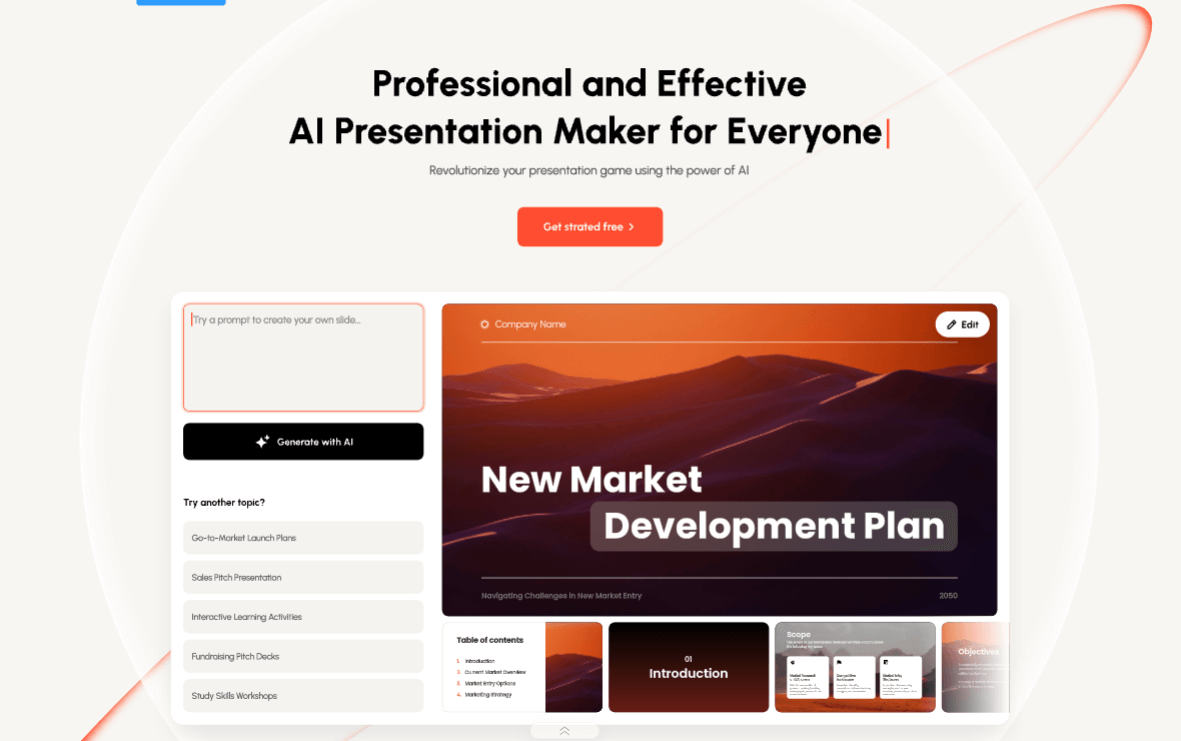
Presenti is an online presentation tool that turns topics, text, or documents into slide decks. You drop in a Word file, PDF, Markdown notes, or just a topic idea. It builds an outline first, then generates slides you can edit in the browser.
The tool works inside its own workspace. It is not a Google Slides add-on or PowerPoint plugin. It exports to PPTX or PDF when you need to leave.
Presenti sits in the presentations category. It wants to save hours of slide building, but the free tier stops short of a finished file you can actually use.
Open it if you want a separate workspace and can work through outlines before slides. Skip it if you need reliable exports or already live inside Google Slides or PowerPoint.
Who Presenti is best for
It fits people who can handle a new workflow and do not need perfect exports on day one.
- Teams wanting a standalone presentation environment: You get a dedicated workspace outside Google Slides and PowerPoint. This keeps your drafts separate from shared drives.
- Users who want outline review before generation: You see the structure first. You catch gaps before the slides eat your time.
- Business and student projects needing editable drafts: You start with something you can tweak. You still need to finish it yourself.
- Users creating quick presentations from rough source material: You paste text or upload a document. You skip the blank page.
- Those with patience to learn a new workflow: The interface takes time. Rewards come after the learning curve.
- Teams wanting brand-consistent templates once configured: You set fonts, colors, and logos once. They apply across decks.
- Users needing to convert existing documents into presentations: Word docs, PDFs, Markdown files, and mind maps all feed in.
- Markdown and mind map users underserved by competitors: Most tools skip these formats. Presenti reads them.
- Users who only need to present internally or screenshare: You live inside the browser editor. You never need the export button.
Best things about Presenti
These are the parts that keep you coming back after you figure out the quirks.
- Forced outline-review stage: You fix the story before the slides exist. This catches structural problems early.
- Semantic layouts with themes: You pick timeline or other structures. The AI orders your content into something readable.
- Multi-source import: You feed it audio, video, web links, Word, PDF, Markdown, and mind maps. It handles more starting points than most.
- Brand template setup: You lock in fonts, colors, and logos. Your decks stay consistent without manual formatting.
- Gemini 3 Pro support: You can generate up to 75 slides in one request. Long decks do not need multiple runs.
How you use Presenti
The workflow has clear gates.
- Type a topic or upload your document.
- Review the AI-generated outline in the mind map or list view.
- Edit the structure, rename sections, add or remove points.
- Pick a template and generate the slides.
- Edit text, charts, and layouts in the browser.
- Export to PPTX or PDF if you have a paid plan.
Why you should ignore it
These limits break the deal for some users.
- Paywalled exports: The free tier only previews. You cannot download an editable file without paying.
- Export failures: PPTX exports sometimes fail silently. PDFs export as low-DPI images, not proper text.
- Text modification without asking: The AI rewrites your wording in some workflows. You lose control of your voice.
- Slide count bloat: One user saw 14 planned slides become 54 generated slides. You spend time cutting, not building.
- File import glitches: PPTX and Markdown imports fail despite being listed as supported.
- Interface language bugs: Setting the language does not always stick. You work in the wrong tongue.
- Image generation misses context: You get template variations, not images that match your actual content.