
Poised
Freemium
Get real-time private feedback on speech patterns, filler words, and meeting notes during video calls on Mac and Windows, with post-call summaries and progress tracking.
About
Poised is a desktop communication coaching app for productivity work. It sits on your Mac or Windows computer and watches how you speak during video calls. No one else sees it running.
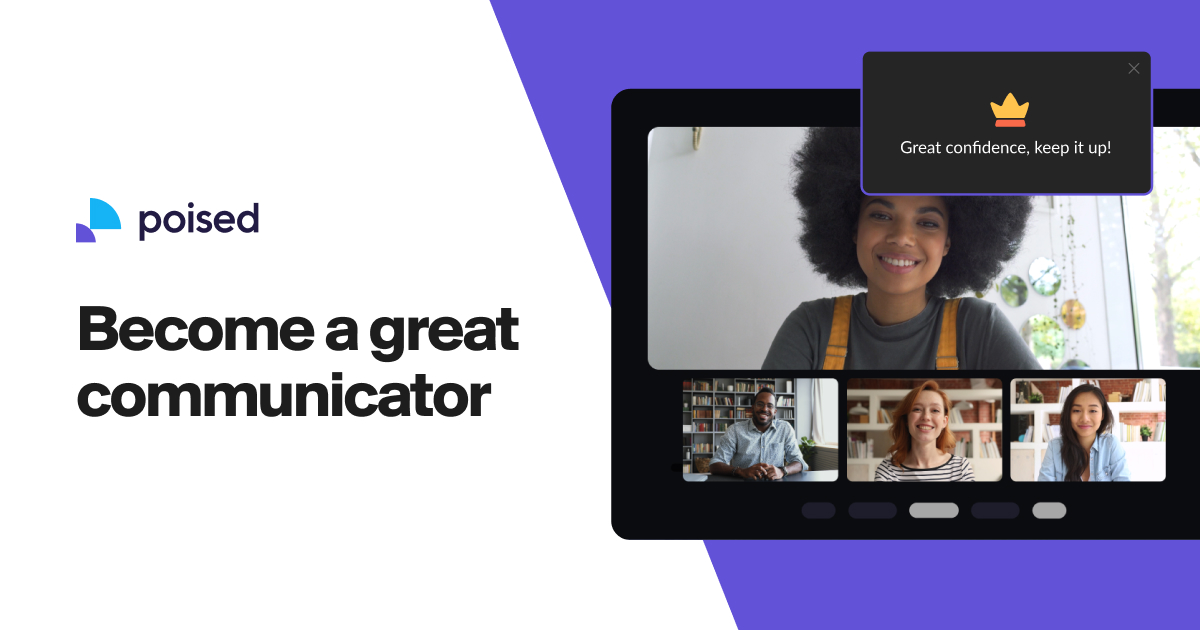
It counts your "ums" and "ahs." It nudges you when you talk too fast. It scores your confidence and energy. After each call, you get a report showing what you did.
The app needs your calendar and your microphone. It does not join the call as a bot. The feedback stays private to you.
Open it if you want structured feedback on how you actually sound. Skip it if you already speak well and want video analysis of body language.
Who Poised is best for
You get something specific from it when this is your situation.
- People preparing for presentations, meetings, interviews, or sales calls: You rehearse privately first. The app shows you what to fix before the real thing.
- Users who want structured feedback on how they actually sound, not how they think they sound: You get numbers and patterns. The app catches habits your friends would not mention.
- Those who lack access to honest listeners willing to give constructive criticism: The app is always ready. You do not need to ask anyone for help.
- Sales reps with repeatable call types: You track which calls went better. You test small changes and see if scores move.
- Job seekers preparing for interviews: You practice answers and see where you hesitate. You build fluency without a live audience.
- Non-native English speakers building fluency confidence: You spot hesitation moments and filler words. You watch your pace and clarity scores rise.
- Anyone in regulated or sensitive environments where visible meeting bots are inappropriate: No bot joins your call. No one knows you are using it.
- Remote workers doing frequent high-stakes video calls: You improve your virtual presence over weeks. The trends show whether you are actually getting better.
- People wanting to reduce filler words in presentations: You see each "um" tallied. You learn to pause instead.
Best things about Poised
These are the parts you notice after a few calls.
- No setup friction: You start recording without menus or onboarding. This matters when you are already nervous about speaking.
- Private real-time feedback: A small meter sits on your screen. You adjust mid-sentence without anyone knowing.
- Specific identification of problems: It catches hesitation moments, repetitive phrases, and pacing issues you missed.
- Concrete post-meeting metrics: You get a "Poised Score," filler word counts, and trends over time. You see if you are improving or just feeling better.
- Multiple flexible use modes: You can practice alone, run live during calls, or review recordings afterward.
Why you should ignore it
Skip it when these limits matter to you.
- Feedback too forgiving: The app could be stricter. It does not push like a tough human coach would.
- No visual feedback on body language: You get audio analysis only. Your facial expressions and posture are not scored.
- Limited value for seasoned executives: If you already speak well, the app has little left to teach you.
- Service ending soon: Poised announced shutdown on October 8, 2026. New users should know they have limited time.
- Occasional technical glitches: Webcam switching can act up. You may need to restart the app.
- Risk of generic speaking style: If you follow every nudge, you might flatten your voice to fit the metrics.