
Photiu.ai
Freemium
Edit images online with AI tools that remove backgrounds, upscale resolution, erase objects, and generate new visuals, then download results in multiple formats.
About
Photiu.ai is a browser tool for image editing. It sits in the image editing space.
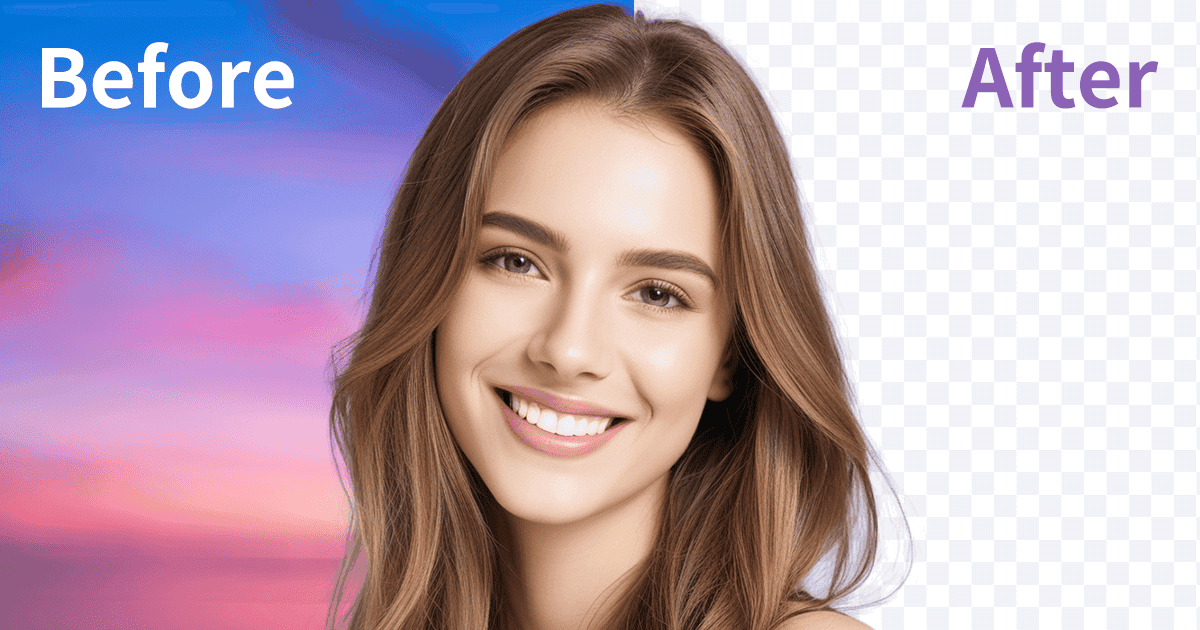
You upload a photo. It removes backgrounds, upscales resolution, erases objects, or generates new images. Everything happens in your browser. Nothing installs.
The free tier has no watermark and needs no account. You can start immediately, then decide if you want paid features later.
Open it if you need quick photo fixes without setup. Skip it if you need video editing or professional-grade control.
Who Photiu.ai is best for
It fits when you want results now, not mastery later.
- Drama fans archiving favorite scenes: You get sharper stills from blurry screenshots. Subtitles clean up too.
- Fan account runners posting daily screenshots: You fix compression damage fast. No signup slows you down.
- Anyone dealing with low-resolution images and social media compression: Your photos enlarge without turning to mush.
- Casual editors and small sellers needing background removal: You cut out products in seconds. Manual brushes fix edge mistakes.
- Users needing quick, casual image upscaling without commitment: You test AI enhancement before paying anywhere else.
- Mobile users who need occasional image improvements: Your phone browser handles it. No app takes up space.
- E-commerce sellers needing quick product cutouts: You batch process up to 50 images free. Listings go live faster.
- Social media creators wanting fast image improvements: You prep content without hiring a designer.
Best things about Photiu.ai
These are the parts that keep you coming back.
- Truly zero-friction entry: No account, no download, no credit card. You open the tab and start.
- Manual correction tools: The AI misses hair. You paint it back in or erase stray bits yourself.
- Batch processing on free tier: Up to 50 images at once. You set it running and walk away.
- Reselect Subject for group photos: The AI picks wrong person first. You switch to the right one.
- One-click upscaler: Blurry screenshots get sharper eyes and fabric texture. It reconstructs what compression destroyed.
- Works everywhere: Desktop, tablet, phone. Your project follows you.
Why you should ignore it
It has hard edges at its limits.
- Still images only: Video restoration is not here. You need another tool for moving footage.
- Heavily damaged sources fail: Extreme pixelation gives the AI nothing to rebuild. Results stay rough.
- No fine controls: Professionals wanting sliders and parameters will feel boxed in.
- Quality varies by source: Clean photos work great. Messy ones need more help than it can give.
- Unclear data policies: Browser uploads raise questions the site does not fully answer.