
OpusClip
Freemium
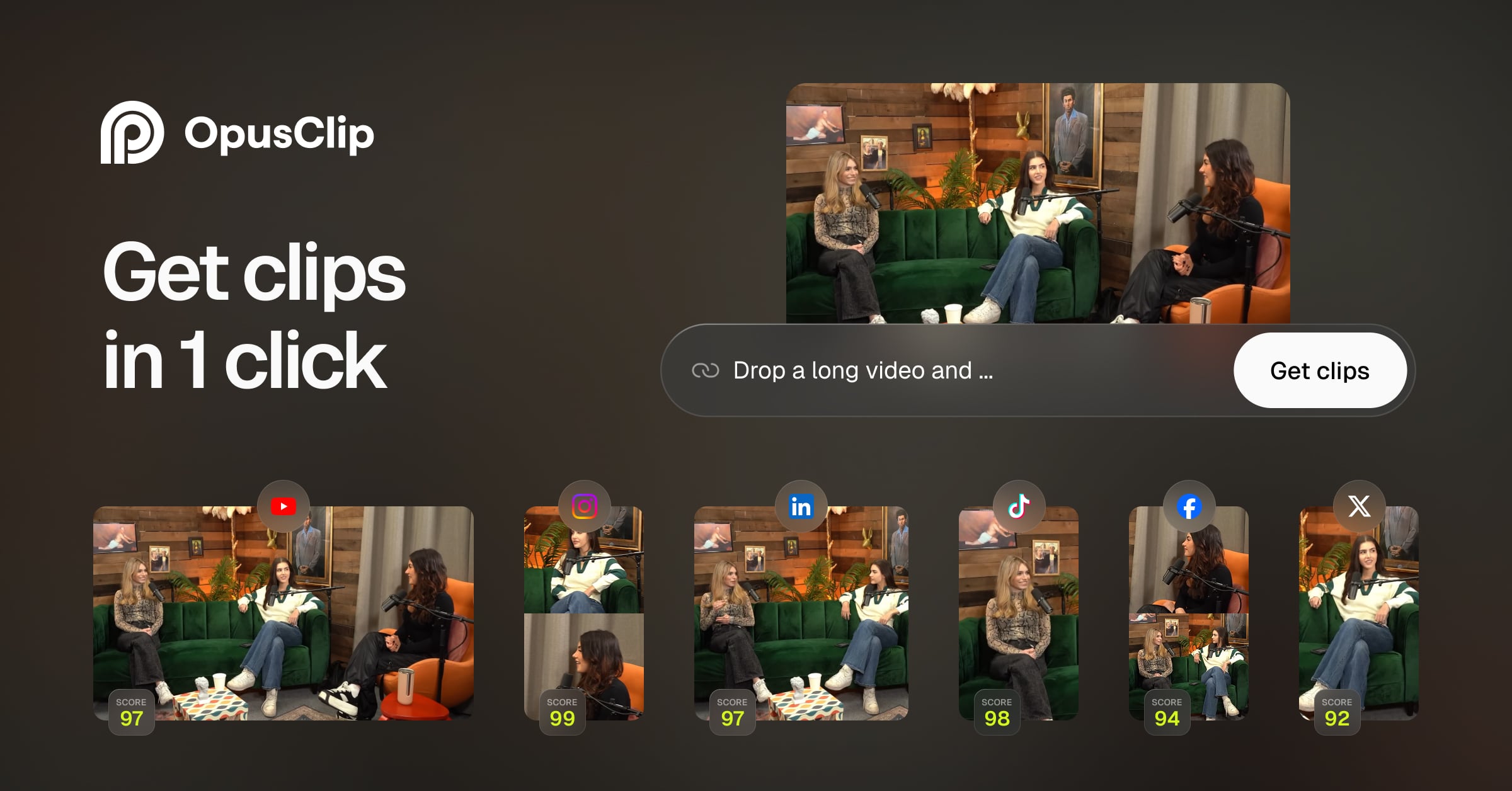
Upload long videos and automatically generate edited short clips with captions, then publish to multiple social platforms in one click.
About
OpusClip is a video editing tool that turns long videos into short clips ready for TikTok, Instagram Reels, and YouTube Shorts.
It works in a web app. The free plan gives you 60 credits with watermarked exports. Paid plans start at $15 per month.
Open it if you have long videos to repurpose into shorts. Skip it if you need full editing control or you don't have source material.
Who OpusClip is best for
It fits best when speed matters more than perfect control.
- Solo creators prioritizing speed over volume: You get fewer clips but higher confidence in each pick. Less manual fixing means faster posting.
- YouTubers and podcasters building Shorts/Reels presence: You turn one long episode into multiple short pieces without hiring an editor.
- Coaches and educators creating quick highlights: You pull teachable moments from webinars or courses. The AI finds the hook for you.
- Users with limited editing experience: You skip learning complex software. The interface is built for beginners.
- Personal brands focused on TikTok/Reels growth: You stay consistent without spending hours on each clip.
- Creators with existing long-form video libraries: You mine old interviews, streams, and podcasts for fresh content.
- Marketing agencies batch-processing client content: You handle multiple accounts faster. The workflow scales to weekly post schedules.
- Social media managers repurposing webinars into weekly posts: You stretch one event into a month of content.
- Creators who want to steer clipping with a prompt: You use ClipAnything to tell the AI what kind of moments to find.
Best things about OpusClip
These are the parts that keep you coming back after a few uploads.
- Virality Score: It flags which clips might perform best. You stop wasting time on duds.
- Fast to publish-ready: You get clips that need less hand-editing than other AI tools.
- Works with what you have: You paste a YouTube link, upload from Zoom, Loom, or Drive. No new recording needed.
- Pro workflow export: You can send clips to Premiere Pro or DaVinci Resolve if you need to finish elsewhere.
Why you should ignore it
Skip it when these limits would block your work.
- Starter plan is too restricted: You pay $15 a month and still cannot trim clips or customize hooks. You download what the AI gives you.
- Context gets cut: The AI trims aggressively for brevity. Your clip can feel abrupt if the setup matters.
- Credits burn fast: Long source videos eat credits quickly. High-volume creators hit plan limits.
- No scheduling or multi-account tools: You cannot bulk schedule or manage many accounts smoothly.
- 20-40% of clips still fail: You will discard a chunk of what the AI generates. The hit rate is not perfect.