
NoteGPT
Paid
Automate research and create documents, slides, spreadsheets, images, audio, and video using an AI agent that summarizes media, transcribes speech, analyzes data, and generates cited reports.
About
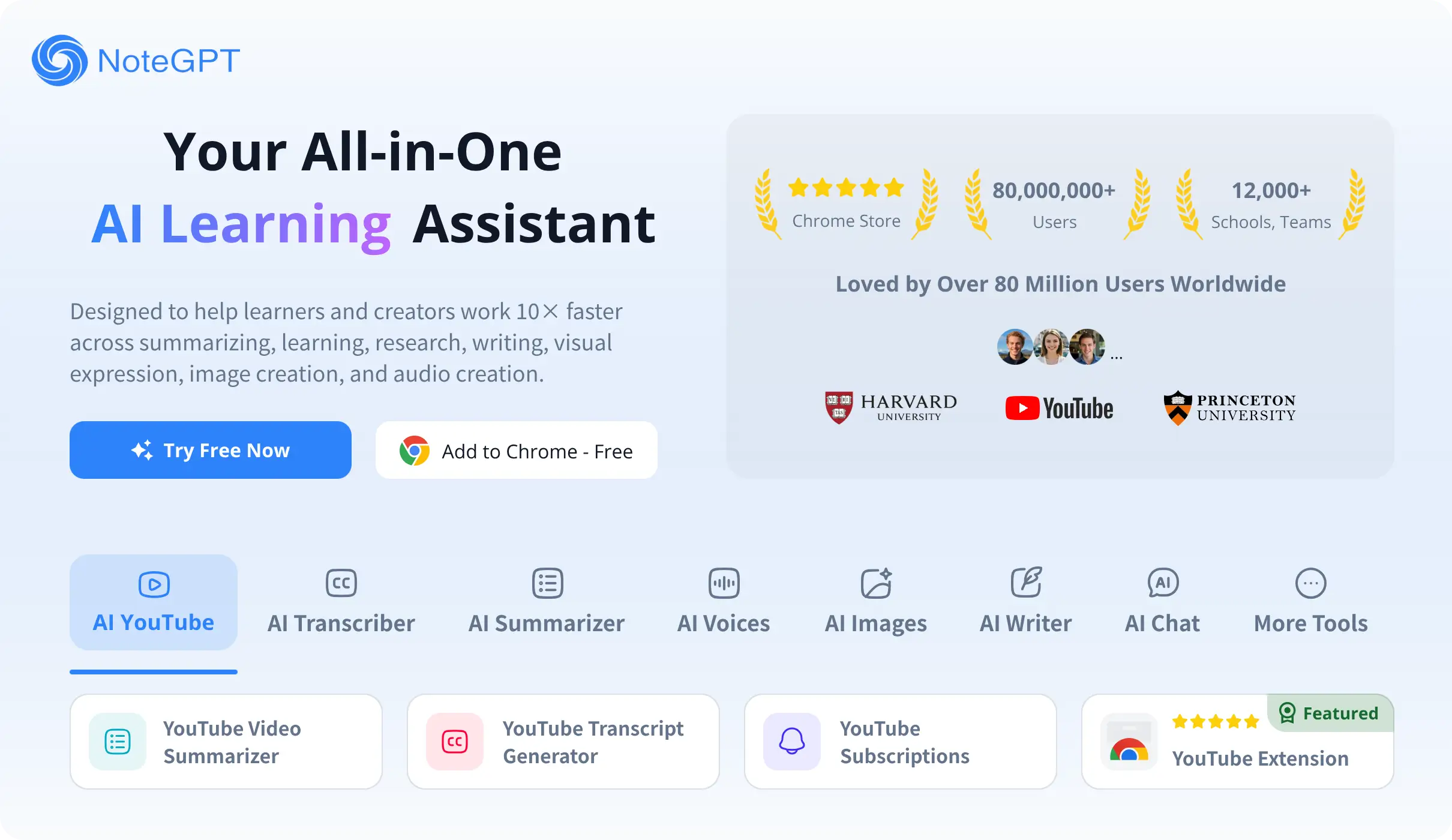
NoteGPT is an AI agent platform for research and content work. It turns videos, PDFs, and audio into notes, slides, and summaries.
You feed it a YouTube link, a PDF, or a file. It gives you transcripts, highlights, flashcards, and even spreadsheets.
The tool sits in learning and research work. It is not built for polishing final documents or hiding AI traces.
Open it if you need notes from videos and documents. Skip it if you need undetectable AI writing or live meeting capture.
Who NoteGPT is best for
I tested it for a few jobs. Here is who it actually helps.
- Content creators needing captions: You paste a YouTube link and get a transcript with timestamps. You export to text and fix the gaps yourself.
- Students taking notes from educational videos: You get a breakdown with chapters and timestamps. You can even ask follow-up questions about the video.
- Researchers referencing interview content: You upload audio or video and get speaker labels and timestamps. You skip the manual transcription slog.
- Language learners studying foreign documents: You highlight a word or phrase for in-context translation. You learn vocabulary as you read, not after.
- Students wanting integrated note-taking with translation: You read, translate, and save notes in one flow. You do not jump between three tabs.
- Casual learners wanting quick video overviews: You paste a link and get the gist in seconds. You decide if the full video is worth watching.
- Users who want free tier without payment commitment: You get 15 free credits monthly without a credit card. You test before you pay.
- Students needing video summaries and note organization: You get mind maps and flashcards auto-built from content. You study from structured notes, not raw video.
Best things about NoteGPT
These are the parts that keep you coming back.
- YouTube summarization with chapters: It breaks long lectures into sections with timestamps. You skip to the part you need.
- Word-level translation on highlight: You click any phrase for instant context. You learn nuance, not just definitions.
- Auto-Snap while browsing: It pops up to summarize articles as you read. You capture without stopping to copy-paste.
- Offline recording with sync: You record lectures without WiFi. It uploads and transcribes when you reconnect.
- 50+ language support: It handles less common languages like Sinhala. You are not stuck with only Spanish and French.
How you use NoteGPT
The workflow is simple.
- Paste a YouTube link, upload a PDF, or start a recording.
- Pick what you want: transcript, summary, flashcards, or slides.
- Read the output and save it to your notes or export as text.
Why you should ignore it
Skip it for these jobs.
- Skip it for AI humanization: It fails every strict detector. You still get 100% AI flags on Originality.ai.
- Skip it for live meeting transcription: It has no speaker ID or real-time capture. You need a different tool for Zoom calls.
- Skip it for polished final documents: Formatting is "good" not great. You will need another pass for professional work.
- Skip it for unlimited usage: The "Unlimited" plan caps at 2,800 premium credits. You hit walls after you pay.