
Murf AI
Freemium
Generate voiceovers, build conversational AI agents, and translate video audio using a browser studio, API, or integrations with Canva and PowerPoint.
About
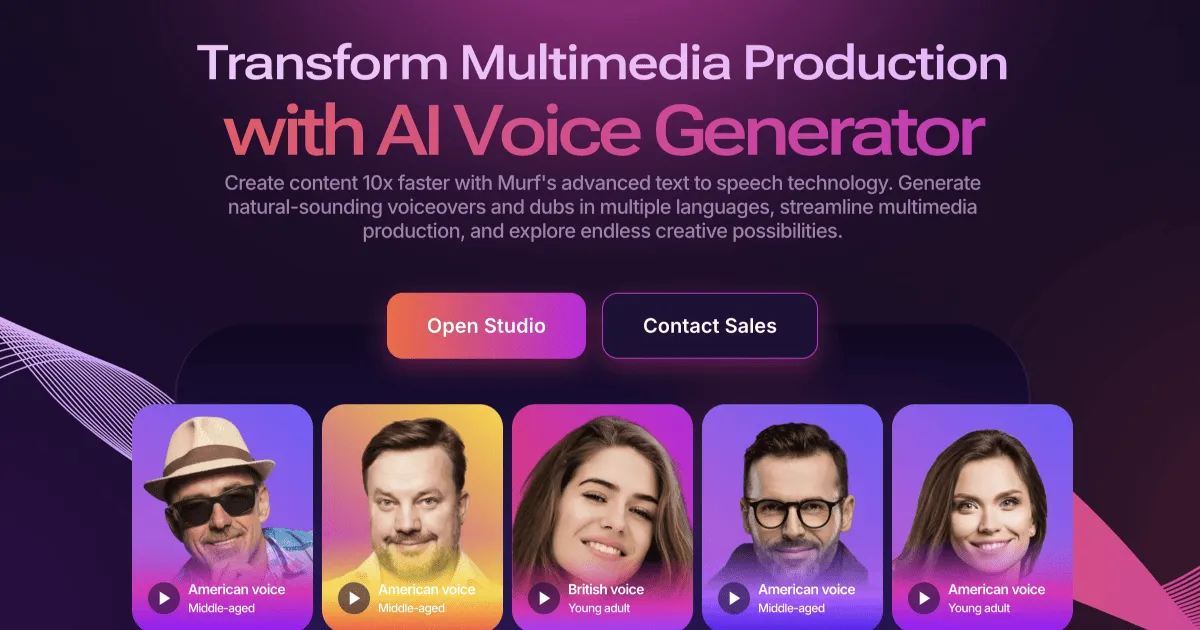
Murf AI is a Voice & Text to Speech platform that turns scripts into finished voiceovers through a browser-based studio. It gives you 200+ voices across 35+ languages with controls for pitch, speed, and emphasis.
The tool sits in three main parts: a text-to-speech API for real-time conversations, a studio for voiceover production, and an AI dubbing tool for video translation. You can sync narration to video, add background music, and export without touching separate editing software.
It is built for teams and creators who need consistent, professional audio without booking voice talent. It is not for casual listening or real-time live voice work.
Open it if you need polished voiceover for video, training, or marketing. Skip it if you want to clone your own voice cheaply or need emotional acting range.
Who Murf AI is best for
These are the people who get the most from the tool.
- E-learning developers: You build training modules without rebooking talent for every update. Your narration stays consistent across dozens of courses.
- Corporate training teams: You turn slides into narrated video in under 30 minutes. You stop waiting on production schedules.
- Marketing teams with high video volume: You keep one voice across campaigns. You skip the cost and variability of hiring actors.
- Content creators making explainers: You get usable audio in minutes, not days. You still clean up pacing manually for longer scripts.
- Small businesses on tight budgets: You replace voice actor fees with predictable subscription costs. You trade some polish for speed.
- Course creators publishing multilingual content: You generate lessons in 20+ languages from one master script. You save translation coordination time.
- Teams collaborating on voiceover projects: You share workspaces and leave comments in one place. You stop passing files back and forth.
- Enterprise teams with compliance needs: You get SOC 2, ISO 27001, HIPAA, and GDPR coverage. Your legal team stops asking questions.
Best things about Murf AI
These are the parts you keep coming back to.
- Human-sounding Gen 2 voices: The rhythm and breathing patterns pass casual listening tests. You stop worrying about sounding robotic for explainer content.
- Timeline editor with video sync: You match narration to slides or footage without exporting. You build finished projects inside one tab.
- Pronunciation library and SSML control: You set product names and technical terms once. They render correctly across every future project.
- Canva and Google Slides integration: You add voiceover to designs without leaving those tools. You speed up draft workflows significantly.
- 8,000+ licensed background music tracks: You pair audio without hunting for royalty-free music. You stay clear of licensing headaches.
- Team collaboration with version history: You review and approve voiceover as a group. You track changes without email threads.
Why you should ignore it
Skip it when these limits block your work.
- Voice cloning is enterprise-only: You cannot clone your own voice below $75/month minimums. Solo creators hit this wall fast.
- Hours expire monthly: Your unused generation time vanishes at month end. Annual billing becomes risky for seasonal production.
- Interface lags with complexity: The studio gets slow with longer scripts or dense timelines. You end up sectioning and assembling manually.
- Emotional range is narrow: You cannot get sarcasm, grief, or genuine excitement. Narrative and dramatic work sounds flat.
- Free plan is non-functional: You cannot download or use anything commercially on the trial. You commit money before knowing if it fits.
- Billing complaints are common: Users report difficulty canceling and ignored support requests. You may fight to stop charges.