
Munch Studio
Paid
Generate social media posts by feeding your website, videos, or photos into an AI that creates branded content, lets you approve and schedule across major platforms, and tracks performance from one dashboard.
About
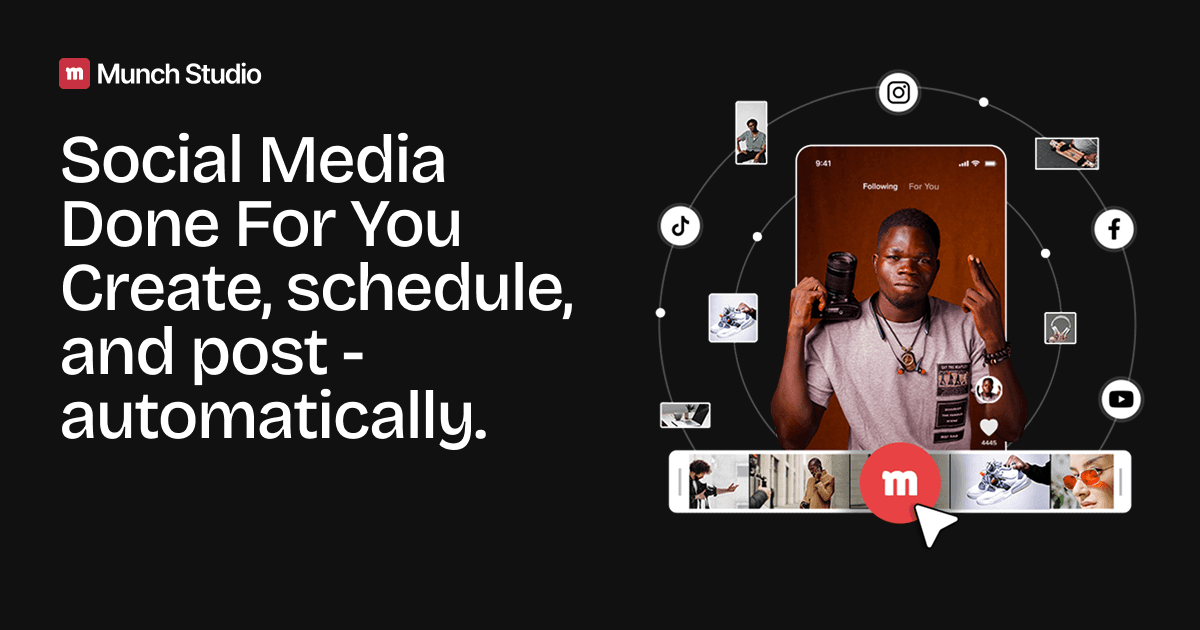
Munch Studio is a social media marketing platform that tries to replace your stack of tools with one system. It ingests your website, videos, photos, and Zoom recordings, then generates posts and a content strategy you can approve, edit, and publish.
You get one calendar for Instagram, Facebook, LinkedIn, TikTok, Twitter/X, and Threads. You also get isolated workspaces per client if you run an agency.
The promise is speed. The reality is bugs, billing headaches, and AI outputs that need heavy editing.
Open it if you want one system for strategy, generation, and publishing and you can live with glitches. Skip it if you need reliable export quality or fast support when things break.
Who Munch Studio is best for
It fits narrow situations where the workflow matters more than polish.
- Agencies managing 2-15 client brands: You get separated workspaces with isolated brand voices and calendars. The catch is support may ghost you when a client account breaks.
- Teams with recurring long-form video: Webinars and interviews feed the repurposing engine. You still pick the clips yourself—the AI often chooses nonsense with bad cutoffs.
- Small businesses wanting one system: One subscription beats paying for five tools. Just know the '10 minutes a week' claim is fantasy; real review time is much higher.
- Users prioritizing volume over control: You get lots of drafts fast. Brand voice matching is poor, so you edit heavily.
- Teams with video libraries: Existing footage turns into short clips and scheduled posts. Rendering is slow and export quality gets criticized.
- Social media managers coordinating approvals: The visual calendar and role-based permissions help teams. Scheduled posts sometimes fail to publish.
- Users willing to work around bugs: The interface is clean when it works. Freezes, disconnects, and long rendering times are common.
- Small businesses prioritizing responsive support over customization: Some staff get named praise for fast refunds. Most users report support is impossible to reach.
Best things about Munch Studio
When it cooperates, these parts save real time.
- Business learning from your materials: Feed it your website and videos. The AI strategy actually captures your key positioning without much drift.
- Multi-format generation in one place: Clips, carousels, posters, and scripts live together. You stop jumping between five apps.
- Unified publishing calendar: One view for Instagram, Facebook, LinkedIn, YouTube, and TikTok. You schedule once and see everything.
- Multi-brand workspaces: Studio and Scale plans isolate clients completely. One central team manages separate strategies without cross-contamination.
- Performance dashboard by format: Reach, engagement, and follower growth show per post type. You learn what actually works.
How you use Munch Studio
The setup is straightforward. The patience required is not.
- Connect your website and upload videos, photos, or Zoom recordings.
- Let the AI generate a content strategy and draft posts across formats.
- Review every caption and clip selection for brand voice and factual errors.
- Approve drafts and schedule to your connected platforms from the calendar.
- Check the performance dashboard and adjust strategy based on what lands.
Why you should ignore it
These limits derail workflows.
- Billing and cancellation risks: Users report charges continue after cancellation. Fraud complaints are sometimes required to stop payments.
- Software stability: Frequent freezes, disconnects during editing, and failed scheduled posts. The clean interface does not help when you lose work.
- AI clip selection: Picks nonsensical segments with jarring cutoffs. You end up doing the work yourself.
- Support accessibility: Extremely difficult to reach. Non-responsive is the norm, not the exception.
- Quota constraints: Essential plan gives 10 generated videos monthly and 500 repurposing minutes. Active users hit walls fast.
- No real free trial: Many users find the trial non-functional. You pay to learn if it works for you.
- Poor export quality: Final videos look worse than source. Limited subtitle timing and resizing controls frustrate editors.