
Moonbeam
Paid
Generate long-form content using AI templates and chat-based editing, with team collaboration and style customization in a browser-based editor.
About
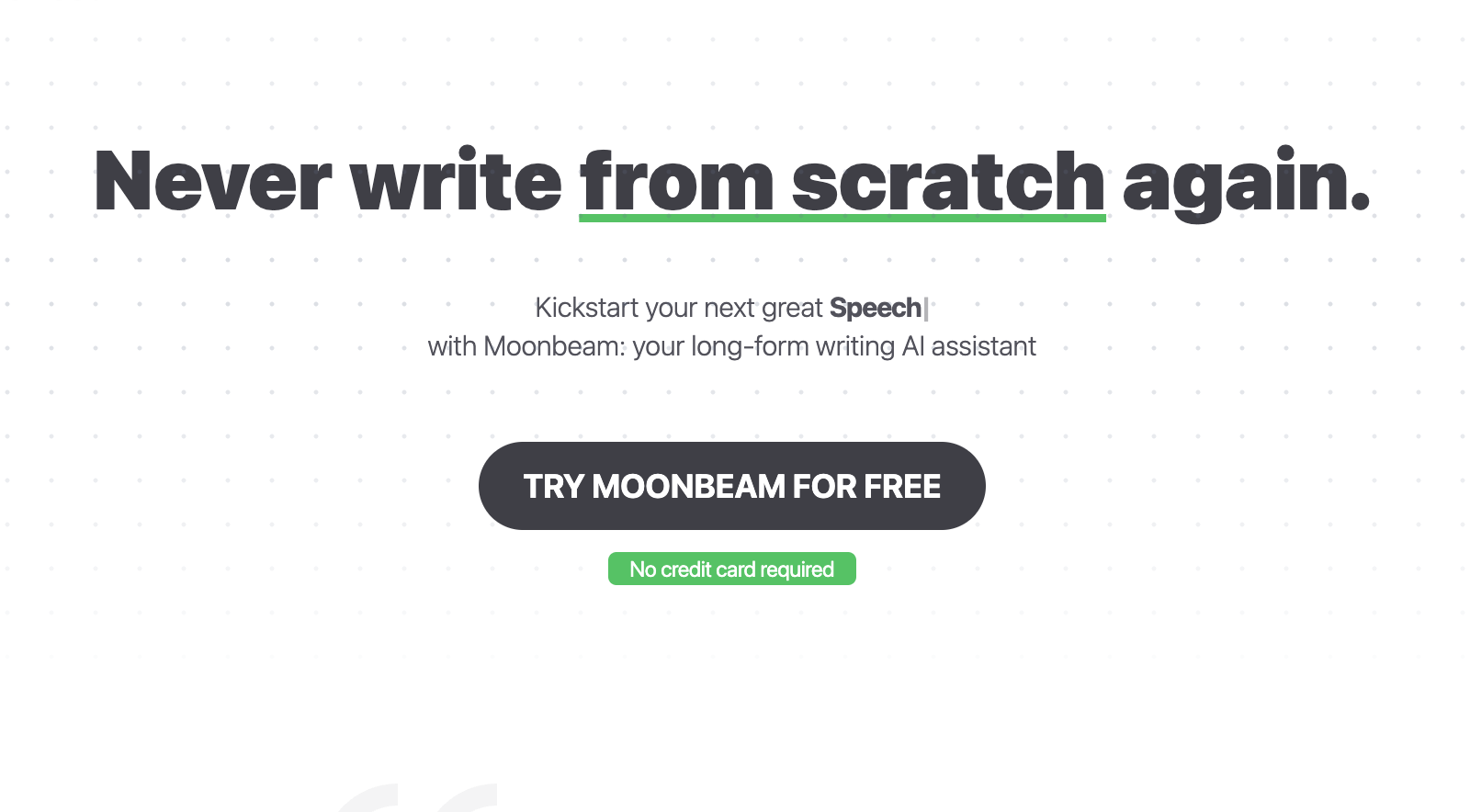
Moonbeam sits in the writing and copywriting space. It is built for long-form content—essays, blog posts, articles, newsletters—not quick marketing copy or tweets.
You start with notes or a thesis. The tool builds an outline you can edit, then turns that outline into paragraphs. A chat interface called Luna also lets you draft from brief instructions.
The interface feels clean and simple. You work in a web-based editor with folders and real-time collaboration for teams.
Open it if you write long pieces and get stuck at the blank page. Skip it if you need a free tool or mostly write short social posts.
Who Moonbeam is best for
It fits when structure matters more than speed alone.
- Bloggers doing long-form articles: You get an outline with logical transitions first. That beats staring at a blinking cursor.
- Students writing essays: The workflow helps you turn scattered notes into structured drafts with supporting arguments.
- Small content teams that collaborate: Real-time editing works like Google Docs. Multiple people can work on the same draft.
- Essay writers and storytellers: Style memory keeps your tone consistent across sections. It catches when you drift.
- Subject-matter experts who struggle with writing mechanics: The magic wand expands bullet points into contextual paragraphs. You get ideas out of your head faster.
- Academics synthesizing research: Built-in templates cover lesson plans and discussion posts. Citation helpers save formatting time.
- Solo bloggers prioritizing structure: The outline stage forces direction before you commit words.
- Anyone who values narrative clarity: It suggests examples and analogies that keep momentum instead of repeating the same point.
Best things about Moonbeam
These are the parts you keep coming back to after a few drafts.
- Long-form coherence: It maintains context across a full document. You do not get disconnected paragraphs that contradict each other.
- Outline editing stage: You fix structure before generating text. That saves more time than editing bad paragraphs later.
- Smart Chat for real-time feedback: You ask for changes inside the document. No need to switch tabs to ChatGPT.
- Custom style generator: You train it on your voice or mimic specific tones. The output feels less generic.
- Content Clusters: One keyword spawns related topic ideas. That helps when you need to plan a month of posts.
- $1 trial and 30-day refund: You can actually test it before the $49 monthly charge hits.
How you use Moonbeam
The path from idea to draft is short.
- Open the Moonbeam Wizard and enter your title and thesis.
- Edit the generated outline until the structure feels right.
- Click to expand bullets into full paragraphs with context.
- Use Smart Chat or Boss Mode to adjust tone and fix sections.
- Review, edit, and export when the draft feels ready.
Why you should ignore it
Skip it when the fit is wrong or the cost does not match the value.
- No free tier: After the $1 week-long trial, you pay $49 per month minimum. Cheaper and free tools do similar work.
- Price jumps for teams: At $99 per seat, small teams burn budget fast.
- AI detection flags: Tested content shows as 100% AI on Originality.ai. You need heavy editing to pass human checks.
- Slower feature updates: A small bootstrapped team ships improvements less often than VC-backed competitors.
- Features replicate free tools: If you already use ChatGPT with good prompts, you may not need another wrapper.
- Security gaps: No SOC 2 or ISO 27001 listed. Privacy policy exists but lacks detail. Sensitive content may need a different home.