
Monica
Freemium
Chat with AI models, summarize content, write and translate text, generate images and video, and manage documents through a browser extension, web app, or desktop and mobile apps.
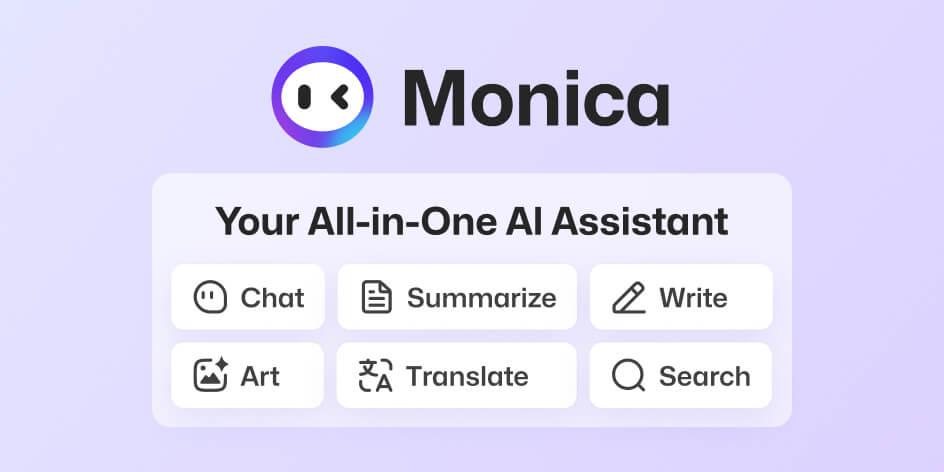
Monica is a browser extension that puts AI chat, writing help, and summaries in a sidebar you can open on any page. You highlight text, hit Ctrl+M, and get answers without copying and pasting between tabs.
It pulls together models from several AI labs—GPT-4, Claude, Gemini, DeepSeek—behind one login. You pick which model answers based on what you are doing.
It fits Chat & Assistants work. It is for people who live in browsers and want speed over depth.
Open it if you want AI that follows you across the web. Skip it if you need deep research tools or work in regulated industries where browser permissions are a problem.
Who Monica is best for
It helps most when your work happens inside a browser.
- Heavy browser users in Gmail, Docs, and research tabs: You get a sidebar that stays on whatever page you read. You draft replies and summarize articles without switching context.
- Students and researchers who need fast comprehension: You skim whitepapers and dense articles faster. You translate and simplify jargon on the spot.
- Writers and bloggers needing quick drafts: You get outlines, edits, and tone adjustments in seconds. You still polish, but the blank page disappears faster.
- Freelancers juggling client deadlines: You compare outputs across models to pick the best angle. You save the cost of multiple AI subscriptions.
- Users in regions with VPN limits: You access frontier models without extra setup. The browser path works where direct access is blocked.
- Busy professionals with high email volume: You draft thread-aware replies with tone matched to the conversation. You cut response time without sounding robotic.
Best things about Monica
These are the parts you notice after a few days of use.
- Eliminates tab-switching entirely: The sidebar stays on whatever page you read. You ask about the article in front of you without losing your place.
- Context-aware responses: Monica references the current page content without copy-paste. You get answers tied to what you are actually looking at.
- Fast in-browser PDF summarization: You upload and condense papers without separate tools. You stay in one workflow from search to summary.
- Quick highlights to AI: You select text and get explain, rewrite, or translate options instantly. The popup appears where your cursor is.
- Multiple models in one place: You switch between GPT-4, Claude, Gemini, and others without logging out. You match the model to the task instead of forcing one tool to do everything.
How you use Monica
The extension anchors to your browser and waits for you to call it.
- Install the Chrome or Edge extension and pin it to your toolbar.
- Open any web page, PDF, or Gmail thread where you need help.
- Press Ctrl+M (or Cmd+M on Mac) to open the sidebar.
- Highlight text and pick summarize, rewrite, or explain from the popup.
- Pick your model and read the response alongside your source.
Why you should ignore it
Skip it when these limits block your work.
- Full browser permissions required: Monica sees every page you visit and every form you type into. This is significant privacy exposure for sensitive work.
- Free plan heavily limited: You hit daily caps quickly. GPT-4 sits behind the paywall, and video or complex PDF summaries can feel generic or shallow.
- No built-in citation generator: Academic work needs manual footnotes. You cannot trust Monica for citable arguments without outside verification.
- Reports of data loss and billing issues: Some users lose entire conversation threads permanently. Others face unexpected charges or accounts frozen without clear warning.
- GDPR compliance unclear: Documentation does not clearly address data handling for European users. Regulated industries should verify policy before use.