
Meshy
Freemium
Generate 3D models from text or images, apply PBR textures and animations, then export to game engines or 3D printing slicers.
About
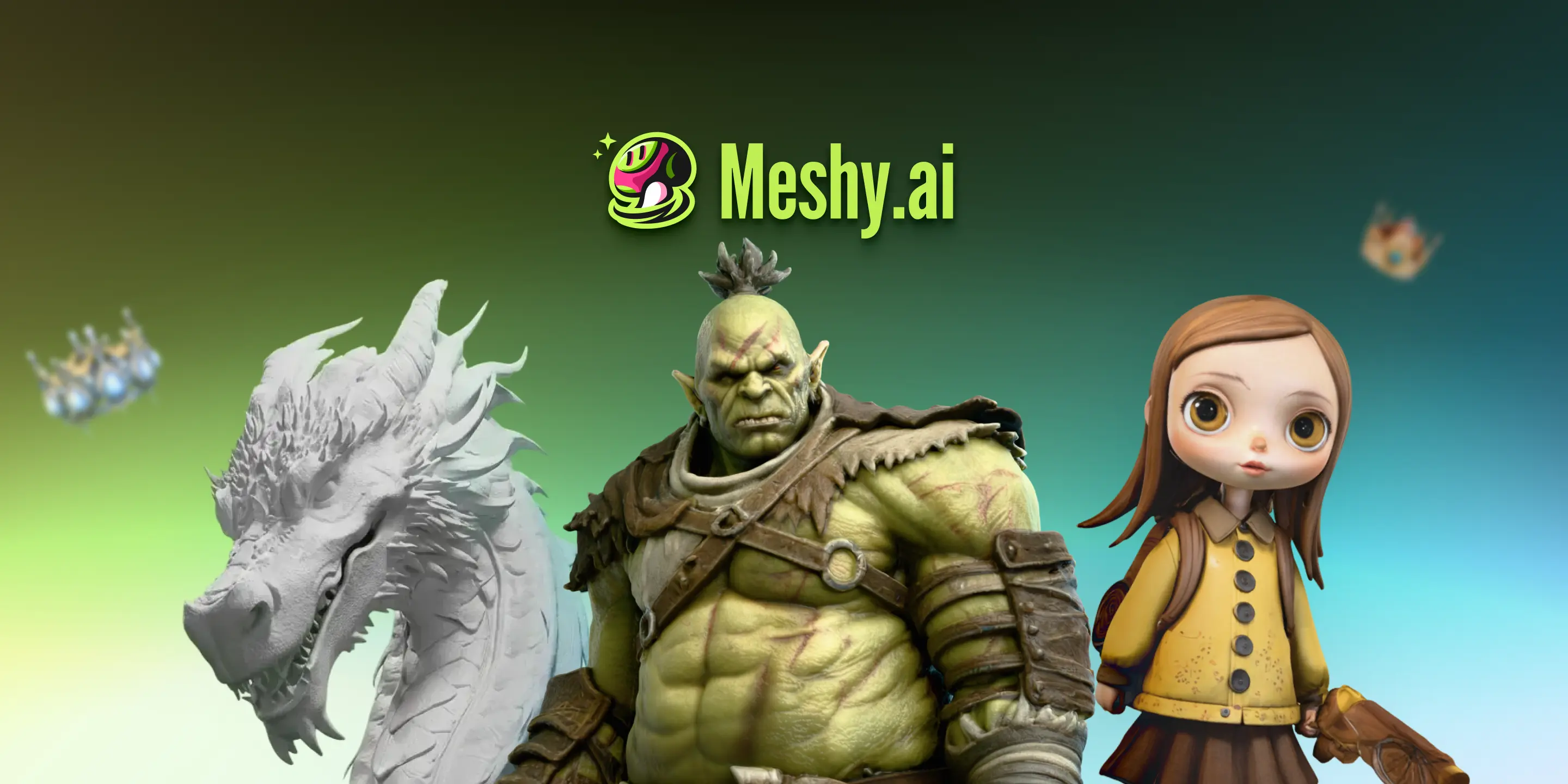
Meshy is a browser-based tool that makes 3D models from text or images. You type what you want, or upload a photo, and you get a mesh you can export for games, prints, or AR/VR.
It remeshes to your target polycount, generates PBR materials, and auto-rigs characters. No install. No local GPU needed.
It sits in 3D & Gaming work. It is built for speed, not final polish.
Open Meshy if you need fast base meshes and accept cleanup. Skip it if you need engineering precision or hero-level final assets.
Who Meshy is best for
It fits when the job is speed, not perfection.
- 3D printing hobbyists needing quick models: You get printable geometry in minutes. You still run it through Blender for fixes.
- Game developers doing rapid prototyping: You populate scenes fast. You replace these with final assets later.
- Artists wanting fast concept visualization without learning complex software: You see ideas in 3D quickly. You avoid weeks of tutorial hell.
- Indie game developers needing rapid environment population: You fill backgrounds with props. You optimize topology after import.
- XR creators needing accessible 3D asset generation: You get GLB/USDZ for headsets without manual modeling.
- Concept artists using AI for clean base mesh block-outs: You start from a solid form. You sculpt detail on top.
- Teams with existing Blender/Unity pipelines: You drop files into your workflow. You handle cleanup in tools you already know.
- Users wanting image-to-mesh conversion: You turn sketches or photos into 3D. You fix the soft spots by hand.
Best things about Meshy
These are the parts that keep you coming back.
- Generates in under a minute: You iterate fast. You do not wait for renders.
- Smart Remesh with polycount control: You pick 1k to 300k tris or quads. You skip manual retopology.
- 80-90% accuracy on hard-surface objects: You get usable vehicles and weapons. You spend less time rebuilding.
- True PBR materials: The textures separate properly. They work in game engines without rework.
- Auto-rigging with 500+ animation presets: Your characters move right away. You skip the bones setup.
Why you should ignore it
Skip it when the limits block your work.
- 70-80% accuracy on organic shapes: You hit errors on characters and creatures. You fix them in ZBrush or Blender.
- Free tier runs out fast: You burn credits quickly. You pay to keep using it.
- Requires cleanup before printing: You fix non-manifold edges and measurements. The AI does not give you ready-to-slice files.
- Not for CAD-level precision: You cannot trust dimensions for engineering. The geometry is soft.