
Marky
Freemium
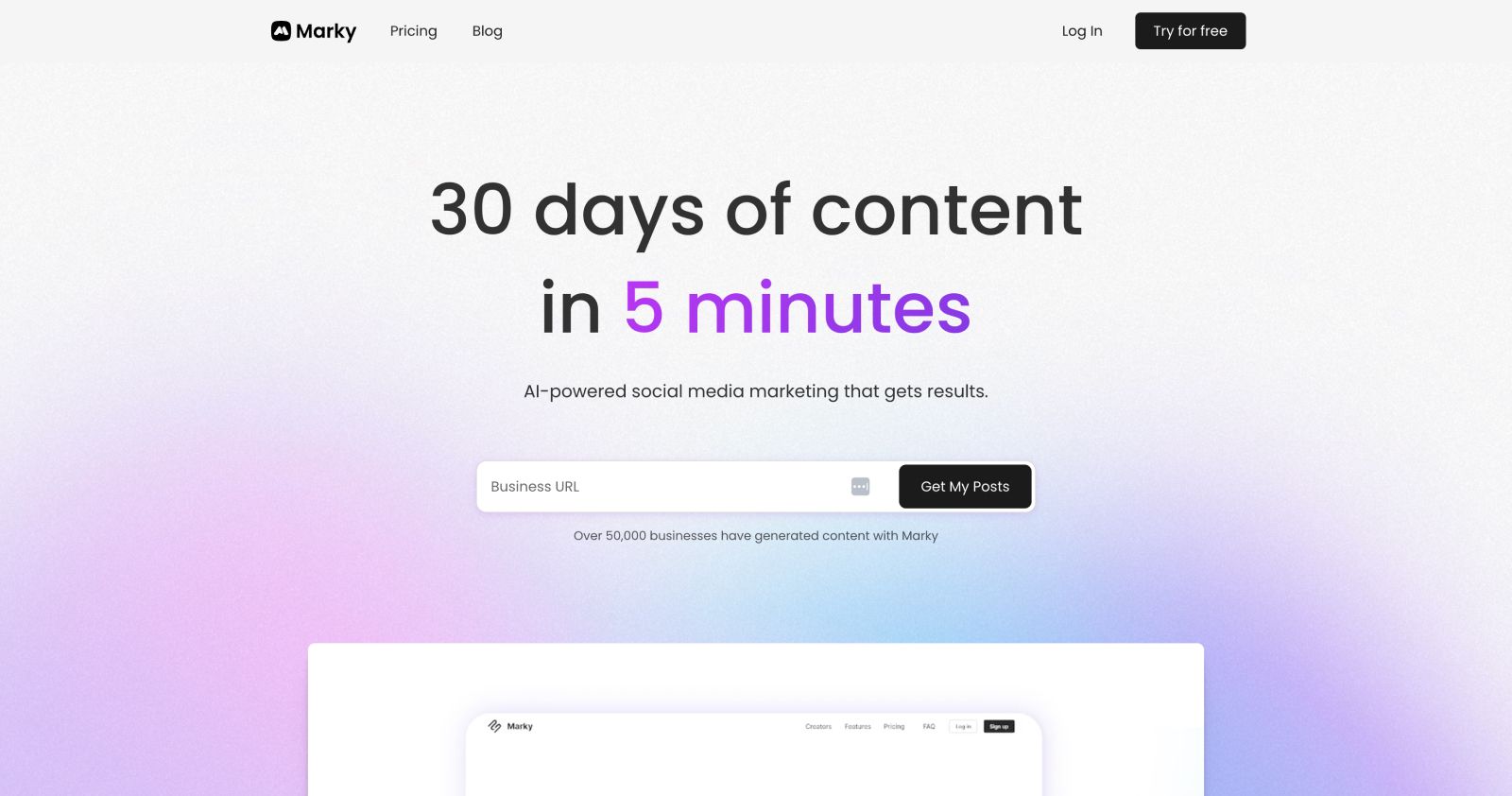
Generate branded social media posts using AI and designer templates, then schedule and publish to seven platforms from one dashboard.
About
Marky is a social media tool for small businesses that need posts without hiring a person. You give it your website. It learns your voice. Then it writes and designs posts you can schedule.
The tool sits in social media management. It does three jobs: write copy, make visuals, and post to your accounts. You can edit before anything goes live.
It works best when you want speed more than total control. It struggles when you need deep customization or perfect AI output.
A good fit if you need fast, consistent posts and can edit AI work. Skip if you want a hands-off whitelabel experience or hate credit systems.
Who Marky is best for
These people get the most from it.
- Local service businesses without marketing staff: You get a steady stream of posts. No one on your team needs social media skills.
- Beginners who need fast, simple content: You start posting in minutes. The learning curve is short.
- Users willing to invest time in brand setup: You spend 30 minutes upfront. The AI matches your voice better after.
- People who treat AI as a starting point: You get drafts fast. You always edit before publishing.
- Teams who want alerts for empty queues: You get emails when posts run low. Nothing falls through cracks.
- Users prioritizing speed over deep customization: You trade fine control for getting done quickly.
- Small businesses needing fast visuals: You skip Canla for simple posts. Templates look professional.
- Teams wanting responsive support: You get quick answers when stuck. Named team members help.
Best things about Marky
These are the parts that keep you coming back.
- Fast template-based visuals: You make professional posts in minutes. No design skills needed.
- Smooth multi-platform scheduling: You queue once and post everywhere. The workflow is clean.
- Photo library uploads: You stop hunting for stock images. Your own assets are ready to use.
- AI Chat Mode and MCP API: You connect external tools if you want more power. The option is there.
How you use Marky
The setup is short.
- Enter your website URL to train the AI on your brand.
- Review the generated posts and apply your preferred themes.
- Edit copy and images in the built-in editor.
- Schedule to your connected platforms in one queue.
Why you should ignore it
Skip Marky when these limits matter to you.
- Repetitive content over time: You change briefs but posts start sounding the same. You edit more than you expected.
- Credit system friction: You paid for lifetime access then hit new gates. AI features cost extra credits that may not refill.
- Image editor limitations: You hoped to skip Canla. You end up using both for anything complex.
- Not truly whitelabel: You sell to clients but your branding peeks through. Client onboarding shows the wrong name.
- Platform disconnects: You schedule to Facebook or Tikla and posts fail. You check and reschedule manually.