
Lynote
Free
Humanize AI-generated drafts and check AI detection scores in a browser-based workspace, with tools for transcripts, summaries, flashcards, and document chat.
About
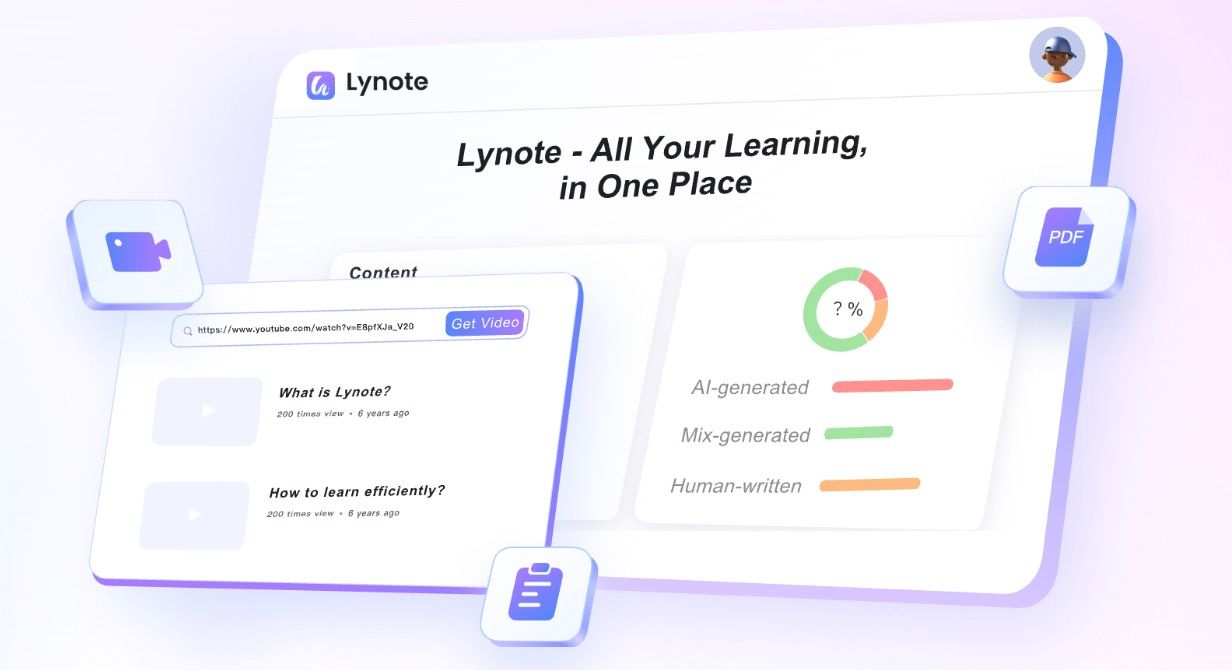
Lynote is an AI writing workspace for writing & copywriting tasks. It checks if text looks AI-written and rewrites it to sound more human.
You paste in draft text or a file. It scores the text, highlights iffy sentences, and offers to rewrite them.
It bundles in extras: YouTube transcripts, audio-to-text, flashcards, and image detection. You work in a browser. No install needed.
Open it if you need to check or fix AI-generated writing. Skip it if you need a desktop app or want to skip verification.
Who Lynote is best for
It fits when this is your job right now.
- Students checking essays before submission: You spot AI-like phrasing before a professor does. You get a chance to fix it yourself.
- Writers who want training-wheels feedback: You learn what sounds robotic. You get better at catching it without the tool.
- Students who need study tools plus writing help: You turn lecture videos into transcripts, summaries, and flashcards. One stop for two jobs.
- Occasional users who hate signing up: You try the humanizer and basic detection without an account. You pay only if you stick around.
- Researchers watching YouTube tutorials: You export timestamped transcripts as draft notes. You edit from there instead of starting blank.
- Users who want a backup check: You already use GPTZero. You run Lynote as a second opinion on borderline cases.
Best things about Lynote
These are the parts that keep you coming back.
- Guest access for quick tries: You open it and go. No email, no password, no wait.
- Integrated detect-and-fix flow: You see the score, click to humanize, and re-check in one tab. No copying between tools.
- Timestamped YouTube transcripts: You pull captions that match the source. You start with real text instead of guessing.
- Sentence-level highlighting: You see exactly which lines flagged. You rewrite with purpose instead of blind.
Why you should ignore it
Skip it when these limits matter.
- Free detection caps at 600 words: You hit the ceiling fast. You pay to check longer docs.
- Humanizer changes meaning: You got "pickup" rewritten as "receive their orders." You must verify facts after every rewrite.
- No desktop or mobile apps: You need a browser open. You lose offline access.
- All accuracy claims are self-reported: You get no independent proof of that 99% figure. You test it yourself or trust blind.