
Lunacy
Freemium
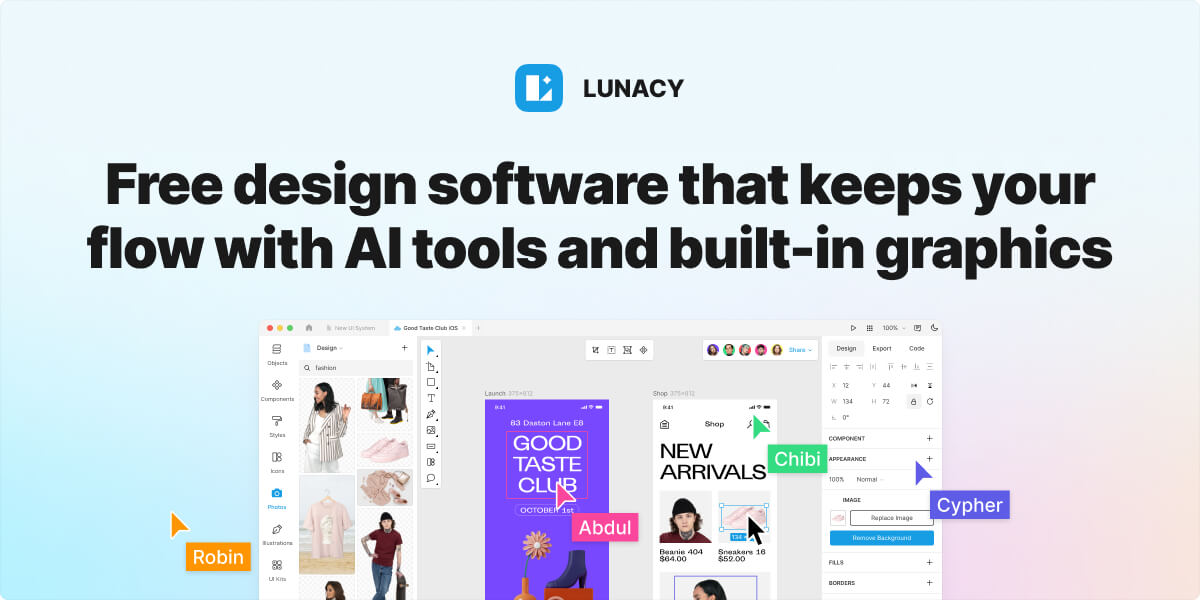
Design interfaces, edit vector graphics, and prototype UI mockups in a native desktop app with built-in graphics libraries, auto layout, and AI-assisted asset generation.
About
Lunacy is a free graphic design application for UI/UX work. It sits in Design. You get a native desktop app that runs on Windows, macOS, and Linux.
You open it to make interfaces, edit vector graphics, or build clickable mockups. It handles Sketch files natively and pulls in assets from the Icons8 library.
The offline mode keeps your files local. The AI tools handle background removal, image upscaling, and text generation without leaving the canvas.
Freelancers and small teams who need a free, offline-first design tool should try it. Mac users who need stability for production work should wait.
Who Lunacy is best for
It fits when these needs match your situation.
- Designers seeking a free alternative to Figma or Sketch: You skip subscription costs. You get comparable core features for UI work.
- Users who need offline-first workflow capability: You store files locally. You work without internet dependency.
- Linux users: You get reported most stable experience. You avoid the macOS crash issues others hit.
- Teams wanting real-time collaboration without subscription costs: You share cloud documents. You keep the free tier limits in mind.
- Windows users who need to open and basic-edit .sketch files: You access Mac-only files. You extract assets without buying a Mac.
- Developers who need to extract assets from Sketch files: You pull production-ready graphics. You hand off to code without friction.
- Marketers who need quick design capabilities: You build social content fast. You use built-in photos and illustrations.
- Small teams with limited budgets: You avoid per-seat pricing. You accept trade-offs in polish.
Best things about Lunacy
These parts keep showing up in daily use.
- Runs on lower-end hardware: It moves faster than browser-based tools. You do not wait for the canvas to catch up.
- Native Sketch file support: You open .sketch files directly. You edit without format conversion headaches.
- Built-in asset library: You access 1.5M icons, photos, and illustrations. You drop them in without leaving the app.
- AI background removal and upscaling: You fix images inside your design file. You skip separate tools for cleanup work.
- True offline mode: You switch to local storage. Your files stay private and accessible without cloud dependency.
Why you should ignore it
Skip it when these limits block your work.
- Frequent crashes on macOS: You hit freezing and force quits during basic operations. The App Store version lacks patches the direct download has.
- Performance degrades with larger files: You slow down on complex projects. You may need to split work across multiple files.
- Limited advanced prototyping: You miss deep animation features. You may need another tool for high-fidelity demos.
- Asset licensing friction: You need attribution or a paid Icons8 plan for some uses. The free label has practical limits on AI-heavy workflows.
- Permission controls lack granularity: You get basic team management. You may outgrow it as your team scales.