
Lorka
Paid
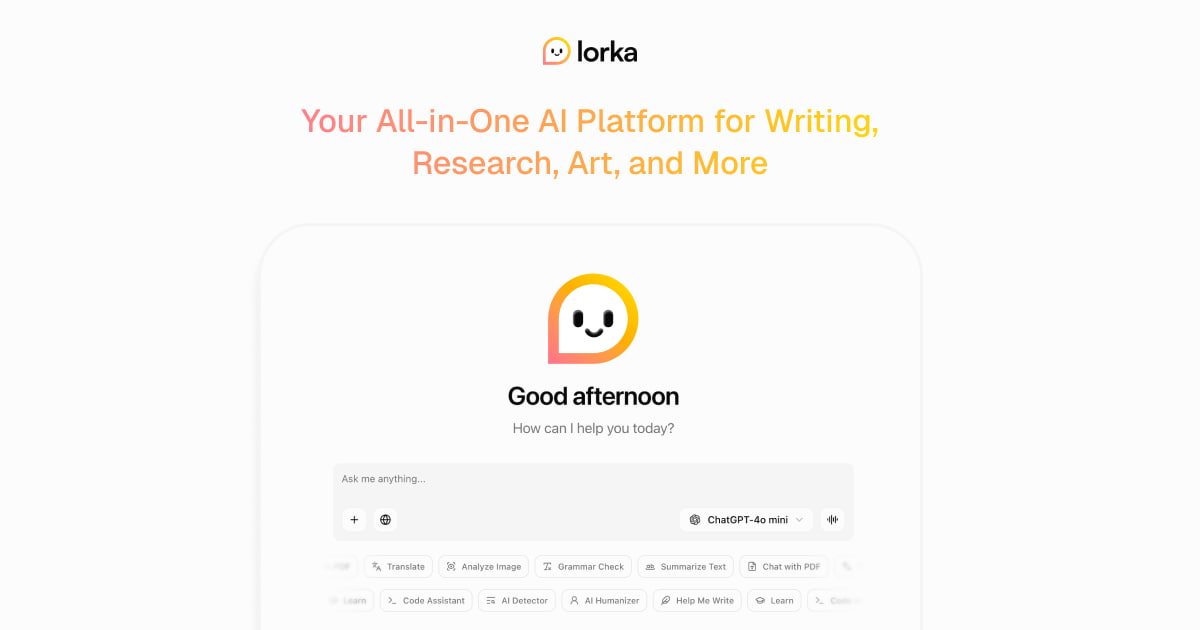
Access multiple AI chat models, generate images, search the web, and analyze documents through a single subscription, with model switching and comparison in one interface.
About
Lorka is a Chat & Assistants tool that bunches a bunch of AI models into one place. You pay once and reach ChatGPT, Claude, Gemini, Grok, DeepSeek, and others from the same tab.
The idea is simple. You start a chat with one model, switch to another mid-thread, and compare their answers without copy-pasting or losing context.
It only makes sense if you already juggle multiple AI subscriptions. If you use one tool and are happy, Lorka adds cost with little payback.
Open it if you want one tab for many AIs. Skip it if one AI tool is plenty.
Who Lorka is best for
It helps most when you currently pay for more than one AI service.
- Users currently paying for 2+ AI subscriptions: You replace those bills with one. The math only works if you actually had two or more.
- Researchers and writers who compare model outputs regularly: You check Claude's analysis against GPT's take without opening new tabs.
- People who need to compare outputs across multiple AI models: You see side-by-side answers to the same prompt in seconds.
- Students comparing explanations across models for learning: You find which AI explains this topic in a way you get.
- Freelancers drafting copy and visuals without buying separate creative tools: You get text and image generation in the same workspace.
- Mobile-first users who need session continuity across devices: You start on desktop and pick up on iOS without losing the thread.
- Developers comparing model reasoning on code problems: You test how Claude, GPT, and DeepSolve think through the same bug.
- SEO professionals and startup founders using AI across functions: You research, draft, and check work without hopping platforms.
- Researchers and consultants working with PDFs: You upload documents and ask questions across different models.
Best things about Lorka
These are the parts you notice after a few tries.
- Switch models mid-conversation without losing context: You pick a new brain for the next reply. The thread stays intact.
- Side-by-side output comparison saves manual work: You ask once, see two answers, and pick the better one.
- Built-in web search with working sources: You get fresh links that actually load, tested better than Claude's search in one review.
- Single subscription replaces multiple AI tool payments: One $19.99 or $29.99 bill beats keeping track of three or four.
- Clean interface, no API key management needed: You sign in and start. No keys, no config, no setup.
- PDF chat and basic image editing included: You handle documents and quick visuals without leaving the workspace.
How you use Lorka
The path is short.
- Open the app and pick the model you want to start with.
- Type your prompt and get the first answer.
- Tap to switch to a different model and continue the same thread.
- Compare the two outputs side by side.
- Keep the thread going, export, or start fresh.
Why you should ignore it
Skip it when the fit is wrong.
- Skip it if you only use one AI tool: You pay extra for models you will not touch.
- Skip it if you need the deep features of first-party platforms: Claude Code, custom GPTs, and other advanced tools stay on their home sites.
- Skip it if you need guaranteed usage limits: The caps are not published clearly. You might hit walls mid-work.
- Skip it if you need an API or team features: No developer API, no SSO, no shared workspaces.
- Skip it if you want deep image or video editing: The built-in tools are basic and may need multiple tries.