
Looka
Freemium
Create a logo by entering your company name and adjusting AI-generated designs, then build a complete brand kit with matching templates for business cards, social media, and marketing materials.
About
Looka is an AI logo maker that generates brand assets for people who need professional visuals without hiring a designer. You enter a company name and pick preferences. The AI gives you logo options you can tweak in a browser.
It sits in the Design category, but it stretches beyond logos into full brand kits with templates for business cards, social posts, and websites. The pricing is split: one-time for logo files, or a yearly subscription for ongoing templates.
It works fast and looks polished. It does not replace a real designer for unique or complex brands.
Open it if you need a logo and matching assets today without design skills. Skip it if you need custom typography, deep control, or a brand that stands apart from templated looks.
Who Looka is best for
It helps most when you need speed over custom craft.
- Entrepreneurs launching without design budgets: You get usable logos and files in minutes. You spend $65 one-time instead of weeks with an agency.
- Small businesses needing quick brand assets across multiple formats: You export SVG, PNG, EPS, and PDF. You skip the resize scramble for every platform.
- Founders who prioritize speed over fully custom design work: You generate dozens of concepts fast. You pick one and move on.
- Freelancers needing quick client work: You beat deadlines with clean output. Your clients see professional results.
- Content creators and influencers building visual identity: You get matching social templates. You look cohesive across channels.
- DJs and producers needing fast branding: You go from idea to logo in under an hour. You focus on the music, not design software.
- Startup founders needing fast, cheap initial branding: You test ideas without big investment. You rebrand later if you grow.
- Non-profits with limited design budgets: You get presentable assets. You spend money on mission instead of visuals.
Best things about Looka
These are the parts you notice after a few tries.
- Multiple high-res file formats: You get SVG, EPS, PNG, and PDF with color, black-and-white, and transparent variants. You print merchandise and pitch to investors with the same files.
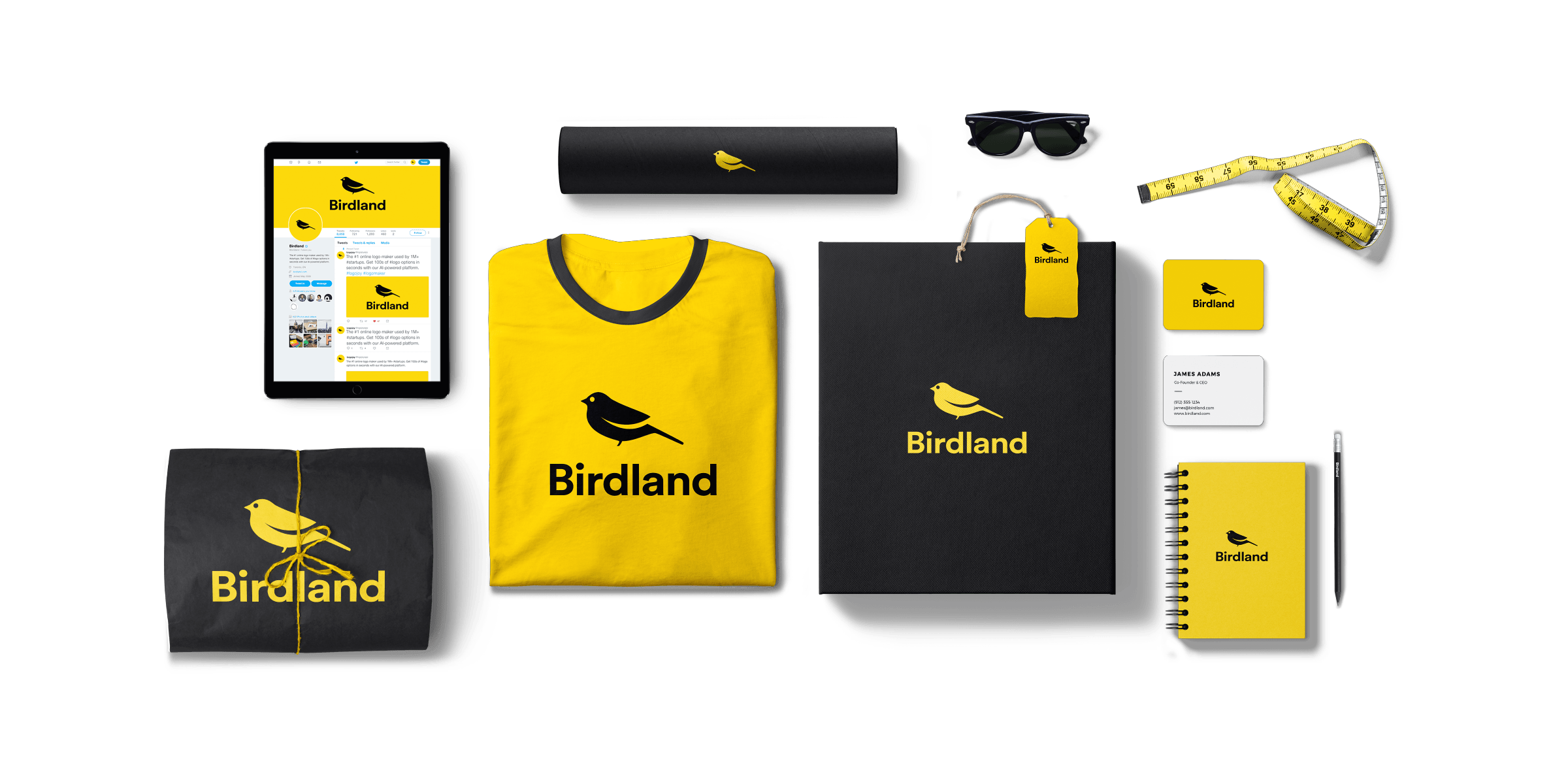
- Brand Kit with 300+ templates: You extend one logo into business cards, social posts, email signatures, and flyers. Your fonts and colors stay consistent.
- Free to design and preview: You experiment before you pay. You only buy when you see something you want to use.
- Unlimited edits over time: Your logo evolves with your business. You are not locked into a first draft.
- Fast generation without design skills: You answer questions and pick preferences. The AI does the rest.
How you use Looka
The path is short.
- Enter your company name and pick your industry.
- Select sample logos you like, colors, and symbols you prefer.
- Review the AI-generated options and pick one to refine.
- Tweak fonts, colors, and layouts in the browser editor.
- Preview on mockups, then buy the file package or subscribe for templates.
Why you should ignore it
Skip it when the fit is wrong.
- Skip it if you need deep customization: You cannot pick specific fonts directly. You only choose from pre-selected options the AI offers.
- Skip it if you need mobile access: The logo maker is desktop-browser only. You need a computer to create.
- Skip it if you need a unique visual identity: AI can generate generic designs. Your logo may look like others using similar inputs.
- Skip it if you need reliable support: Email support is slow or unresponsive. Chat works when available, but there is no phone line.
- Skip it if you need advanced website features: The AI website builder is basic. You cannot import custom HTML or PDFs.