
LogoAI
Paid
Generate a professional logo from your business name, then build a complete brand kit with colors, fonts, mockups, and video assets, all editable in a browser-based AI design studio.
About
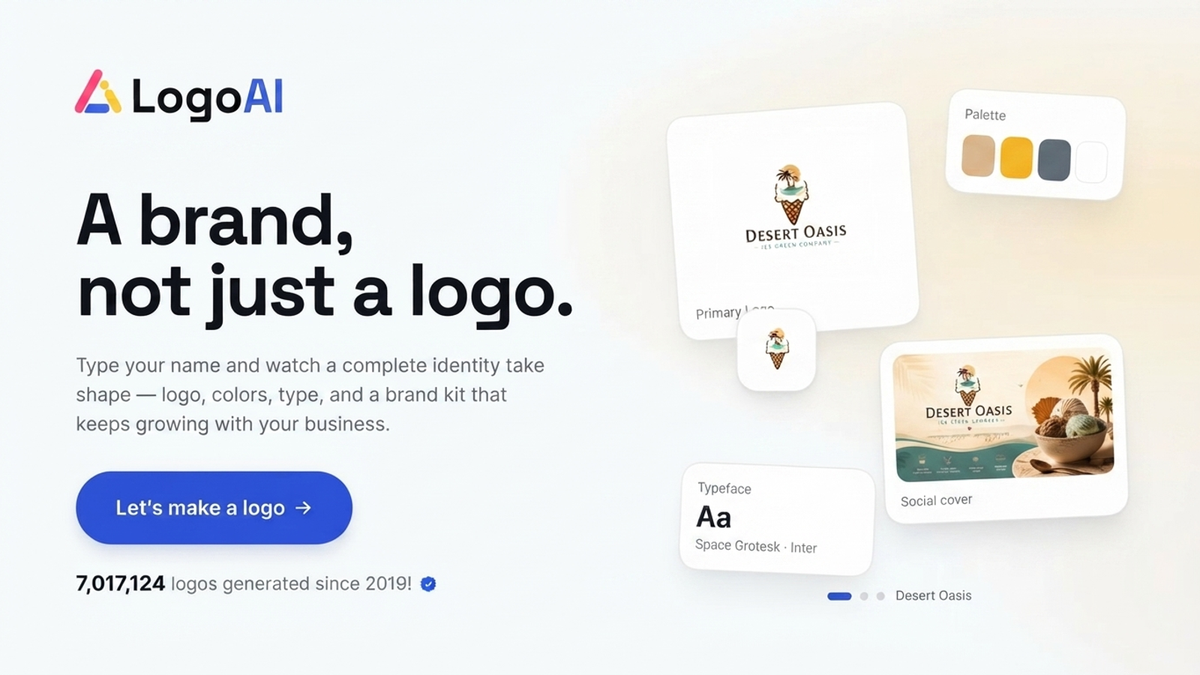
LogoAI is a logo generator that turns a business name into brand assets. You type in your name and industry, and it spits out logos you can tweak.
The hook is the extras: business cards, social templates, and a brand kit that updates together. You pay once, not monthly.
It sits in logo generators, but it behaves more like a quick-start branding kit for founders who need speed.
Open it if you need a logo and matching assets fast with no design skills. Skip it if you need deep control or truly custom work.
Who LogoAI is best for
It fits these jobs.
- Startups needing quick initial concepts: You get multiple logo directions in seconds. You pick one and move on.
- Small business owners launching new ventures: You get a logo plus business cards and social assets without hiring help.
- Freelancers showing options to clients: You generate several directions fast. Your client picks the path.
- Side project creators on tight budgets: You skip agency costs and still get presentable brand pieces.
- Users who prefer templates over prompts: You pick from structured libraries instead of writing instructions to an AI.
- Users prioritizing speed over granular control: You trade deep editing for getting done quickly.
- Small businesses needing a quick starter kit: You get coordinated colors, fonts, and applications in one go.
- Entrepreneurs without design resources: You produce professional-looking results without learning design software.
- Freelancers needing quick personal branding: You build your own brand identity without outsourcing.
Best things about LogoAI
These are the parts you notice.
- One-time payment, no subscription: You pay once and own it. The price does not keep draining your account.
- Automated brand kit generation: You get business cards, social templates, and presentation files that match your logo automatically.
- Intuitive drag-and-drop editor: You adjust fonts, colors, and spacing without tutorials or design background.
- Live preview on mockups: You see your logo on real items before you buy, so you know what you are getting.
- Full vector files in higher tiers: You get scalable SVG and PDF files you can use anywhere, printed large or small.
- Designer Assist option: You can pay for human refinement if the AI result needs polish.
How you use LogoAI
The path is direct.
- Enter your business name and optional slogan.
- Select your industry from the list provided.
- Pick color and font preferences to guide the generation.
- Review the AI-generated logo options and choose one.
- Edit fonts, colors, spacing, and icons in the visual editor.
- Preview on mockups, then pay to download your files and brand kit.
Why you should ignore it
Skip it if these limits matter.
- Limited editing depth: You cannot do complex refinement. Advanced users used to Illustrator will feel boxed in.
- Basic tier is barely usable: The $29 plan gives only 800x600 JPGs, no vectors, and three edits. You need to pay more for real use.
- Three-day edit window after purchase: You cannot tweak your logo forever. The clock runs out fast.
- Credits burn on failed attempts: Some users report losing paid credits when edits do not work.
- Support responsiveness issues: You may wait days for email replies when you hit a problem.
- Retention of copyright: You get usage rights, not full ownership. This may matter for some businesses.
- Generic initial results: You often get corporate-looking marks that need work to feel unique to your niche.