
Lingvanex
Free
Translate text, documents, audio, and images across 100+ languages using on-premise software or cloud APIs, with speech recognition available for 91 languages and deployment options that keep data within your infrastructure.
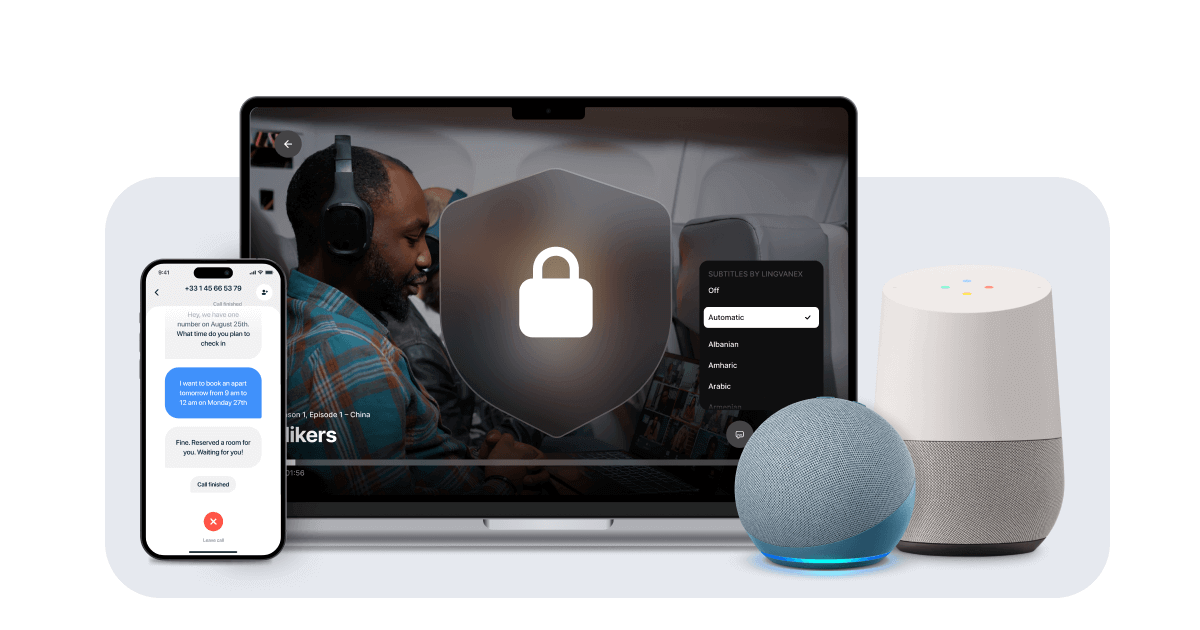
Lingvanex is a translation platform that handles text, documents, voice, and images across 100+ languages. It runs in the cloud or on your own servers. The on-premise version keeps all data offline, which matters if you handle sensitive files.
The desktop apps and browser extensions are free to start. Paid tiers cover mobile apps and enterprise deployment. A Ctrl+C+C shortcut translates anything you highlight on Windows.
It fits security-heavy teams and technical users. It is a poor fit for casual users who want polish over control.
Open it if you cannot send data to cloud servers. Skip it if you want the smoothest interface.
Who Lingvanex is best for
These are the situations where it earns its place.
- Users wanting deeper definition features than Google Translate: You get more context and synonyms in the browser extension. It helps when a single word has several meanings.
- People who need speech-to-text translation: You speak in one language and see text in another. It includes punctuation, which saves cleanup time.
- SMEs needing data control and security: You run the software on your own servers. No data leaves your building, which satisfies GDPR and HIPAA checks.
- Technical translators working with specialized terminology: You build custom glossaries for your field. The engine learns your terms over time.
- Companies in unstable connectivity environments: You download language packs once. Translation works without any internet after that.
- Developers wanting API integration: You plug translation into your own apps. Pricing is fixed per million characters, not per call.
- Teams handling sensitive information that cannot use cloud services: You process contracts or medical records with zero external exposure. Compliance auditors can verify the setup.
- Travelers needing offline translation in areas with poor connectivity: You avoid roaming charges entirely. Voice and camera translation still work in airplane mode.
- High-volume translation users who want predictable costs: You pay a flat license fee instead of metered API calls. Budgets stay stable month to month.
Best things about Lingvanex
These are the parts that stick after you have used it for a week.
- The Ctrl+C+C shortcut: You highlight text anywhere and tap twice. Translation appears without switching windows.
- True offline packs: You download a language once and forget about connectivity. This saves money and works in dead zones.
- On-premise deployment: You own the hardware and the data. Regulators can see exactly where information stays.
- Speech recognition with punctuation: You dictate naturally and get readable sentences. Less editing than raw transcription.
- Large file support: You throw 500MB documents at it and walk away. It handles PDFs, DOCX, and ODT without choking.
Why you should ignore it
These limits matter for some workflows.
- The interface is less polished than DeepL: You get more buttons and fewer smooth animations. It feels technical, not friendly.
- Subscription activation issues: You might pay and wait for the license to show up. Support does not always respond fast.
- Literary and marketing text needs review: You get the gist, not the style. Final copy still needs a human touch.
- On-premise needs internal tech staff: You cannot just click a button and go. Docker or Kubernetes knowledge helps.