
Letterly
Freemium
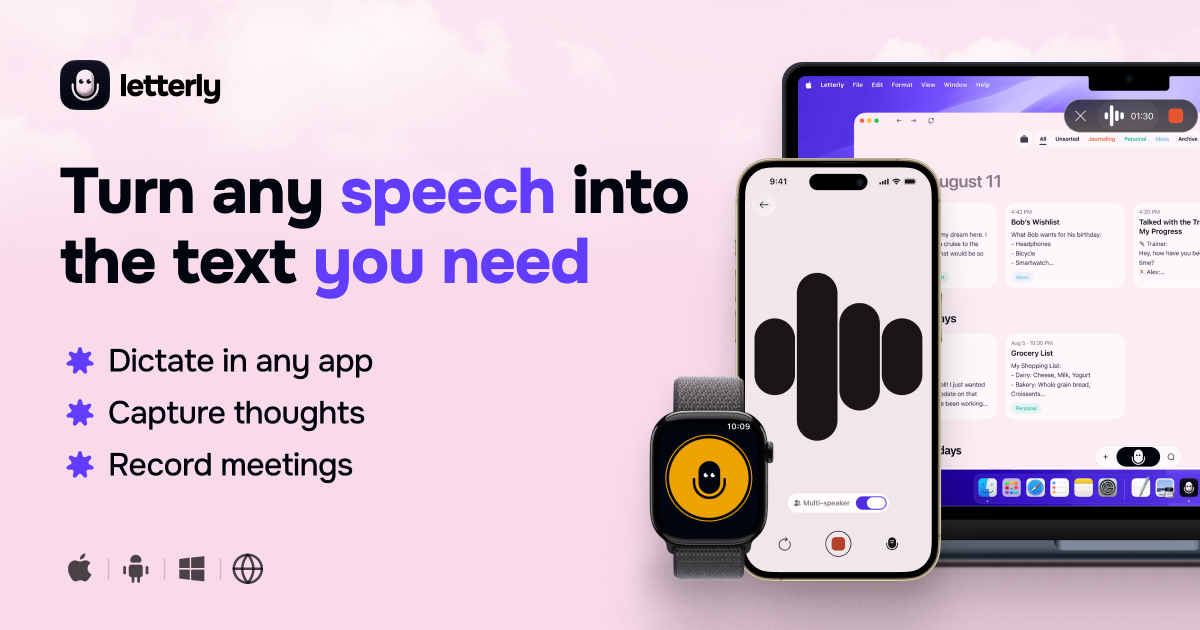
Record voice memos or dictate directly in other apps to get transcripts, summaries, and rewritten notes that sync across mobile, desktop, and web.
About
Letterly is a voice-to-text app for transcription and meeting notes. You speak. It writes. Then it cleans up what you said.
The app works on iPhone, Android, Mac, Windows, and Web. It syncs across devices and works offline.
It is made for people who think better out loud than at a keyboard.
Open it if you want to capture ideas by speaking and get clean text back. Skip it if you prefer typing or need perfect formatting from the start.
Who Letterly is best for
These are the jobs it actually solves.
- Content creators writing daily emails, blog posts, articles: You keep your voice. The app adds structure so you do not start from blank.
- People who get ideas away from keyboard: You record while walking or driving. The text waits for you when you are back.
- Anyone with physical limitations making extended typing difficult: You speak at normal speed. The app handles the writing.
- Writers struggling with first drafts: You ramble in "relax mode." The rewrite step gives you something to edit.
- People who hate typing: You tap record, talk, and stop. The rest is optional.
- ADHD users who need to externalize scattered thoughts: You dump everything out loud. The app organizes after.
- Coaches and trainers recording client sessions: You capture the meeting. Speaker split and summaries follow.
- Multilingual users: You speak in one language and get text in another. It detects 90+ languages automatically.
Best things about Letterly
These are what stay with you after a week of use.
- Fast transcription: Words appear in seconds, not minutes. You do not lose the thread of what you were saying.
- 25+ rewrite styles: You pick how much editing you want. One tap gives you a clean version or a full restructure.
- Screen-off recording: Your phone stays in your pocket. You just talk.
- Offline mode: No signal does not mean no work. It syncs when you are back.
- Cross-platform sync: You start on your phone. You finish on your laptop. Nothing gets lost.
How you use Letterly
It fits into small gaps in your day.
- Tap the widget or open the app to record.
- Speak naturally without worrying about structure.
- Stop and pick a rewrite style if you want polish.
- Export to your email, notes, or editor of choice.
Why you should ignore it
Some limits are real.
- Free plan is tight: Recording minutes are capped. Heavy use needs the paid plan.
- No audio upload: You cannot drop in old voice memos. Everything must be fresh.
- Desktop rewrite bugs: Some features work better on mobile. Check before you depend on it.
- 15 or 90 minute caps: Long sessions may cut off. Plan your recordings.