
Klap
Paid
Convert long videos into short-form clips for TikTok, Reels, and YouTube Shorts with AI reframing, auto-captions, and direct publishing to social platforms.
About
Klap is an AI video editing tool for turning long videos into short clips for TikTok, Reels, and YouTube Shorts. It sits in the video editing category, built for one specific job: repurposing what you already recorded into something ready to post.
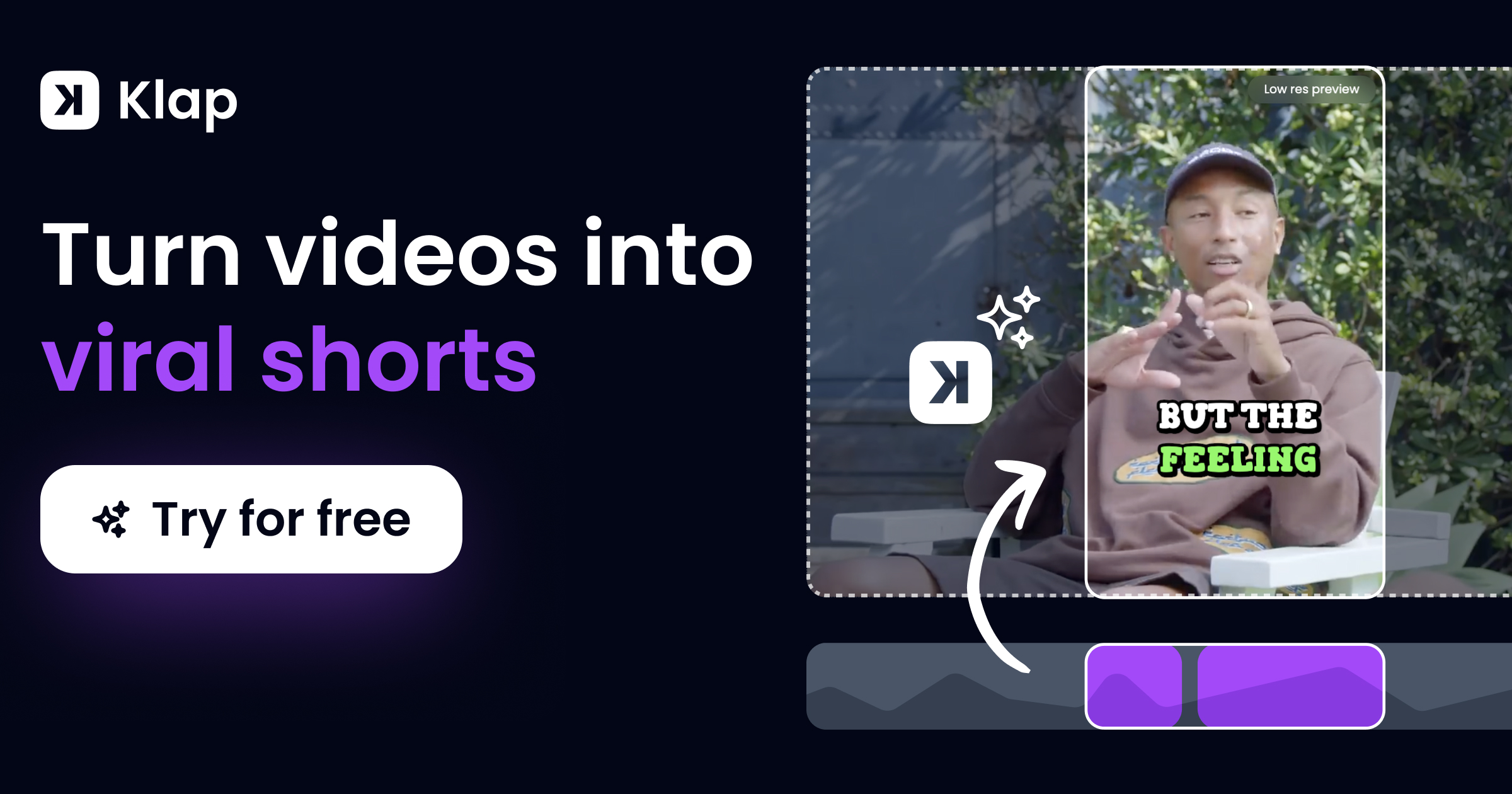
You upload a video or paste a YouTube link. The AI finds moments it thinks will work, reframes them vertically, adds captions, and ranks them by a "Virality Score." No timeline. No manual cutting. You get clips back in minutes.
It is built for talking-head content. Podcasts, interviews, webinars, explainers. If your video has clear speech, it has something to grab. If your content is visual-first, music-driven, or ambient, it will struggle.
Open it if you need fast clips from long-form speech. Skip it if you need creative control or work with non-dialogue content.
Who Klap is best for
These are the people who get the most from it.
- Podcasters and interview creators: You turn one hour into ten shorts. The AI tracks faces and keeps speakers centered without you cropping frame by frame.
- YouTubers with long-form libraries: You finally use old content that sat unused. Upload a link, get clips, and post to Shorts without re-editing from scratch.
- Arabic-speaking creators: You get transcription and captions in a language many competitors skip. This matters if your audience speaks Arabic.
- Solo creators without editing skills: You skip learning Premiere or DaVinci. The interface has no timeline. Upload, wait, download.
- Educators and coaches with talking videos: You break one long lesson into bite-sized posts. Students find you on short-form platforms.
- Small agencies templating for multiple clients: You apply brand fonts, colors, and logos across clips fast. Volume over custom polish.
- Marketers repurposing webinars: You extend the life of one live event into weeks of social content without recutting.
- Global creators needing multilingual subtitles: You reach audiences in 52 languages. The captions are readable and customizable.
- Creators who prioritize speed over polish: You post daily. You accept good-enough clips if they save hours.
- Teams juggling multiple platforms: You schedule directly to TikTok, Instagram, YouTube, and LinkedIn from one dashboard.
Best things about Klap
These are what you notice after using it.
- Face-tracking reframe: The AI keeps speakers in frame as it crops to vertical. You do not manually keyframe every movement. This alone saves serious time on interviews.
- Fast batch generation: You upload once and get multiple clips ranked by predicted performance. You pick what works instead of hunting for moments.
- 52-language caption support: You reach global audiences without external translation tools. The subtitles are bold, readable, and styled to match your brand.
- Direct scheduling: You post to platforms without downloading and re-uploading. One workflow from clip to live.
- Clean, minimal interface: You never hunt for settings. Upload, customize basics, export. The learning curve is close to zero.
How you use Klap
The process is built for speed.
- Upload your video file or paste a YouTube, Zoom, or Google Drive link.
- Wait while the AI analyzes for topics, pacing, and engaging moments.
- Review the generated clips ranked by Virality Score.
- Tweak captions, trim start and end points, and apply brand fonts or colors.
- Export and schedule directly to your platforms, or download to post manually.
Why you should ignore it
These limits matter.
- Speech-heavy content only: It fails on music videos, cinematic B-roll, or fast montage without dialogue. The AI has nothing to analyze.
- Thin creative control: You cannot fix pacing, layer graphics, or clean audio. You get what the AI gives you, with light trimming.
- Free trial blocks downloads: You cannot test final output quality before paying. The free tier shows clips but keeps exports behind a paywall.
- Reports of billing issues: Users describe annual charges triggered without clear monthly options, and cancellation processes that are hard to find.
- Support inconsistency: Some users get quick chat help. Others report bounced emails, missing live chat, and days of silence.