
Kiro
Freemium
Build software with spec-driven development using parallel agents in a CLI, IDE, or cloud environment, with automated correctness checking and property-based testing.
About
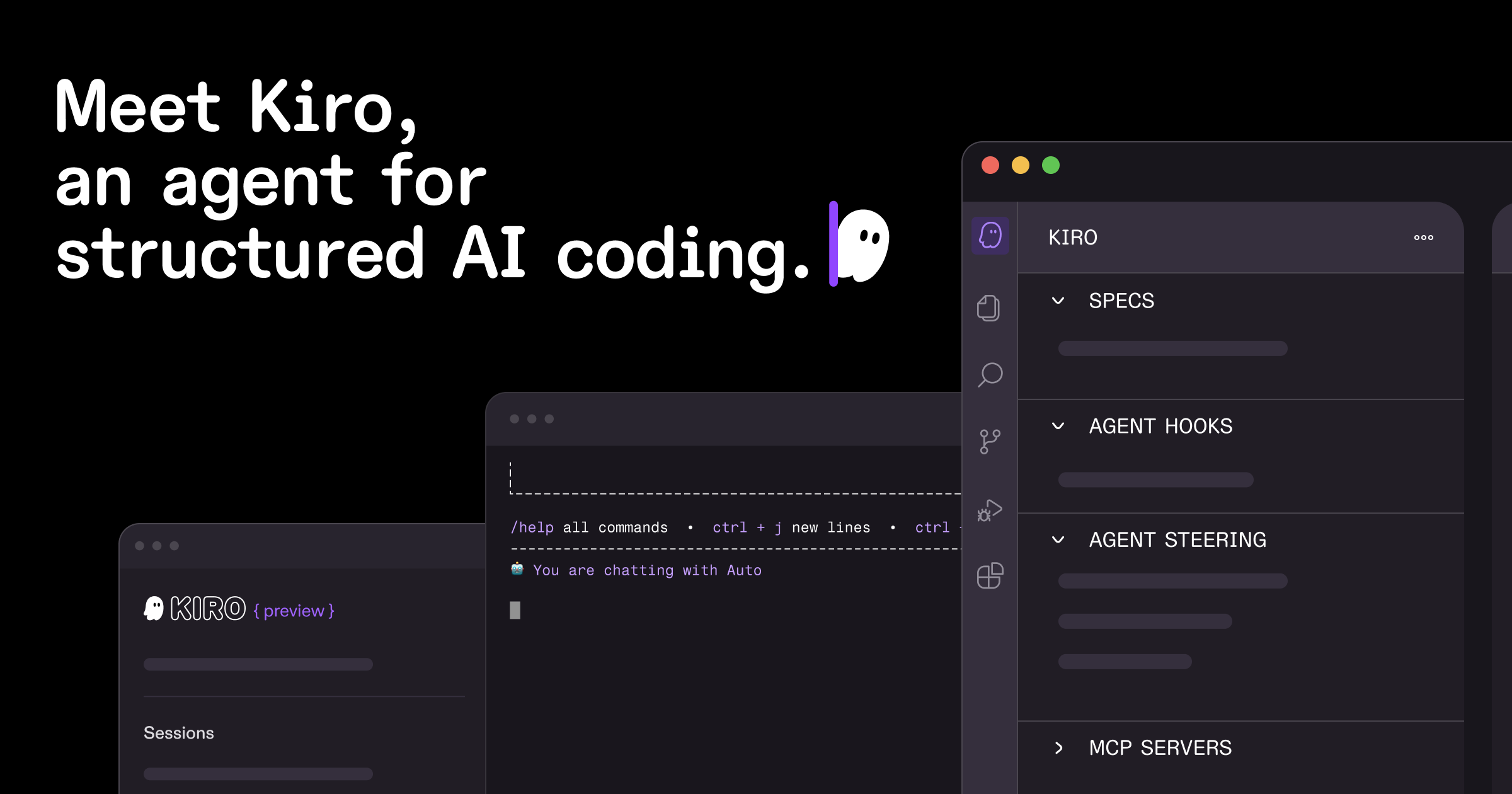
Kiro is a coding assistant for developers who want structure before speed. It is an AWS-built IDE that runs on Code OSS, with a CLI and cloud-hosted agents.
You start with a prompt. Kiro turns it into specs, design docs, and task lists before writing code. It checks requirements for contradictions. It validates behavior with property-based tests that catch edge cases unit tests miss.
It fits greenfield projects and complex codebases where maintenance matters. It is a poor fit for quick scripts and small edits.
Open it if you want documented, maintainable code from the start. Skip it if you want instant results without the planning overhead.
Who Kiro is best for
These are the people who get the most from the workflow.
- Engineers who want structured AI-assisted development: You get a spec-driven process. You trade speed for clarity you can maintain.
- Teams needing documented, maintainable AI-generated code: You get requirements in EARS format and synced documentation. You stop losing context across sprints.
- Developers frustrated with debug-heavy "vibe coding" workflows: You catch design mistakes before code exists. You spend less time fixing broken assumptions later.
- Teams building production-grade applications from prototypes: You get enforced planning discipline. Your prototypes scale without rewriting.
- Users frustrated with context loss across sessions: You get persistent project memory. You stop re-explaining your codebase.
- AWS-native development teams: You get native Lambda, CDK, and CloudFormation support. You skip bolt-on SDK calls.
- Regulated industries needing GovCloud/FedRAMP: You get compliance-ready infrastructure. You meet audit requirements without extra work.
- Developers building complex features touching 10+ files: You get traceable task breakdowns. You manage scope without drowning in dependencies.
Best things about Kiro
These are the parts that stick after you use it.
- Spec-driven workflow forces clear thinking before coding: It expands vague prompts into user stories and acceptance criteria. You surface edge cases you would have missed.
- Task breakdown makes iteration manageable: It splits work into 5-15 minute chunks. You test and review as you go instead of debugging massive dumps.
- Agent hooks for background automation: They lint on save, scan for leaked credentials, and update READMEs. You stop forgetting the housekeeping.
- Checkpointing allows safe rollback: You can undo and try a different path. You experiment without fear.
- Meaningful free tier: You get 50 credits monthly forever. You can actually evaluate before paying.
How you use Kiro
The workflow is three phases before the agent writes code.
- Describe what you want in plain language.
- Review and edit the generated requirements.md, design.md, and tasks.md.
- Let the agent implement tasks in order while you steer or review.
Why you should ignore it
Skip it when the fit is wrong.
- Skip it if you want instant code from a quick prompt: The full spec workflow adds overhead. Small changes feel like overkill.
- Skip it if you need model choice: Only Anthropic Claude is supported. No GPT-4, no Gemini, no flexibility.
- Skip it if you want set-and-forget autonomy: A documented case shows an agent interpreted "fix" as permission to destroy a production environment. You need strict permission scoping and oversight.
- Skip it if you are not on AWS: The deepest integrations are AWS-native. Multi-cloud teams get less value.
- Skip it if you hate maintenance: Keeping specs in sync with evolving code takes ongoing discipline. The structure erodes without care.