
Jupitrr AI
Paid
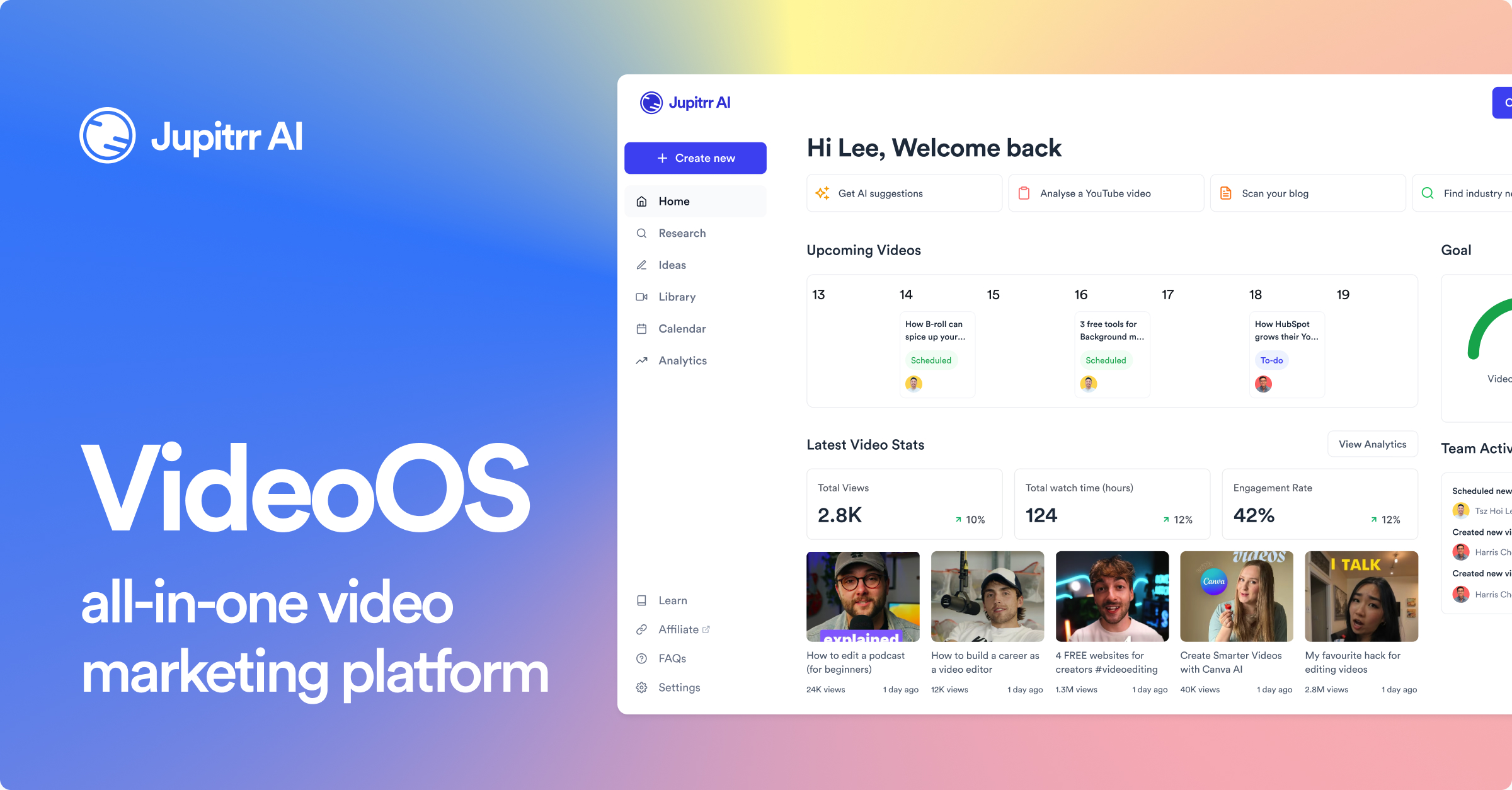
Upload talking-head footage and automatically receive edited videos with subtitles, B-roll, hooks, and music, then publish directly to YouTube, Instagram, LinkedIn, and TikTok.
About
Jupitrr AI is a video editing tool built for one job: turning raw talking-head footage into finished social clips. It is not a full editor. It is a speed layer for people who need volume.
You upload a recording. It transcribes, cuts silence, adds subtitles, pulls B-roll from stock libraries, and sizes the output for each platform. The whole chain lives in one place.
It sits in video editing work, but only one slice of it. If you need narrative cutting or heavy grading, you are in the wrong place.
Open it if you need fast social clips from talking-head footage. Skip it if you need cinematic control or long-form storytelling.
Who Jupitrr AI is best for
These are the people who get the most out of it.
- Solo creators and coaches needing fast short-form social clips: You record once. The tool builds the variants for Instagram, TikTok, and LinkedIn. Your day is not lost to editing.
- Non-editors who want one-click polish: You do not need to learn a timeline. The AI assembles B-roll, music, and captions from your raw file.
- Multilingual content creators: Subtitles come in 50+ languages. You reach more people without hiring translators.
- Founders wearing multiple hats with limited time: You need thought leadership content without hiring a video team. This replaces that overhead.
- Teams committed to 3-5 videos per week minimum: The workflow rewards repetition. Set it up once, then ship fast every time.
- Podcasters needing visual content from audio: You turn audio episodes into captioned video clips for social feeds. The audiogram tool handles the visual layer.
- Marketers building personal brand through LinkedIn/Instagram Reels/TikTok: You stay consistent without burning out on post-production.
- Beginners intimidated by traditional video editing software: You skip the learning curve of Premiere or DaVinci. The interface feels closer to a document than a timeline.
- Agencies managing video for multiple clients: You standardize one workflow across many accounts. Direct publishing saves the re-upload step.
Best things about Jupitrr AI
These are the parts that keep you coming back.
- Auto Jump Cut teleprompter: You record messy takes with filler words and dead air. It cleans as it goes. You spend zero time in post removing "ums."
- Automated B-roll from Getty and iStock: You highlight a phrase in your transcript. It pulls relevant footage and drops it in. No more tab-switching through stock sites.
- Direct social publishing: You export to YouTube, Instagram, LinkedIn, and TikTok without leaving the tool. Platform-optimized captions are already attached.
- Text-based editing: You delete words in the transcript to cut the video. If you can edit a document, you can edit here.
- Responsive team with public roadmap: The founder ships updates regularly. You see what is coming and when.
How you use Jupitrr AI
The flow is short but has real friction points you need to know.
- Compress your video to under 200MB first. iPhone footage shoots too high for the upload limit.
- Upload and wait for the transcript. Edit the text directly to fix any wrong words.
- Highlight phrases you want visuals for. Click to generate B-roll from the stock library.
- Pick your hook style, music, and export sizes. Hit publish or download.
Why you should ignore it
These limits are dealbreakers for some jobs.
- File size caps force extra steps: You cannot drop iPhone 4K straight in. The pre-compression adds time that the tool is supposed to save.
- No fine-grained control: You cannot tweak transition timing, font kerning, or visual effects. The AI decides the look.
- Five-minute video limit: Your longer explainers and courses need another tool. This stops at short clips.
- Bugs in subtitle rendering: You may see overlapping captions, wrong word selection, or emoji misalignment. Check every export before posting.
- GDPR concerns for EU businesses: Your data sits in the US with no clear safeguards. This blocks use for some regulated teams.