
JoggAI
Freemium
Generate videos with lifelike AI avatars from text, photos, URLs, or podcasts using 450+ avatar options, voice cloning, and lip-sync technology.
About
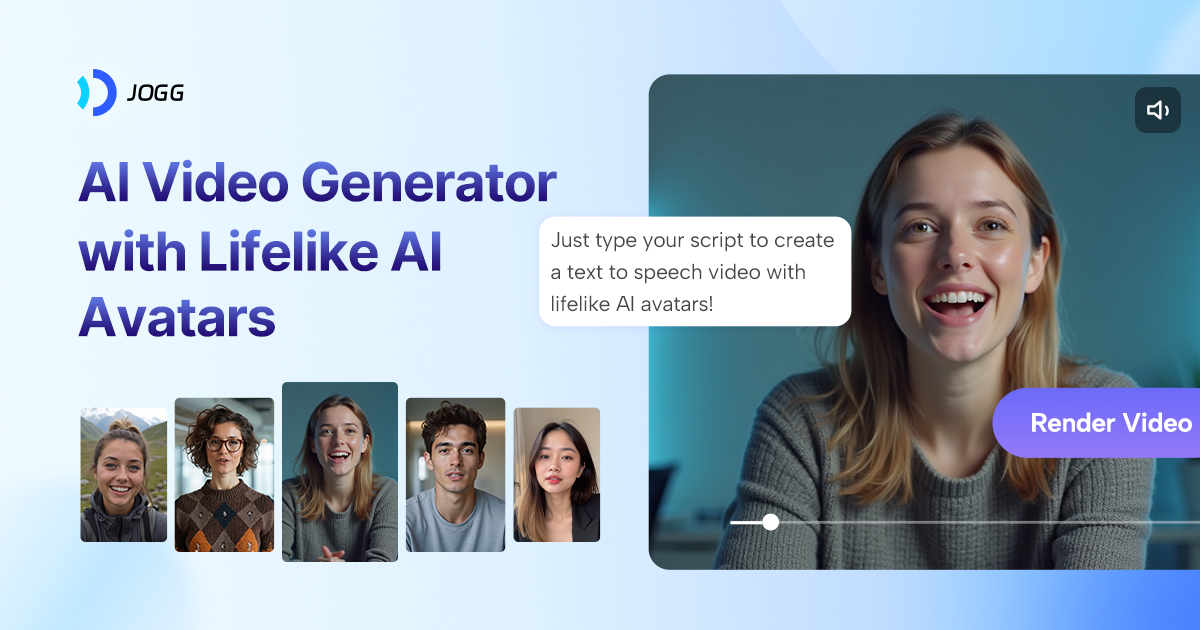
JoggAI is an AI video generator. It sits in video generation work. You give it a product link, a photo, or some text. It spits out a video with a talking avatar.
The tool promises speed over polish. Most videos finish in minutes, not hours. The output works for ads and social posts where viewers scroll fast.
It is cheap to try. You do not need a credit card to start. That matters when you are testing if avatar videos fit your work.
Open it if you want fast, cheap avatar videos and can live with glitches. Skip it if you need reliable, long-form video or hate credit systems.
Who JoggAI is best for
It fits when your job matches one of these spots.
- Marketing teams needing quick product videos: You paste a URL and get a draft in minutes. You still need to edit, but the start is fast.
- Content creators wanting UGC-style avatar content: The avatars look like real people filming on phones, not corporate presenters. You get that casual feel without hiring creators.
- E-commerce operators creating product videos from URLs: You drop in Amazon or Shopify links. It pulls images and prices itself. You skip the manual work.
- Small nonprofits priced out of Synthesia: You pay less and get less polish. For occasional videos, the trade works.
- Users who prefer one-time payments over subscriptions: Lifetime deals exist. You buy once and stop the monthly bleed.
- Advertisers needing quick video ads: You test angles fast. The tool makes variants from one product link.
- Content creators producing short social media content: You are capped at 60 seconds on cheap tiers. That fits TikTok and Reels fine.
- Users willing to work through technical issues: You will hit bugs. Videos hang at 99%. Avatars glitch. You need patience.
- Users prioritizing AI voice quality over video length: The voices from ElevenLabs integration sound good. You get 1 minute of good audio, not 5 of bad.
- Agencies producing high-volume avatar explainer content: You make many short videos fast. Batch mode helps. You still check each one.
Best things about JoggAI
These are what you notice after a few tries.
- ElevenLabs voices: The AI voices sound professional, not robotic. You get accents, ages, and emotions without extra cost.
- URL-to-video actually works: You paste a link and get a script, avatar, and edit. The 7-step workflow saves real setup time.
- Canva-like editor: You can tweak timing, add elements, and fix timing without leaving the tool. You do not need to export to another app.
- Talking photos with emotion: You upload a still image and pick from 9 emotions. The avatar gestures and expressions feel alive.
- Fast rendering: Most videos finish in 1 to 4 minutes. You iterate quick. That speed matters when you are testing what works.
How you use JoggAI
The path is short but you will repeat steps when it glitches.
- Open the dashboard and pick URL to Video or Avatar.
- Paste your product link or upload a photo.
- Choose an avatar, voice, and script angle from the options.
- Generate and wait for the render.
- Download or edit in the timeline if the first pass works.
Why you should ignore it
Skip it when these limits break your workflow.
- Unreliable rendering: Videos often fail or freeze at 99%. You lose time retrying. You cannot trust it for deadline work.
- Poor lip-sync and weird blinking: The mouth movements look fake. Stock blinking patterns give away the AI. You need to hide imperfections with fast cuts.
- Inconsistent photo avatars: You might burn 9 tries to get 2 usable results. Random zooms and floating heads appear without warning.
- Credit system traps: Credits vanish on failed renders and edits. The pricing shifts after you buy. Lifetime deal terms changed post-purchase for some users.
- No content organization: You cannot name, tag, archive, or delete projects. Your dashboard fills up fast.
- 60-second cap on cheap tiers: You cannot make longer videos without paying more. You are stuck with short-form only.